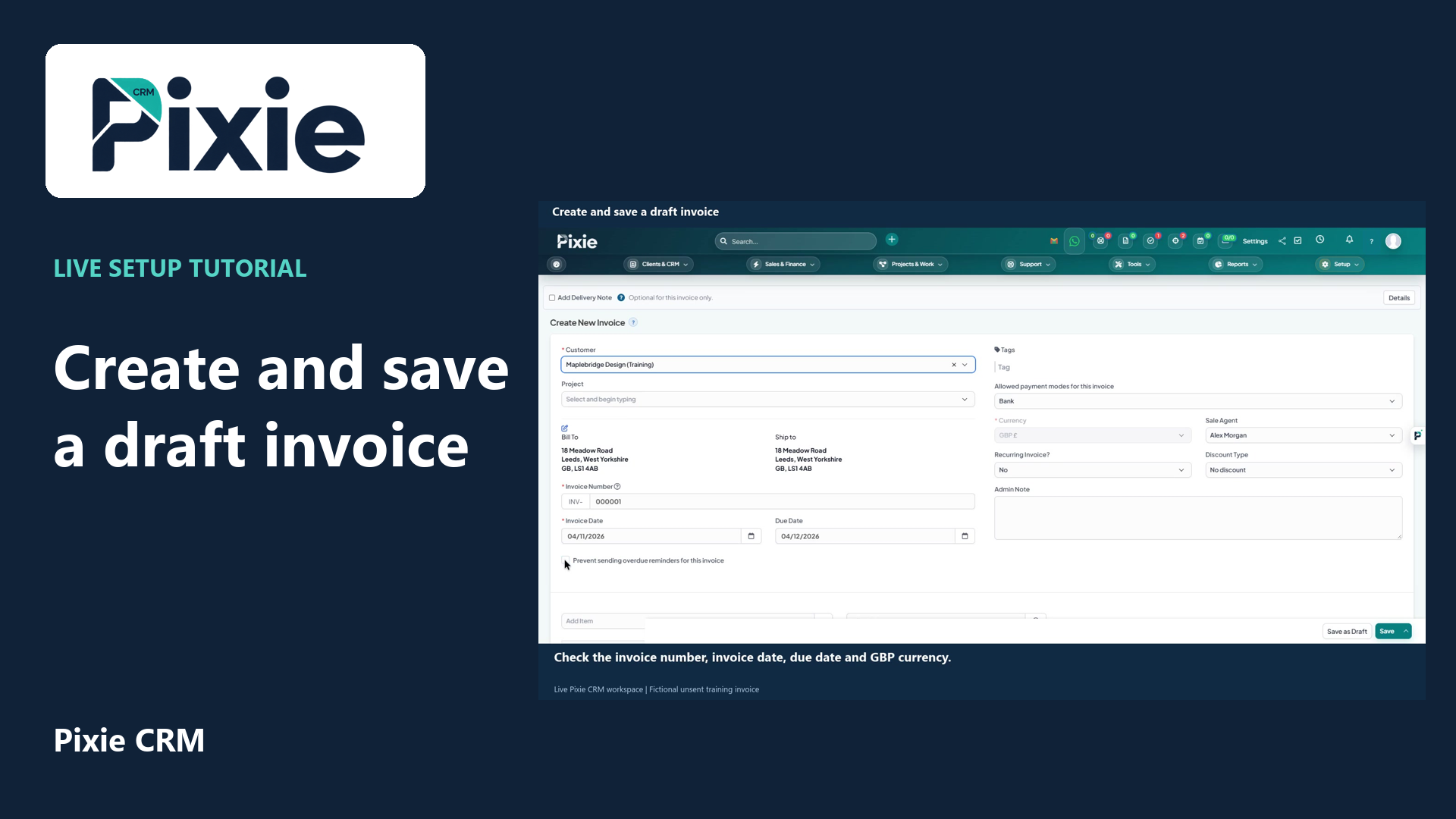
Create and save a draft invoice
Create a draft invoice in Pixie CRM with live clicks. Select the customer, review dates and GBP currency, add a reusable service item and verify the saved draft.
Customer work, connected.

Platform capabilities
Finance questions often begin outside the finance team: what was promised, who approved a change or which project an expense belongs to. Pixie CRM billing and finance features keep those details connected to the customer. The aim is a clear route from a commercial agreement to reviewed billing and payment records.
Learn with Pixie CRM
Follow real application screens at your own pace, with English captions and a matching written guide.
Create a draft invoice in Pixie CRM with live clicks. Select the customer, review dates and GBP currency, add a reusable service item and verify the saved draft.
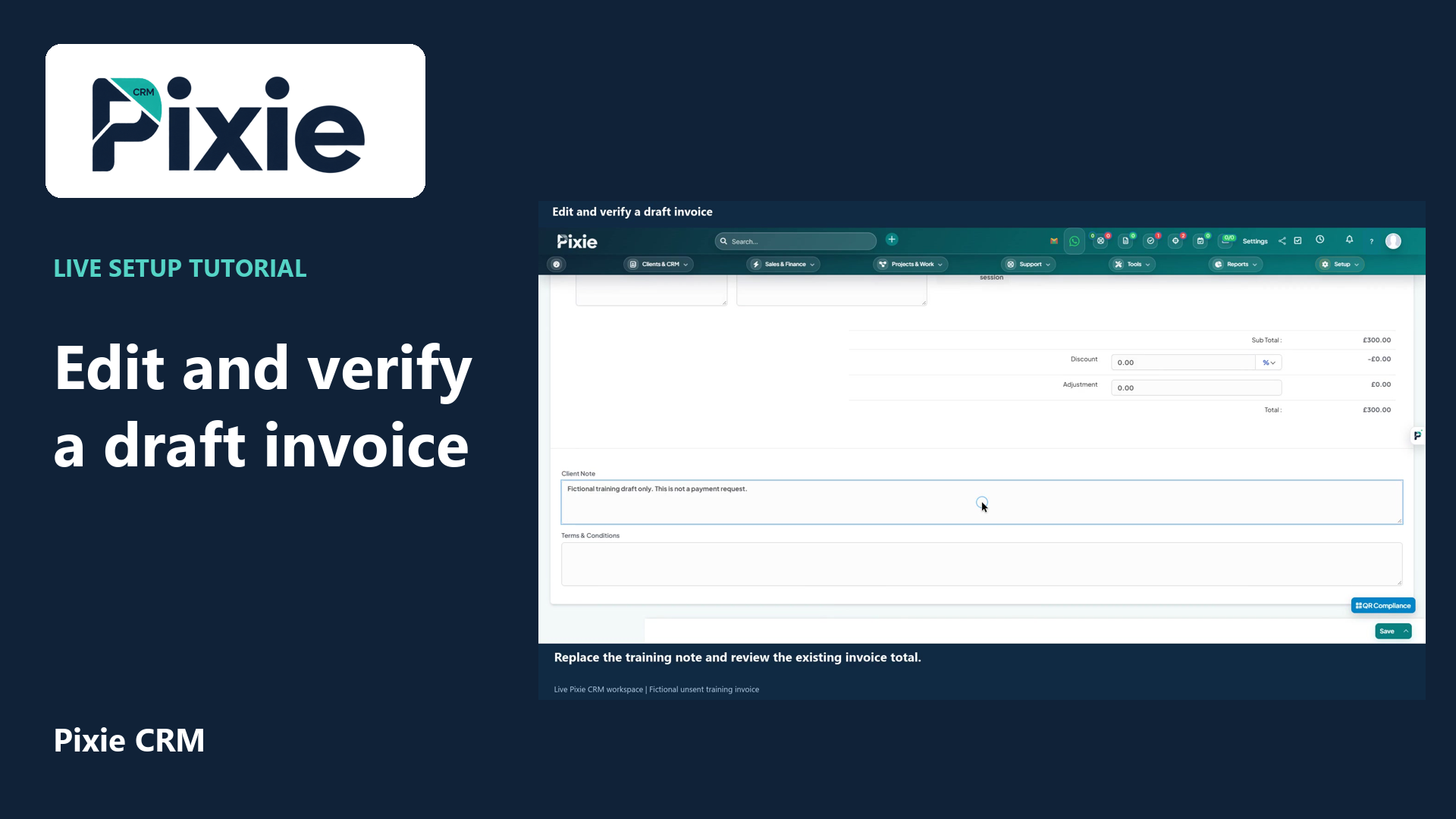
Edit a draft invoice in Pixie CRM. Follow live clicks to revise the due date and client note, save the same draft and reopen it to verify the stored changes.
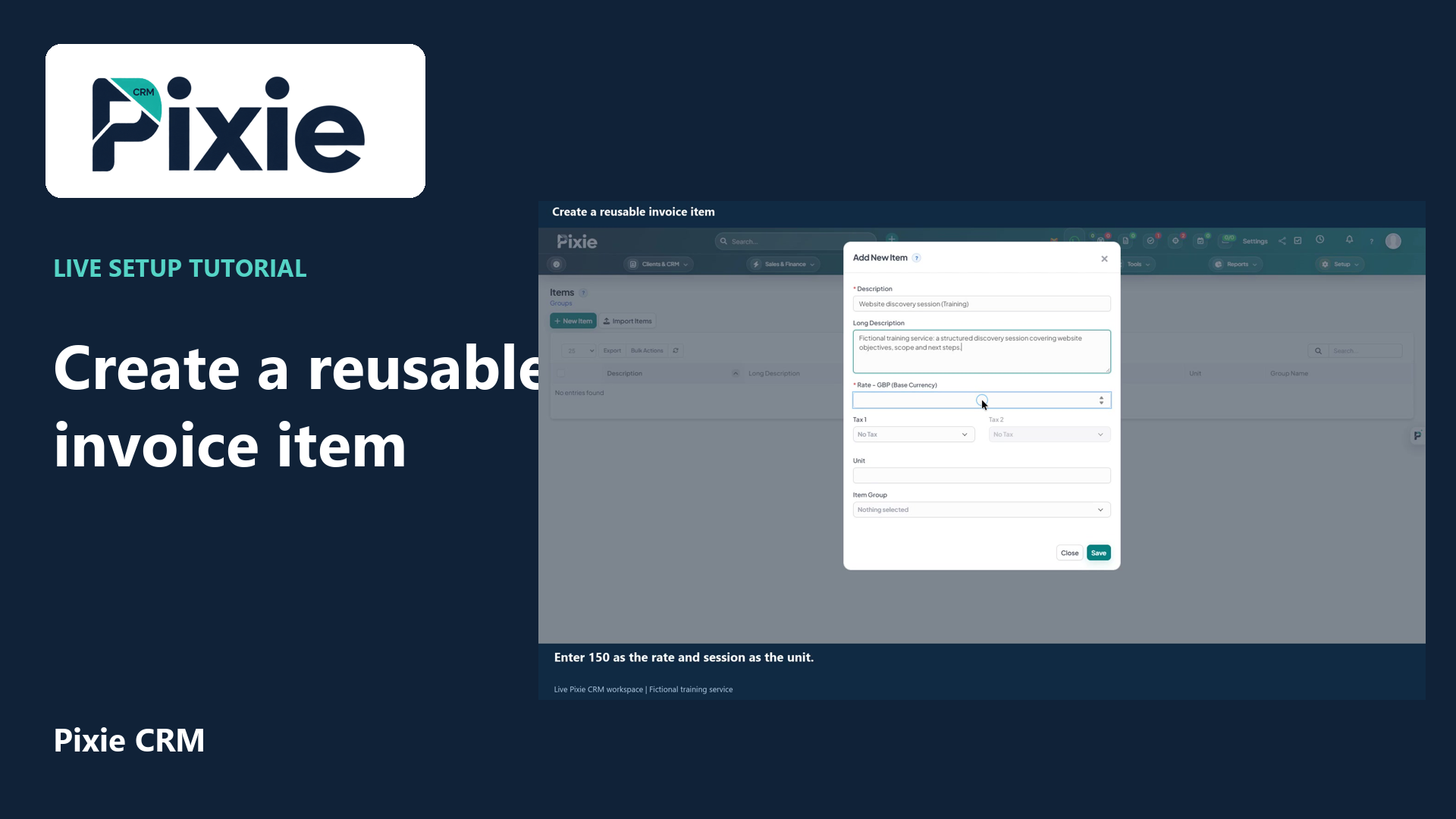
Create a reusable invoice item in Pixie CRM. Follow live clicks to enter the description, rate and unit, save the item and reopen it to verify the details.
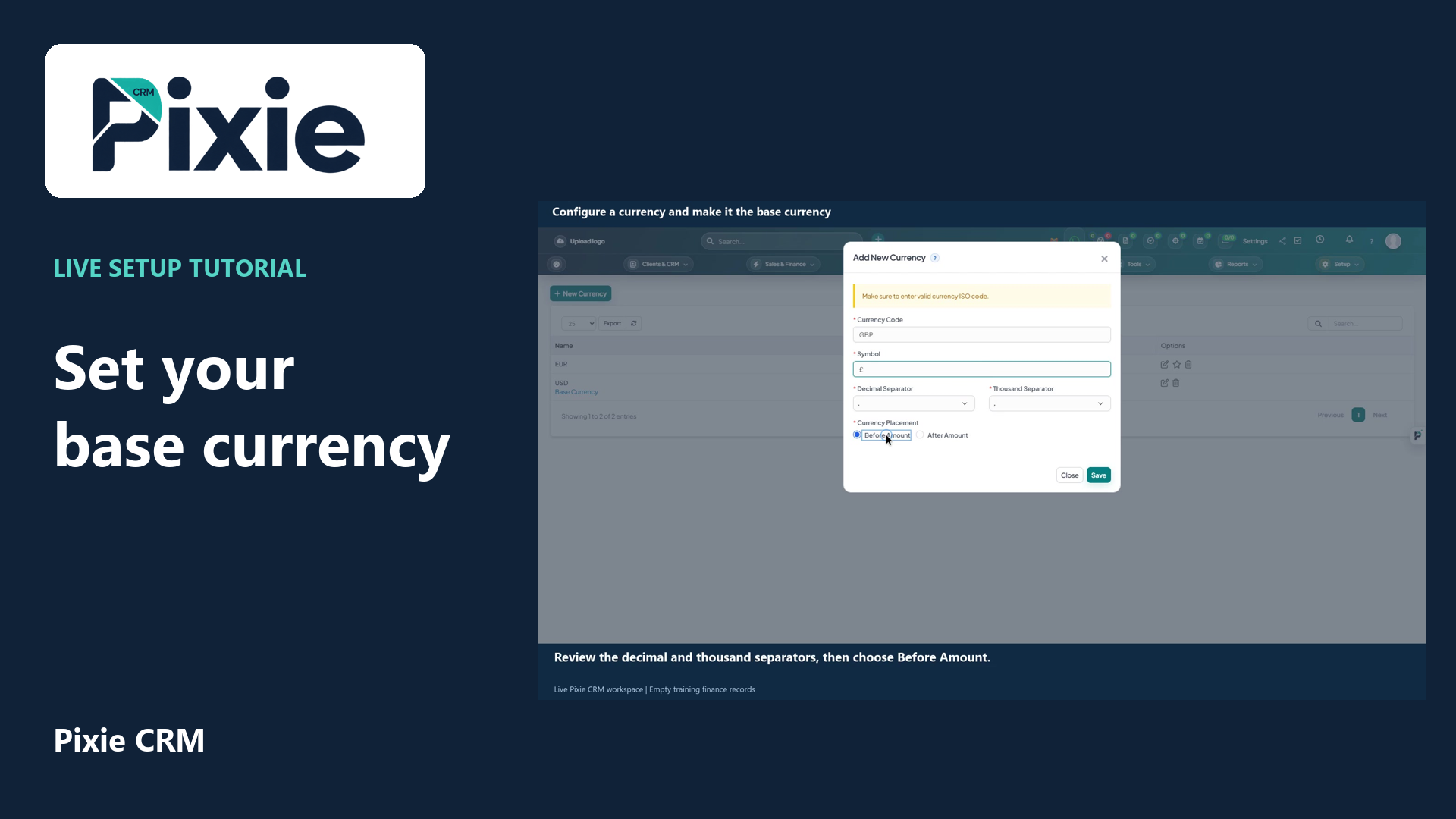
Configure GBP in Pixie CRM with live clicks. Add the currency code and pound symbol, review number formatting, save the currency and confirm the Base Currency label.
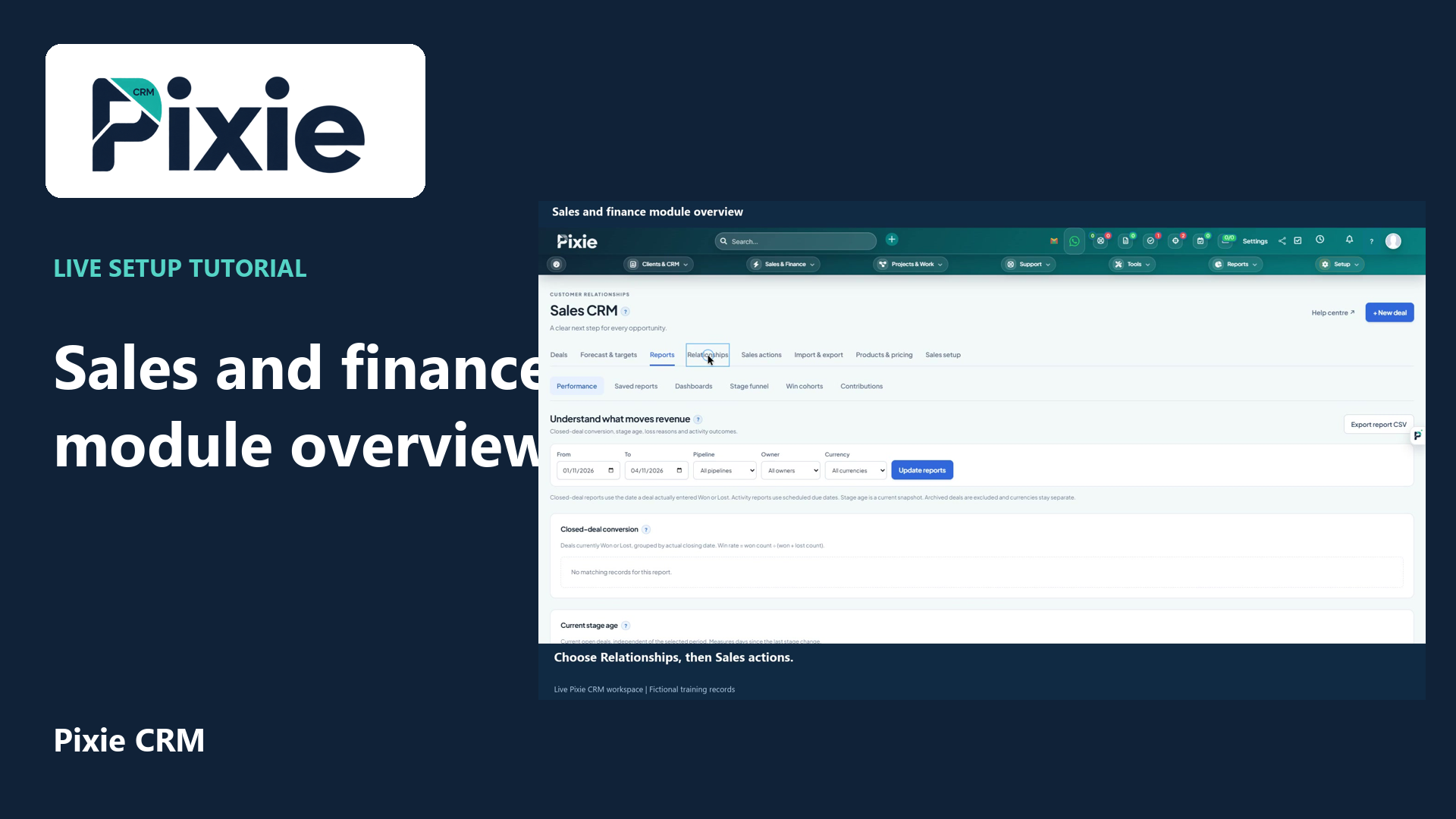
Explore the Pixie CRM sales and finance workspaces with live clicks. Find deals, forecasts, sales documents, invoices, payments, items, subscriptions, expenses, contracts and accounting tools.
Recorded in a demonstration workspace; available options depend on your plan and permissions.
Visit the Pixie CRM YouTube channel
An estimate or proposal establishes the intended work. An invoice explains what is being charged, while payment and credit records show how the balance changes. Use consistent customer details, references and item descriptions across that chain. Where time or expenses feed the invoice, make the review point explicit. Repeat services need a considered schedule, including the treatment of changes, pauses and renewals.
A CRM can hold valuable commercial information without being the authority for every accounting decision. Establish which system owns final finance records and how invoices, receipts and corrections are exchanged. Test a representative billing period, including partial payments and credits, rather than checking only a straightforward sale. Tax treatment, financial reporting and filing requirements should follow your finance process and the exact supported accounting arrangement.
Useful answers
Practical details for a better informed conversation.
The catalog includes invoicing, recurring invoices and subscriptions. These serve different purposes, so the team should demonstrate the combination that matches your service and payment arrangements.
Xero, Sage and QuickBooks are among the named integration options. Confirm the product version, fields, direction of exchange and reconciliation process for the accounting system you actually use.
Continue exploring
Your workflow is a good place to start
Bring your current tools, your priorities and the handovers you want to improve. We’ll help you define a useful next step.
Verify your email. Send your enquiry.
Keep your ticket reference.