Create a customer project
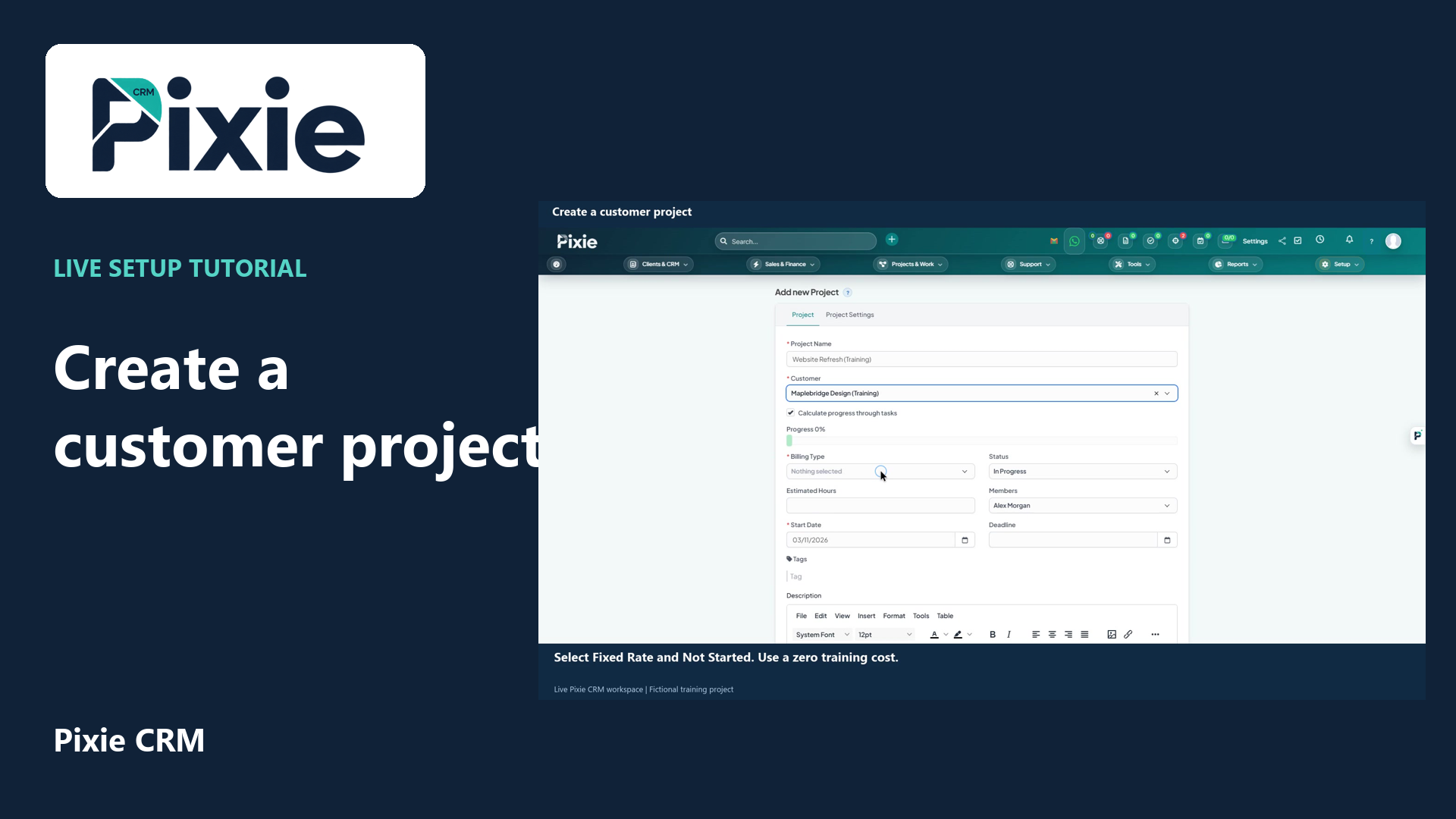
Create a customer project in Pixie CRM with live clicks. Link the customer, choose billing type and status, set dates, review members and notification choices, then save and confirm the project overview.
Customer work, connected.

Projects & Work
Winning work is only the beginning of the customer relationship. Pixie CRM project management helps turn the agreed scope into work people can plan and deliver. The project stays connected to the customer, so delivery staff can see the commitments behind a deadline instead of relying on a separate handover.
Keep the customer context, responsible person and next step together. Start with a familiar task, agree the information the team needs and check the result with the people who will use it.
Learn with Pixie CRM
Follow real application screens at your own pace, with English captions and a matching written guide.
Create a customer project in Pixie CRM with live clicks. Link the customer, choose billing type and status, set dates, review members and notification choices, then save and confirm the project overview.
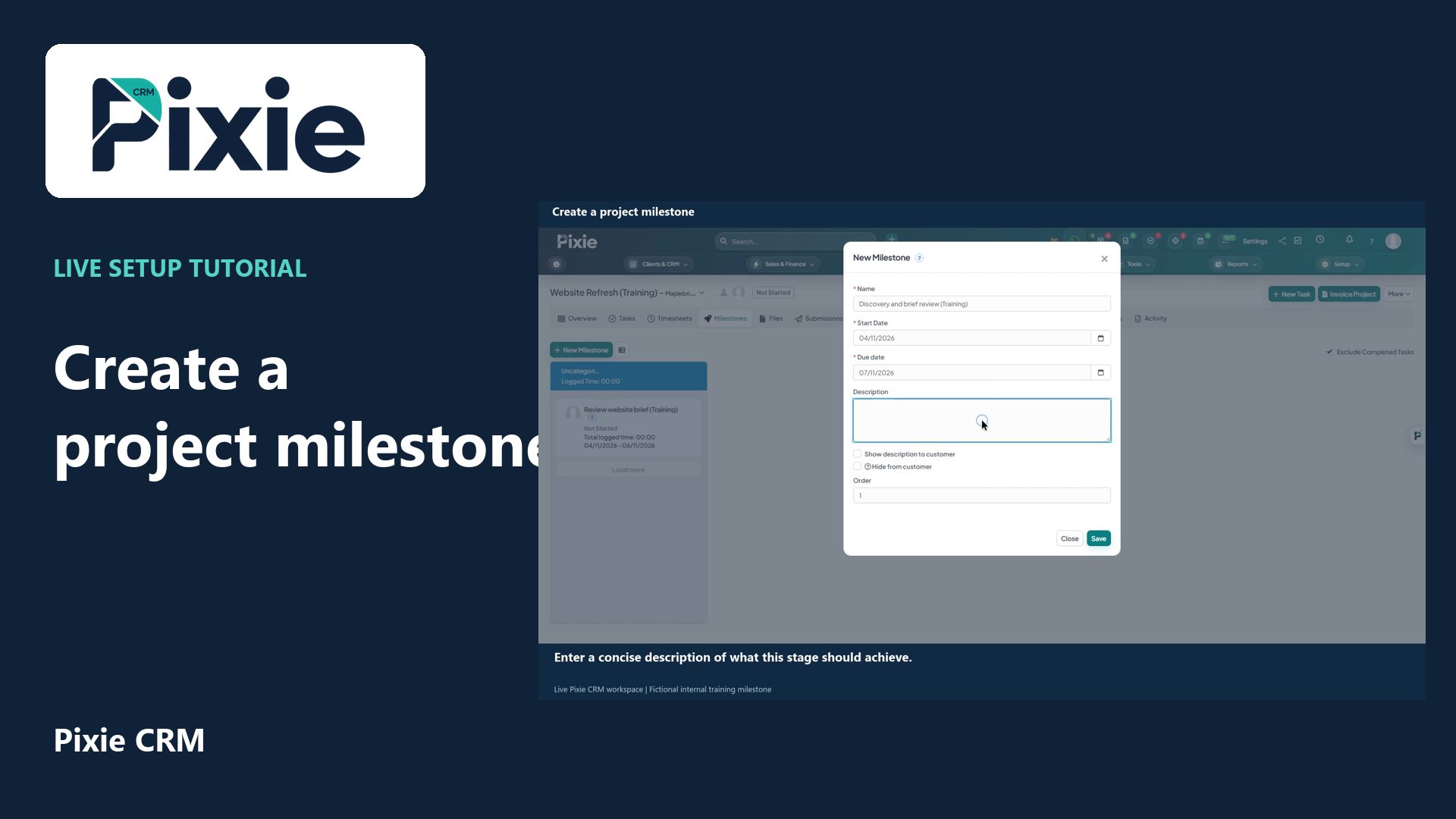
Create a project milestone in Pixie CRM with live clicks. Set its name, dates, description, customer visibility and order, then save and confirm it in the project.
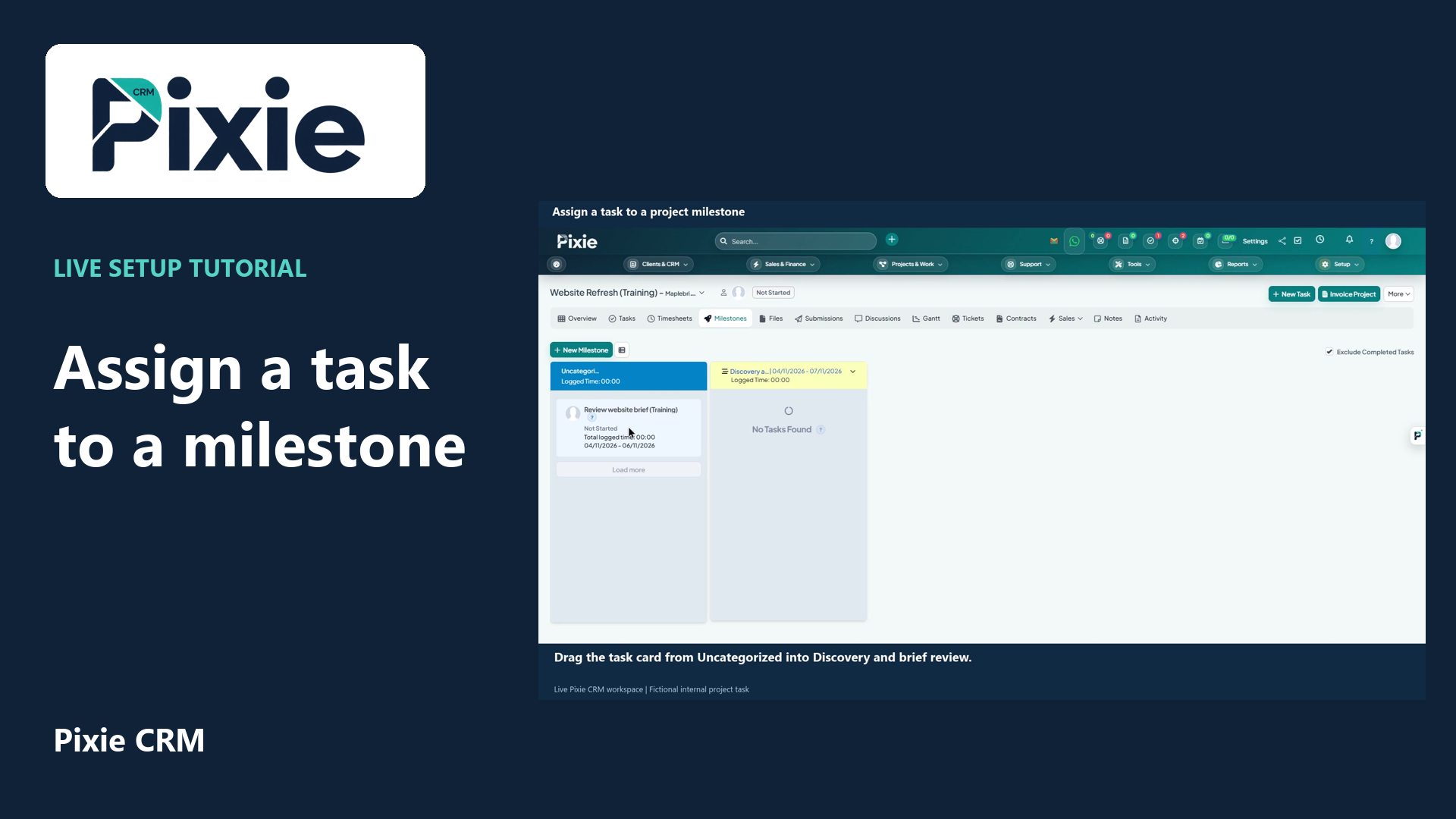
Organise a project task into a milestone in Pixie CRM. Follow the live drag-and-drop workflow, then reopen the board to confirm the assignment was saved.
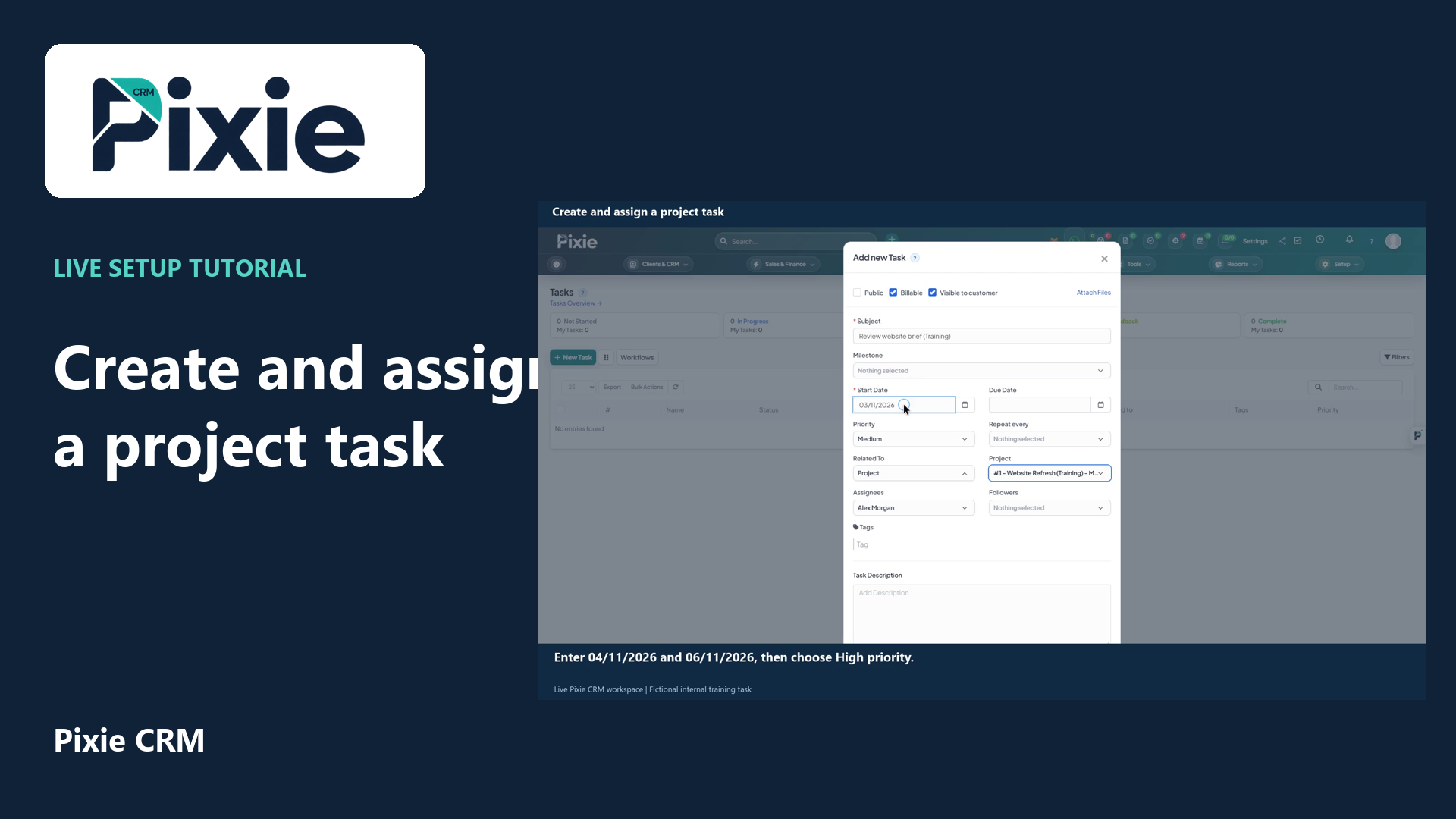
Create a project task in Pixie CRM with live clicks. Link its project, set the dates and priority, review the assignee, billing and visibility, then save and verify the task.
Recorded in a demonstration workspace; available options depend on your plan and permissions.
Visit the Pixie CRM YouTube channel
Start with the deliverables, milestones and people accountable for them. Break the work into tasks that have a clear owner and a meaningful completion condition. Keep the scope, relevant files and decisions with the project so a new team member can understand the work. A Gantt or milestone view can help explain timing, but it is the quality of the task and dependency information that makes the plan useful.
Customers may change priorities, a dependency may arrive late, or a task may take longer than expected. Record the effect on scope, timing and cost, and agree how the change will be approved. Distinguish internal discussion from updates intended for the client portal. Review overdue work alongside unresolved questions, because a project can appear busy while an essential decision is still waiting. Time and billing connections should follow the agreed commercial arrangement.
Useful answers
Practical details for a better informed conversation.
Customer portal access can form part of the configured project workflow. Choose which milestones, documents and discussions are appropriate to share and test the customer's view before inviting them.
Billing depends on your agreement and configuration. A completed task, approved timesheet or reached milestone may support invoicing, but the finance handover should confirm the relevant evidence and terms.
Continue exploring
Your workflow is a good place to start
Bring your current tools, your priorities and the handovers you want to improve. We’ll help you define a useful next step.
Verify your email. Send your enquiry.
Keep your ticket reference.
Explore the tasks behind Project Management. Check the guide against your enabled modules and role, then confirm the result in your workspace.