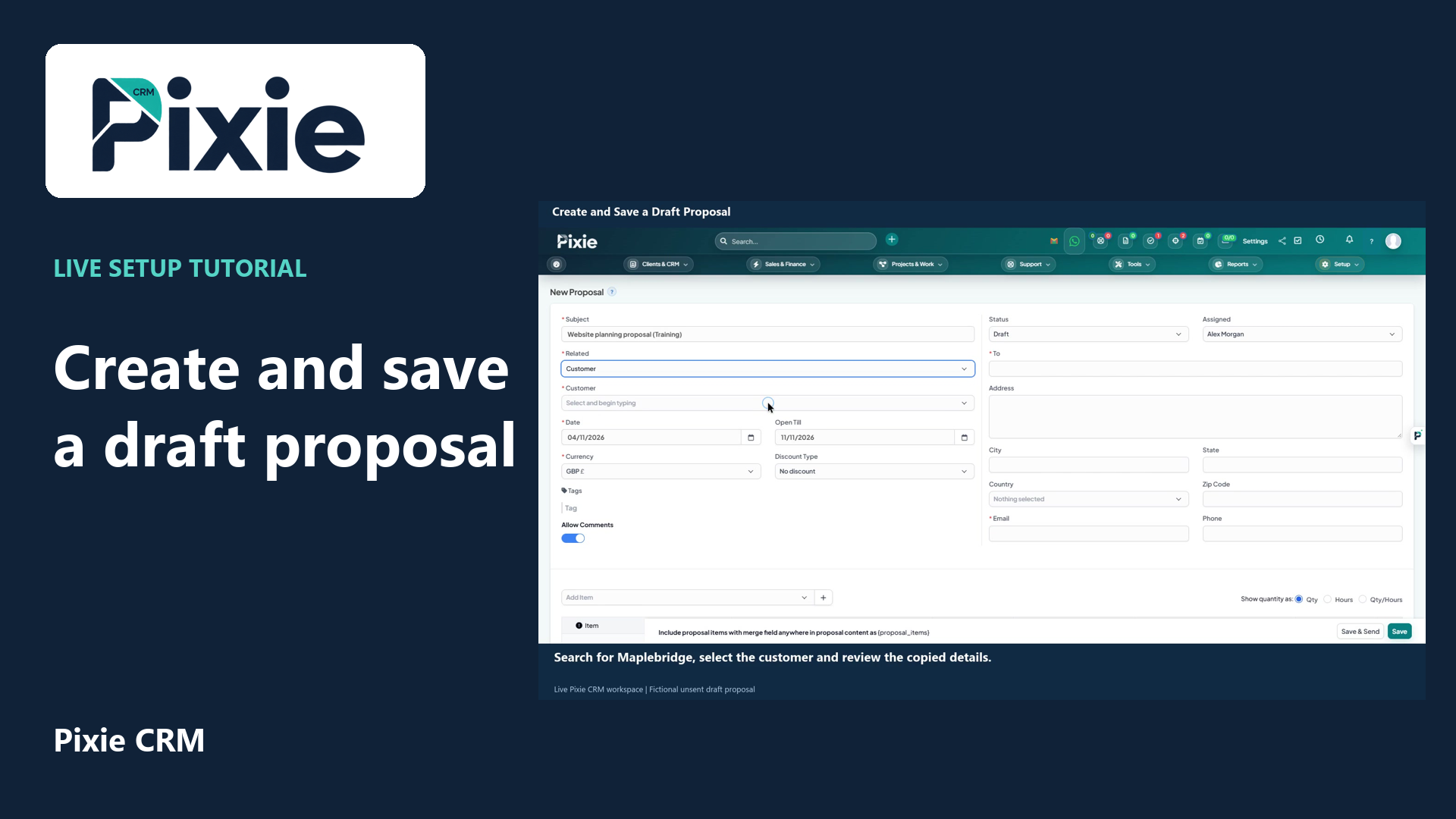
Create and save a draft proposal
Create a draft proposal in Pixie CRM with live clicks. Enter its subject, link a customer, review recipient details and dates, add a service item, save and verify the draft.
Customer work, connected.

Sales & Finance
A proposal should help a customer decide whether the work is right for them. Pixie CRM connects proposal preparation with the lead or customer record, so the scope, discussion and follow-up can stay together. Your team can reuse approved material while tailoring the details that make the offer relevant.
Keep the customer context, responsible person and next step together. Start with a familiar task, agree the information the team needs and check the result with the people who will use it.
Learn with Pixie CRM
Follow real application screens at your own pace, with English captions and a matching written guide.
Create a draft proposal in Pixie CRM with live clicks. Enter its subject, link a customer, review recipient details and dates, add a service item, save and verify the draft.
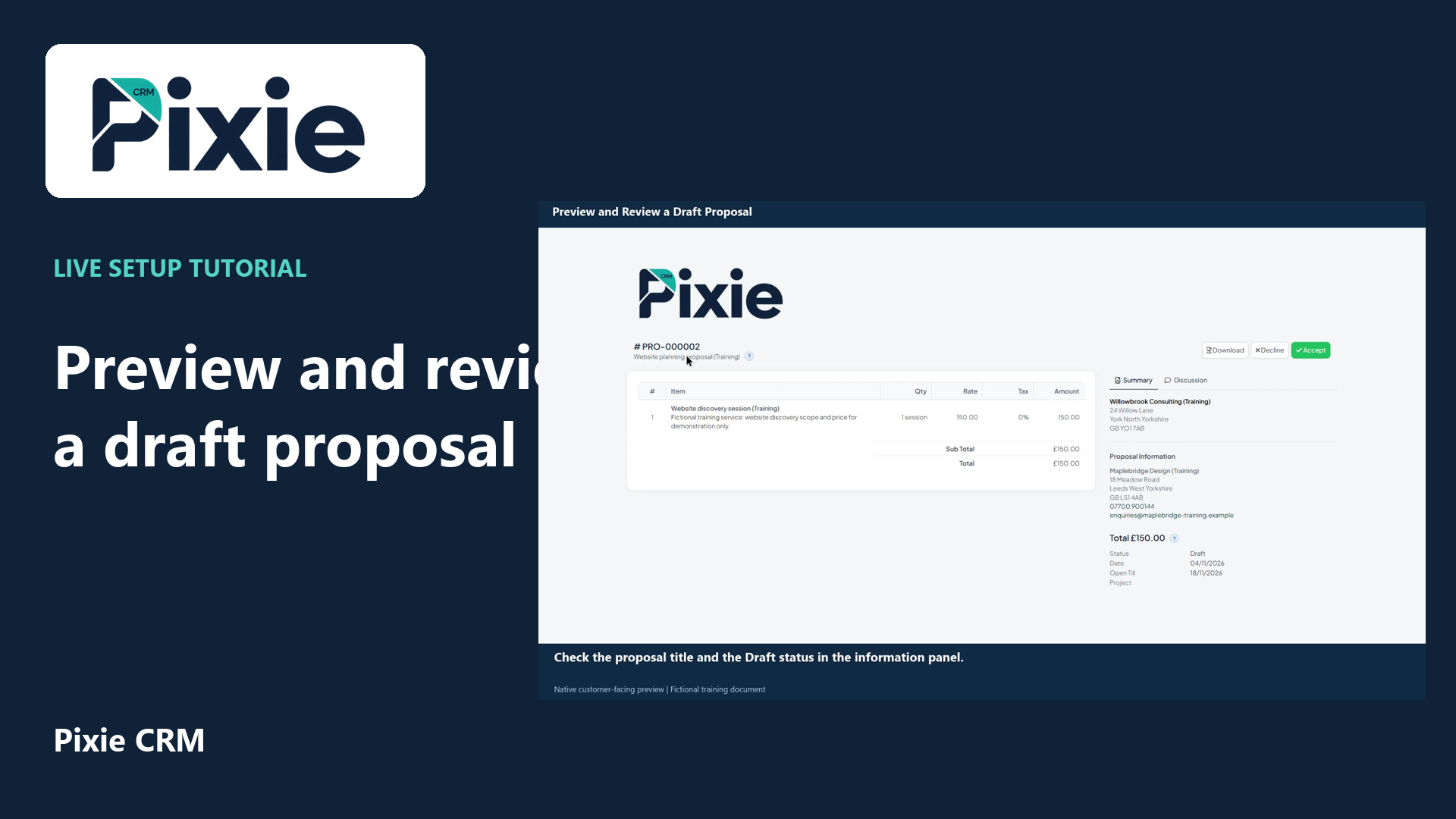
Open a saved Pixie CRM proposal in its customer-facing preview with live clicks. Review its header, service line, total, recipient details, dates and discussion controls.
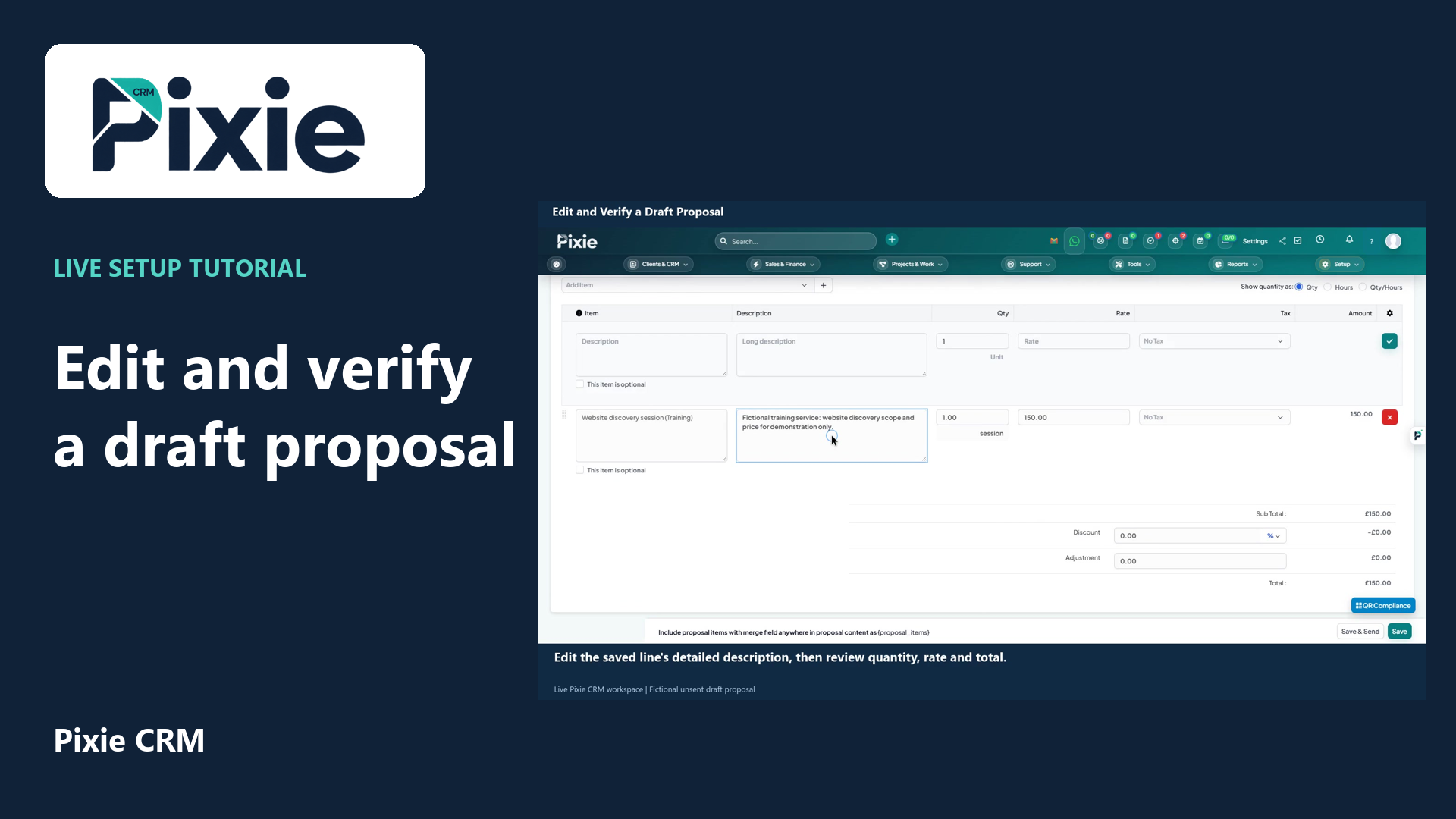
Edit a saved Pixie CRM draft proposal with live clicks. Change its expiry date and service description, save the draft, then reopen it to verify both changes.
Recorded in a demonstration workspace; available options depend on your plan and permissions.
Visit the Pixie CRM YouTube channel
Set out the customer's problem, proposed work, assumptions, deliverables and commercial terms in a logical order. Reusable sections can help with consistency, but an old example or exclusion should never slip into a new proposal unchecked. Review names, quantities, dates and any dependencies before issuing it. Link the proposal to the right opportunity so colleagues can see why it was sent and what conversation should follow.
When a customer asks for a change, make the revised scope clear and establish which version is being reviewed. Keep acceptance status and supporting communication with the record. Once the proposal is agreed, the delivery team needs the commitments, exclusions and relevant documents—not only the price. Conversion into an estimate or subsequent commercial workflow should be checked against the agreed configuration, particularly where custom fields or approval steps are involved.
Useful answers
Practical details for a better informed conversation.
Yes. Reusable proposal templates help the team start with a consistent structure. Treat them as controlled starting points: review the scope, customer details and terms for every new proposal.
Acceptance tracking provides useful workflow evidence. The form of agreement and signature required depends on the transaction and applicable requirements; confirm those with the appropriate adviser and your implementation team.
Continue exploring
Your workflow is a good place to start
Bring your current tools, your priorities and the handovers you want to improve. We’ll help you define a useful next step.
Verify your email. Send your enquiry.
Keep your ticket reference.
Explore the tasks behind Proposals. Check the guide against your enabled modules and role, then confirm the result in your workspace.