Manage leads in the Kanban pipeline
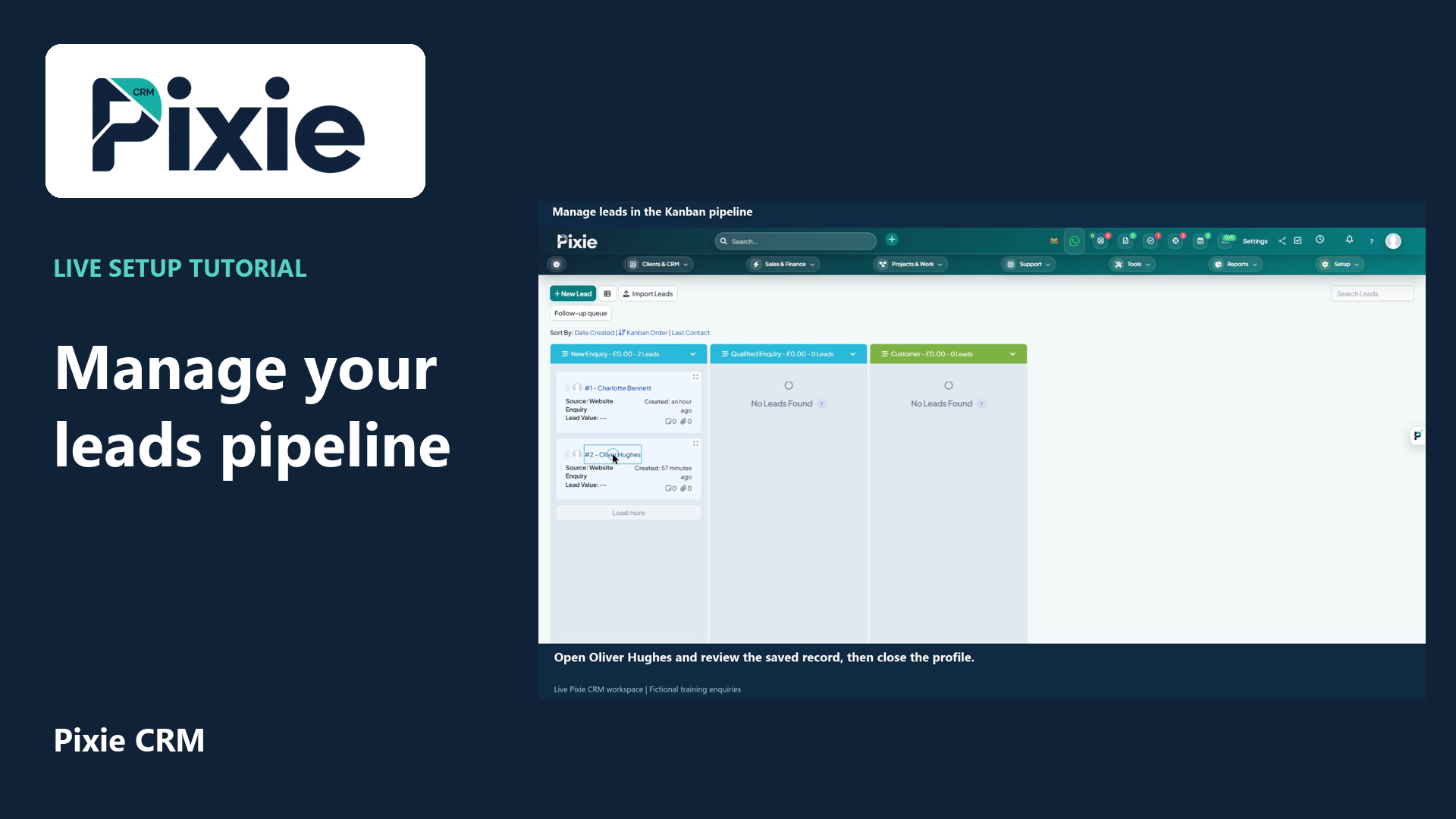
Use the Pixie CRM leads Kanban board with live clicks and cursor movement. Review a lead, move its card to the next stage and confirm the saved status in list view.
Customer work, connected.

Clients & CRM
A pipeline is most useful when it explains what needs to happen next. Pixie CRM brings opportunities into a stage-based view, with ownership and commercial context attached. Salespeople can plan their follow-up while managers review the decisions, delays and assumptions behind the forecast.
Keep the customer context, responsible person and next step together. Start with a familiar task, agree the information the team needs and check the result with the people who will use it.
Learn with Pixie CRM
Follow real application screens at your own pace, with English captions and a matching written guide.
Use the Pixie CRM leads Kanban board with live clicks and cursor movement. Review a lead, move its card to the next stage and confirm the saved status in list view.
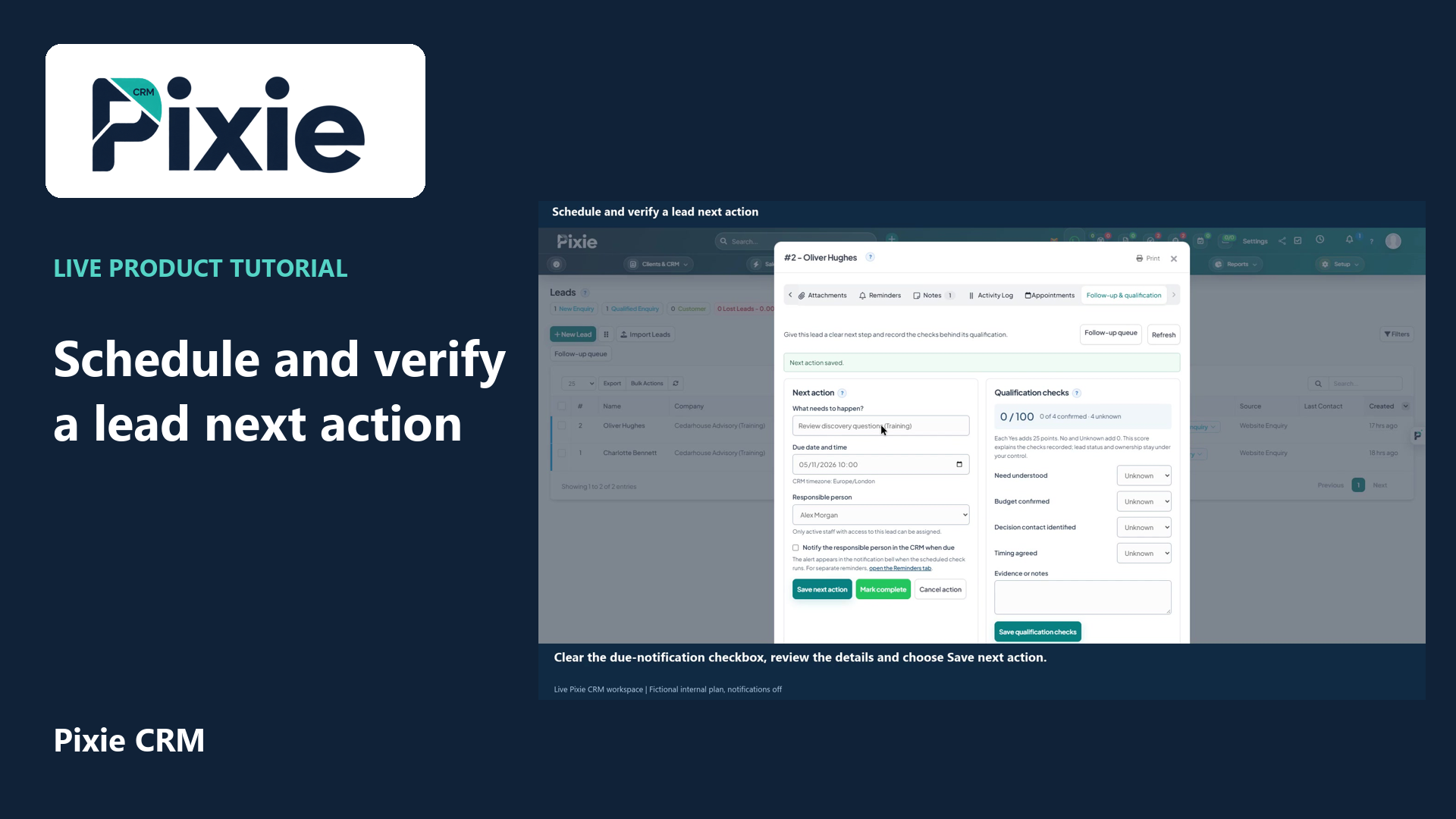
Schedule a Pixie CRM lead next action with live clicks. Set the title, due date and time, responsible person and notification choice, save and reopen to verify the plan.
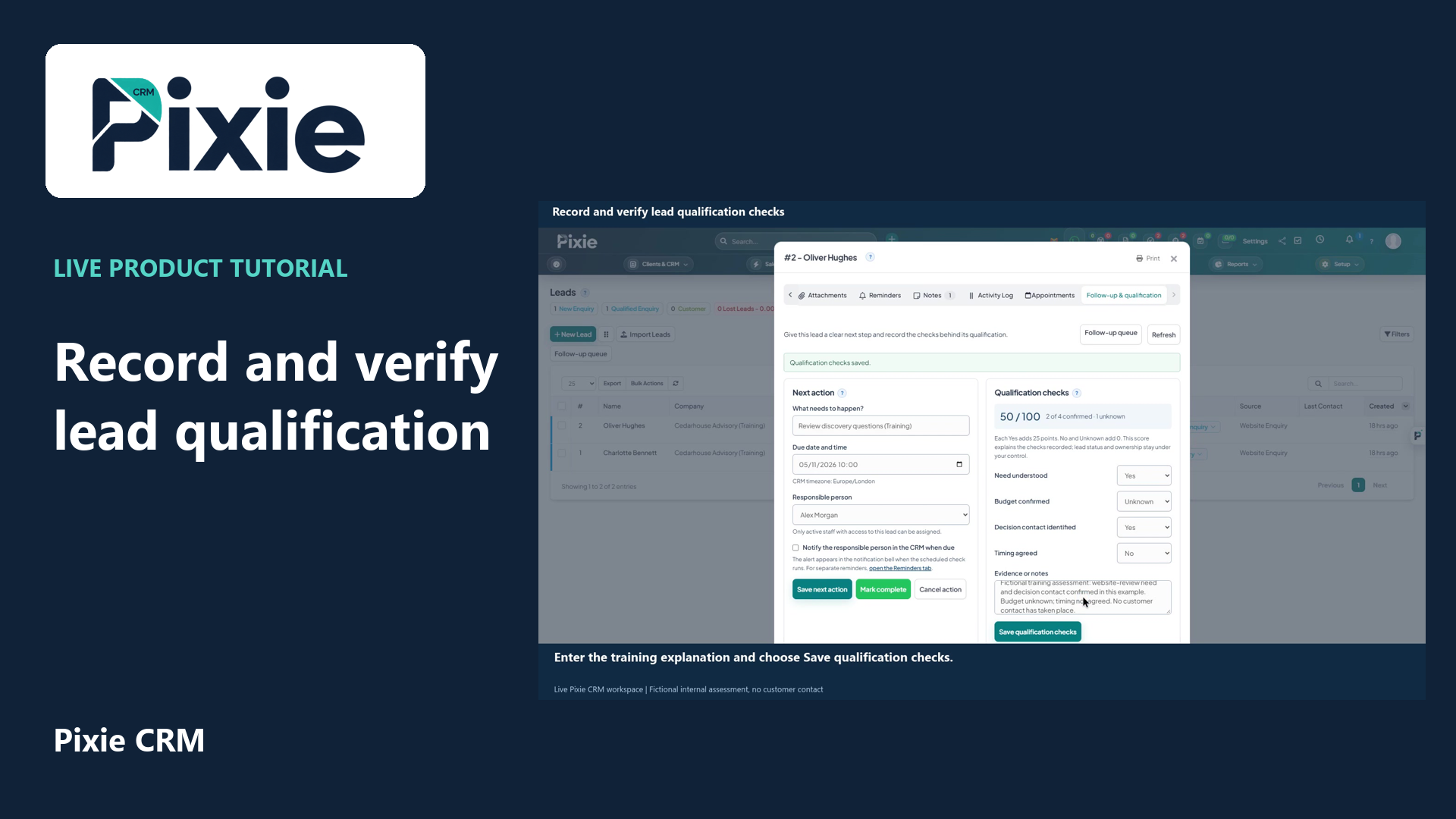
Record Pixie CRM lead qualification checks with live clicks. Set each check, add evidence, save and reopen to verify the retained values and score.
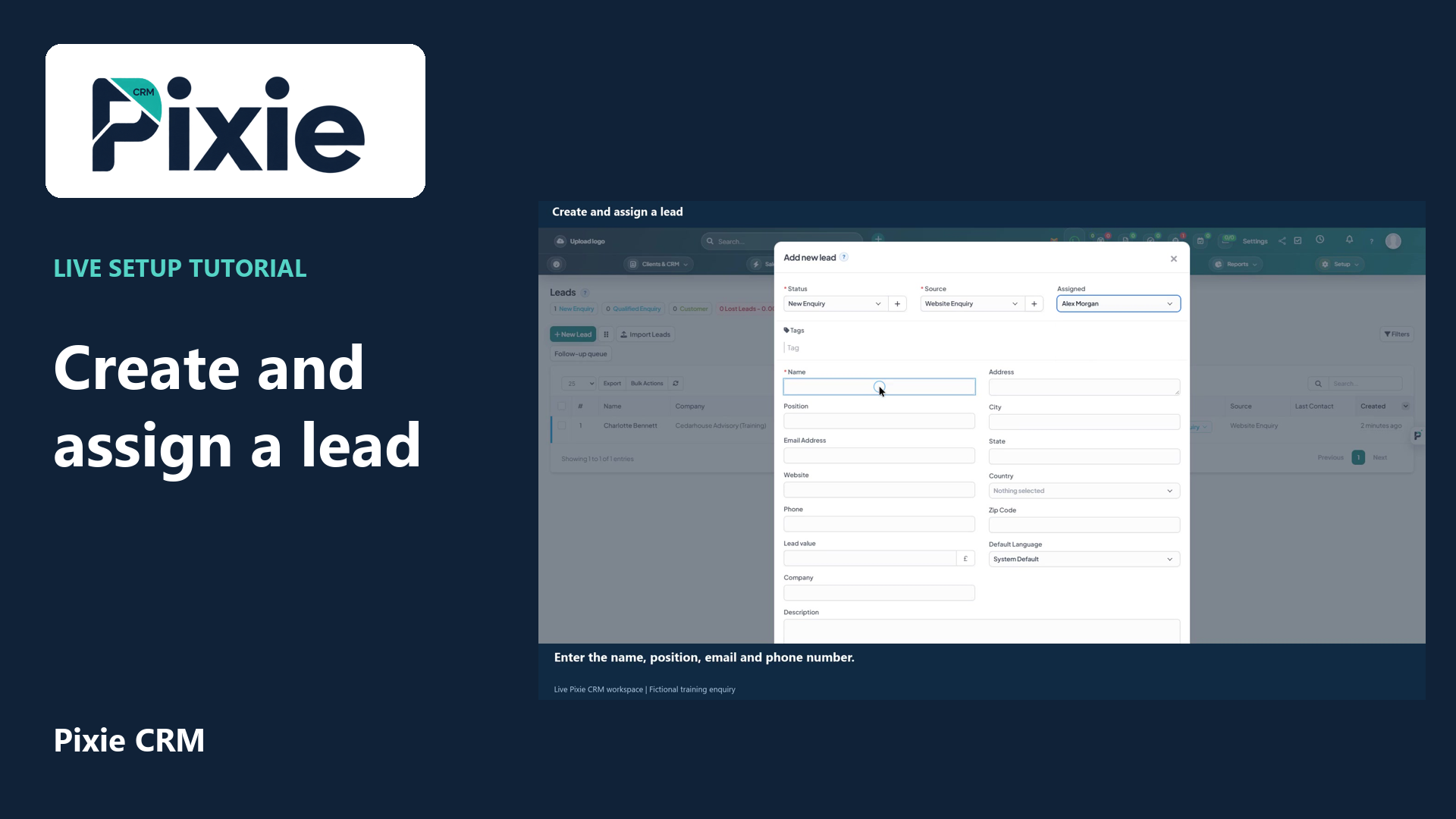
Create a lead in Pixie CRM with live clicks. Select the status, source and owner, enter the enquiry details, review visibility and contact history, then save and verify the lead in the list.
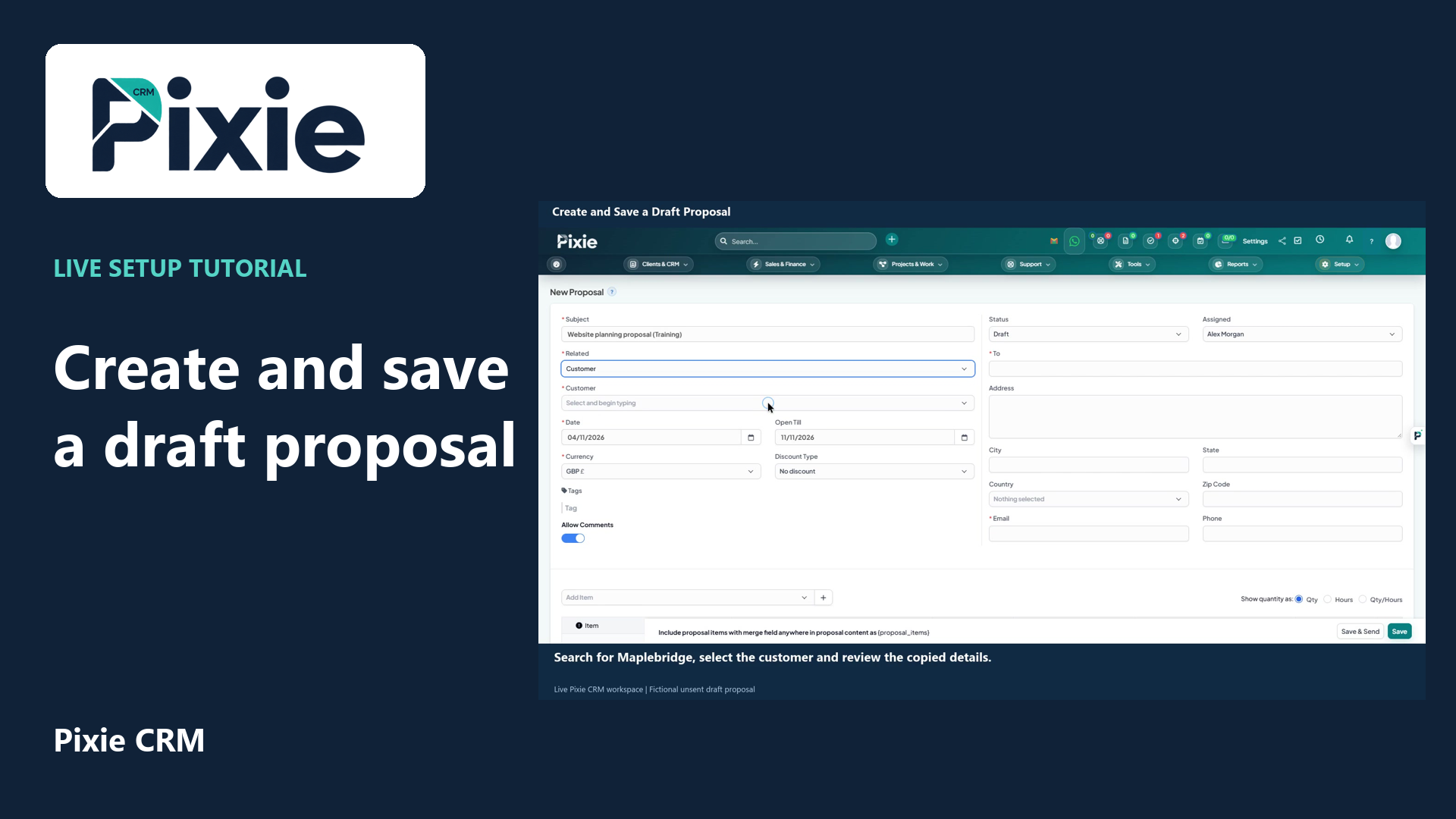
Create a draft proposal in Pixie CRM with live clicks. Enter its subject, link a customer, review recipient details and dates, add a service item, save and verify the draft.
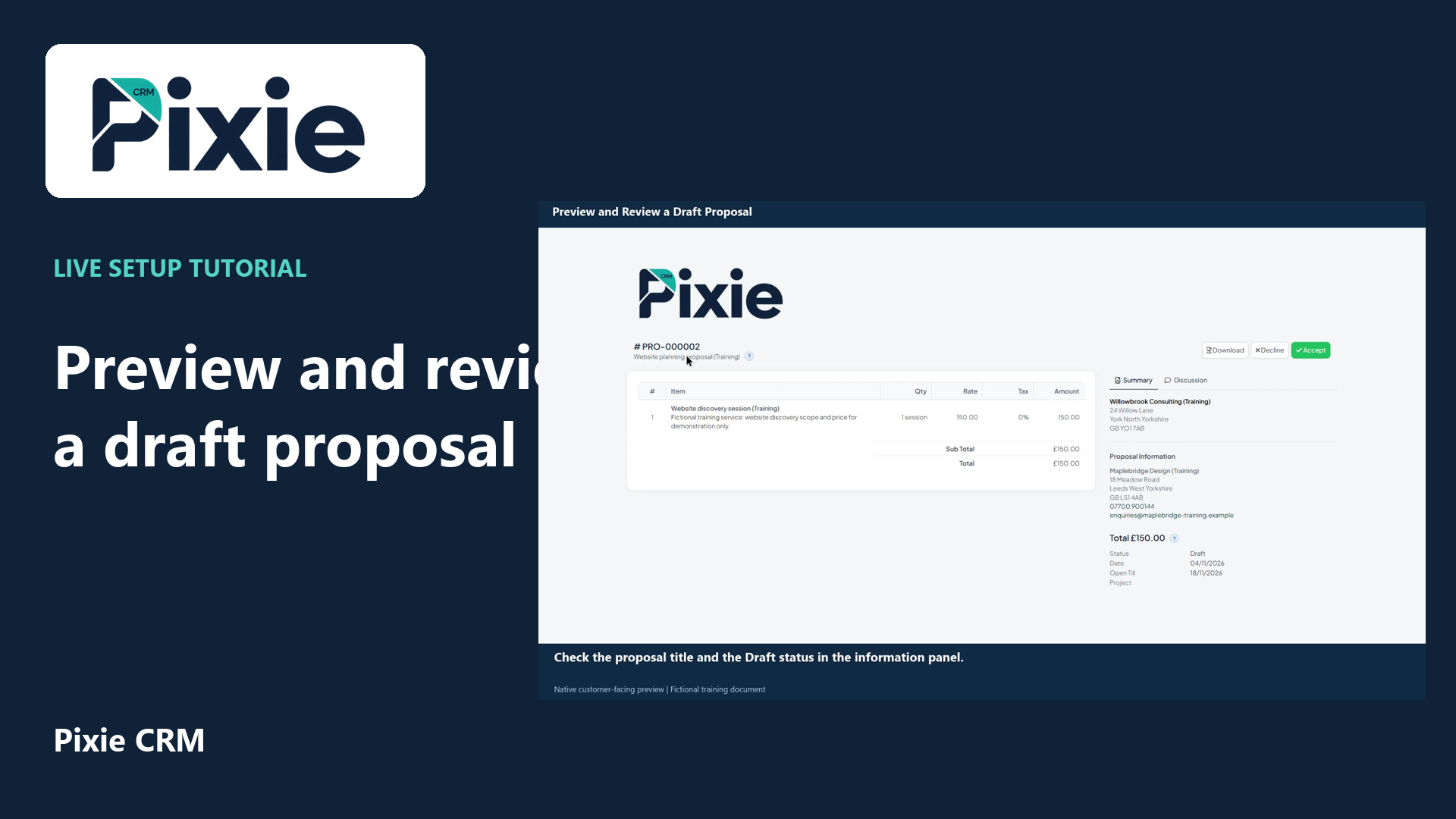
Open a saved Pixie CRM proposal in its customer-facing preview with live clicks. Review its header, service line, total, recipient details, dates and discussion controls.
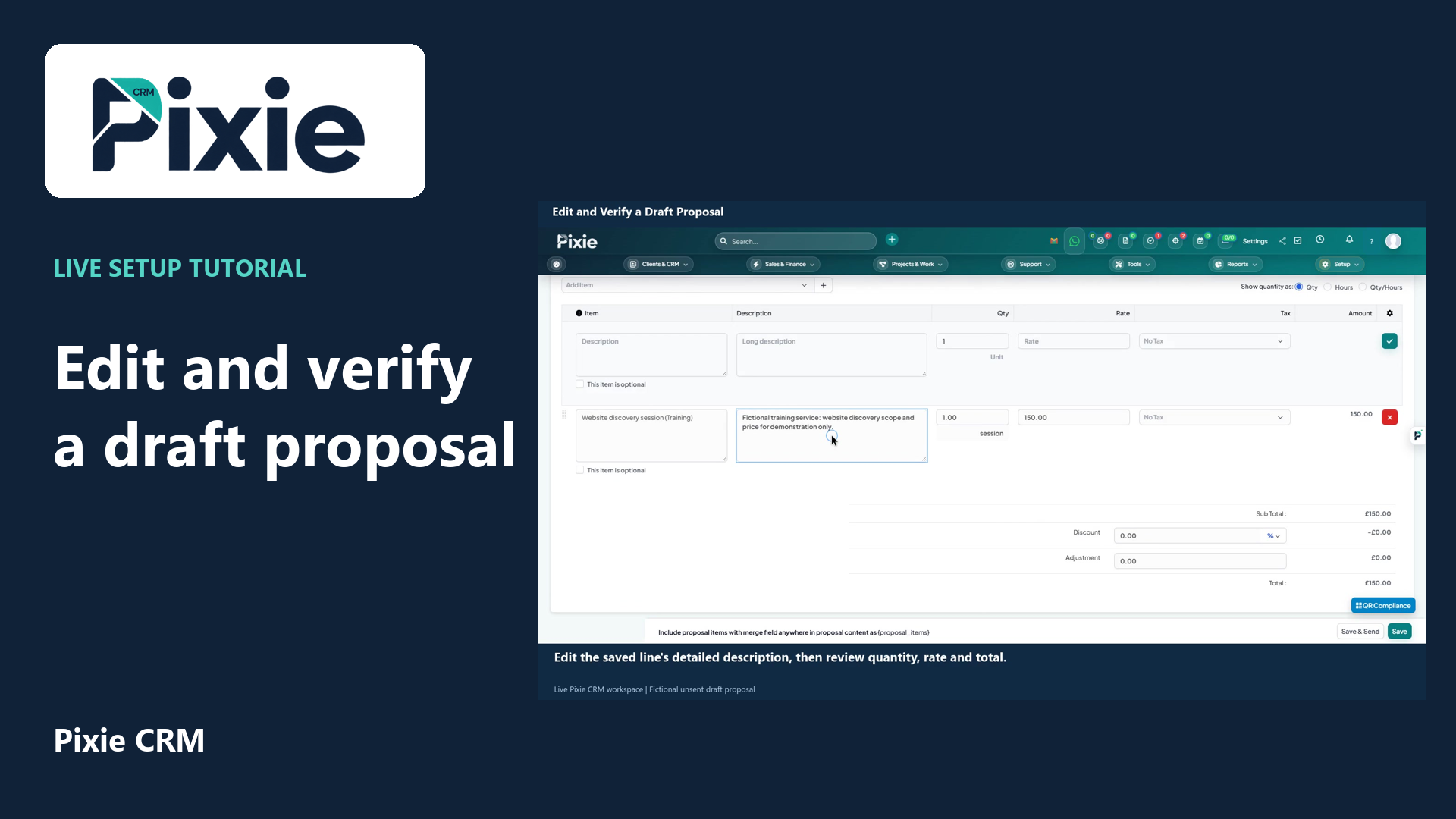
Edit a saved Pixie CRM draft proposal with live clicks. Change its expiry date and service description, save the draft, then reopen it to verify both changes.
Recorded in a demonstration workspace; available options depend on your plan and permissions.
Visit the Pixie CRM YouTube channel
Build the pipeline around observable events: requirements discussed, proposal issued, review arranged or agreement reached. For each stage, decide what evidence is needed before a deal moves forward. Record the expected value, likely timing and next action without treating an estimate as a commitment. A prospect waiting for an internal decision needs a different follow-up from one still exploring options. Consistent stages make weekly reviews more useful than a conversation about colours or percentages.
A large opportunity can distort the forecast if it has no recent activity or clear decision date. Look at time in stage, overdue actions and changes in scope alongside the headline total. Record why an opportunity closes without a sale so the team can learn from fit, timing or price concerns. Agree how reassignment works when an owner is away, and keep sensitive commercial information visible only to the appropriate people.
Useful answers
Practical details for a better informed conversation.
The catalog supports custom pipeline stages. Define them with the people doing the work and test a few real opportunities before making the process standard across the team.
No. A forecast depends on the quality of the records and the assumptions applied. Use stage evidence, recent activity and human judgement to interpret the numbers, especially for larger or unusual deals.
Continue exploring
Your workflow is a good place to start
Bring your current tools, your priorities and the handovers you want to improve. We’ll help you define a useful next step.
Verify your email. Send your enquiry.
Keep your ticket reference.
Explore the tasks behind Sales Pipeline. Check the guide against your enabled modules and role, then confirm the result in your workspace.