Manage leads in the Kanban pipeline
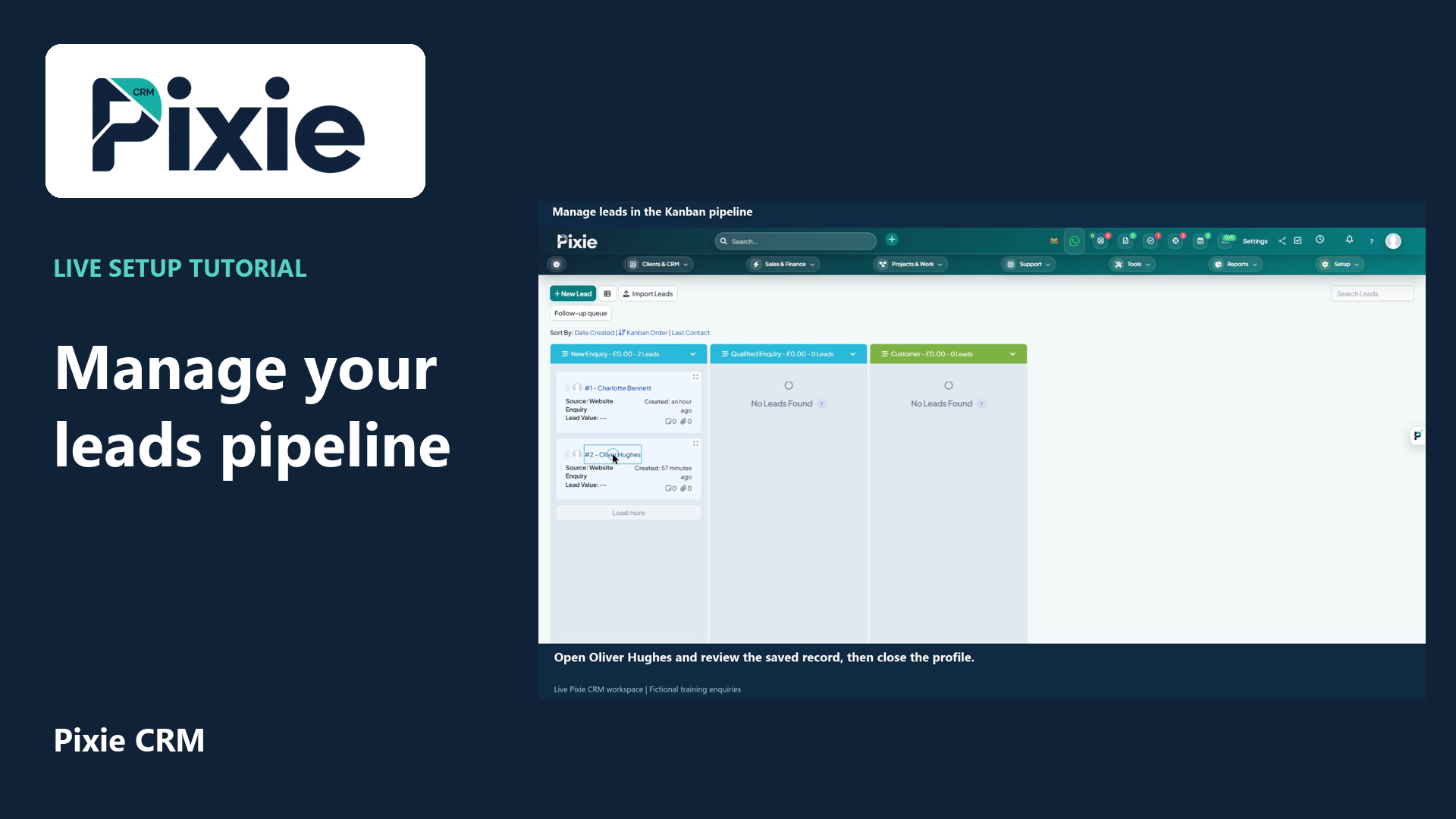
Use the Pixie CRM leads Kanban board with live clicks and cursor movement. Review a lead, move its card to the next stage and confirm the saved status in list view.
Customer work, connected.

Ways to work
A healthy pipeline is more than a list of optimistic deal values. Sales teams need to know who owns an enquiry, what the buyer is trying to achieve and what should happen next. Pixie CRM connects lead records, pipeline stages and commercial documents so that progress is visible and follow-up has a purpose.
Learn with Pixie CRM
Follow real application screens at your own pace, with English captions and a matching written guide.
Use the Pixie CRM leads Kanban board with live clicks and cursor movement. Review a lead, move its card to the next stage and confirm the saved status in list view.
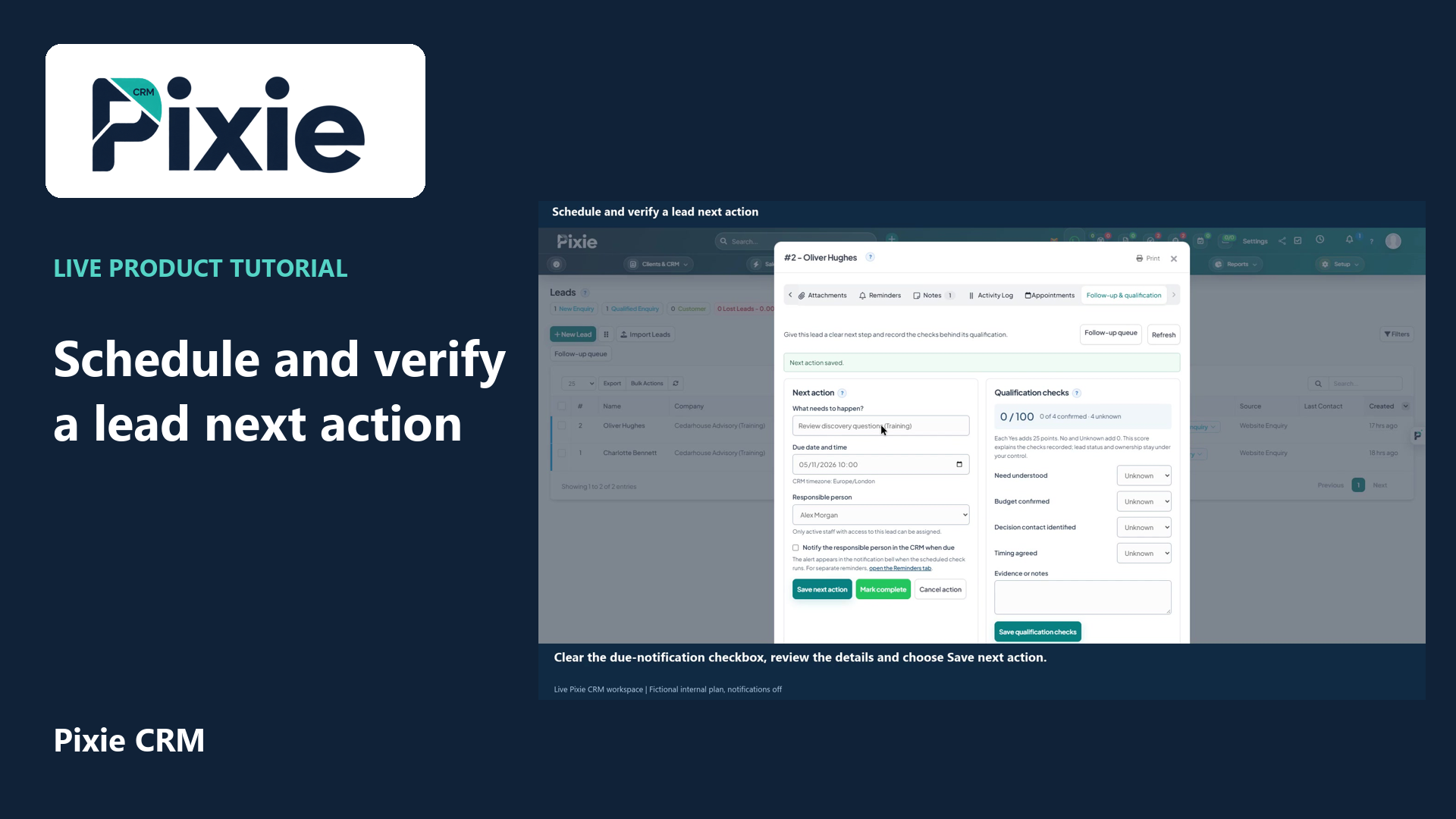
Schedule a Pixie CRM lead next action with live clicks. Set the title, due date and time, responsible person and notification choice, save and reopen to verify the plan.
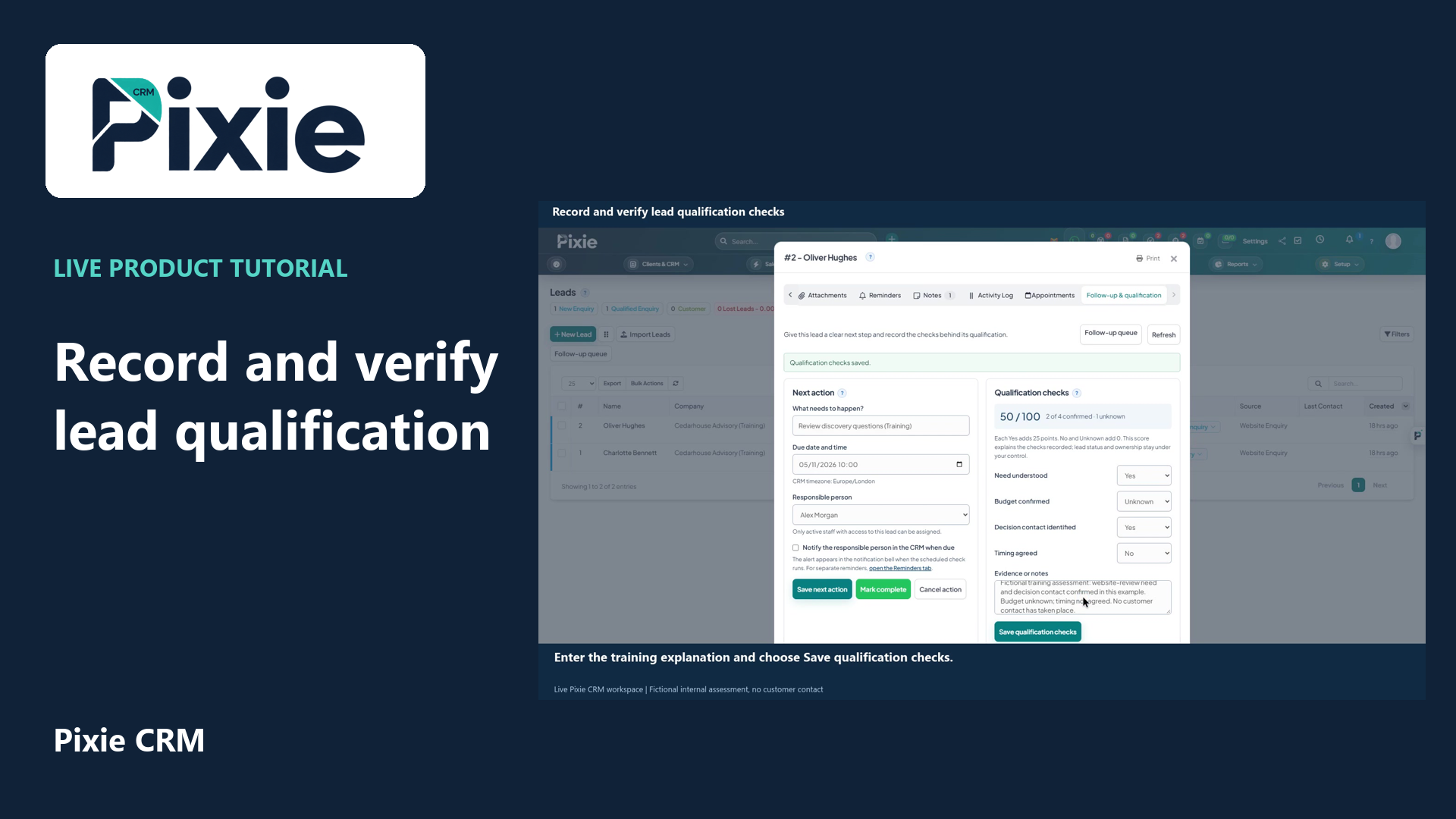
Record Pixie CRM lead qualification checks with live clicks. Set each check, add evidence, save and reopen to verify the retained values and score.
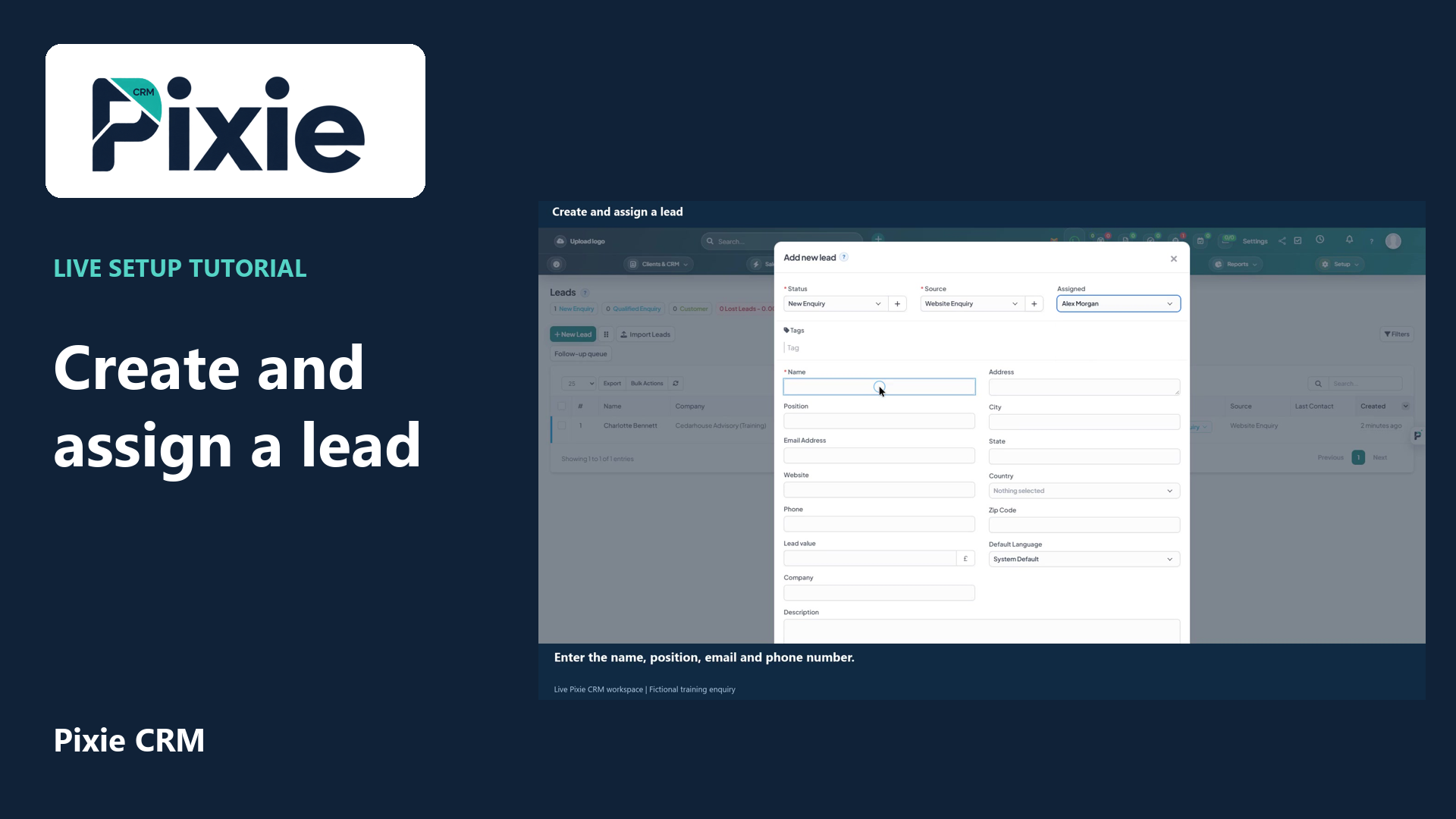
Create a lead in Pixie CRM with live clicks. Select the status, source and owner, enter the enquiry details, review visibility and contact history, then save and verify the lead in the list.
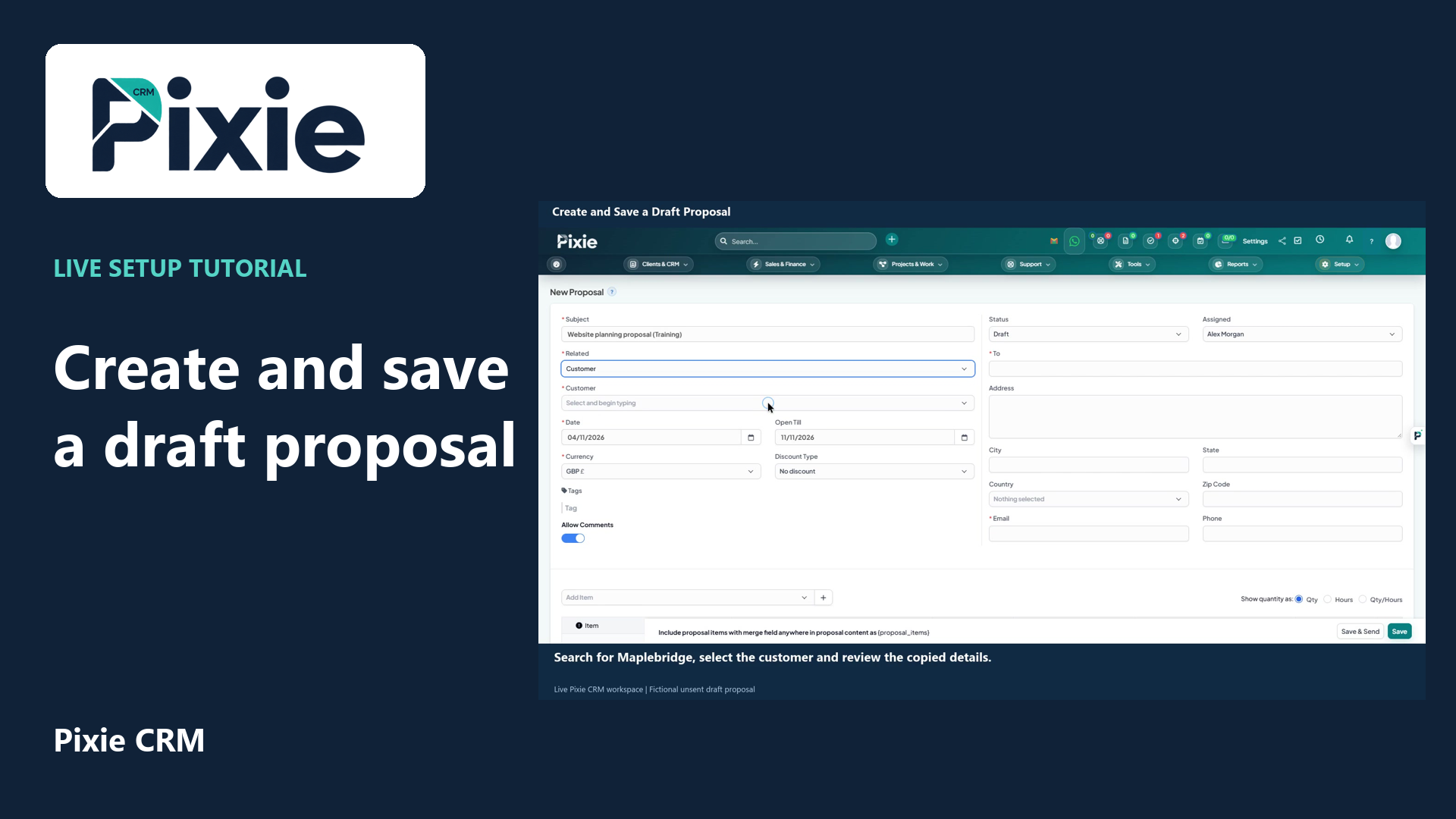
Create a draft proposal in Pixie CRM with live clicks. Enter its subject, link a customer, review recipient details and dates, add a service item, save and verify the draft.
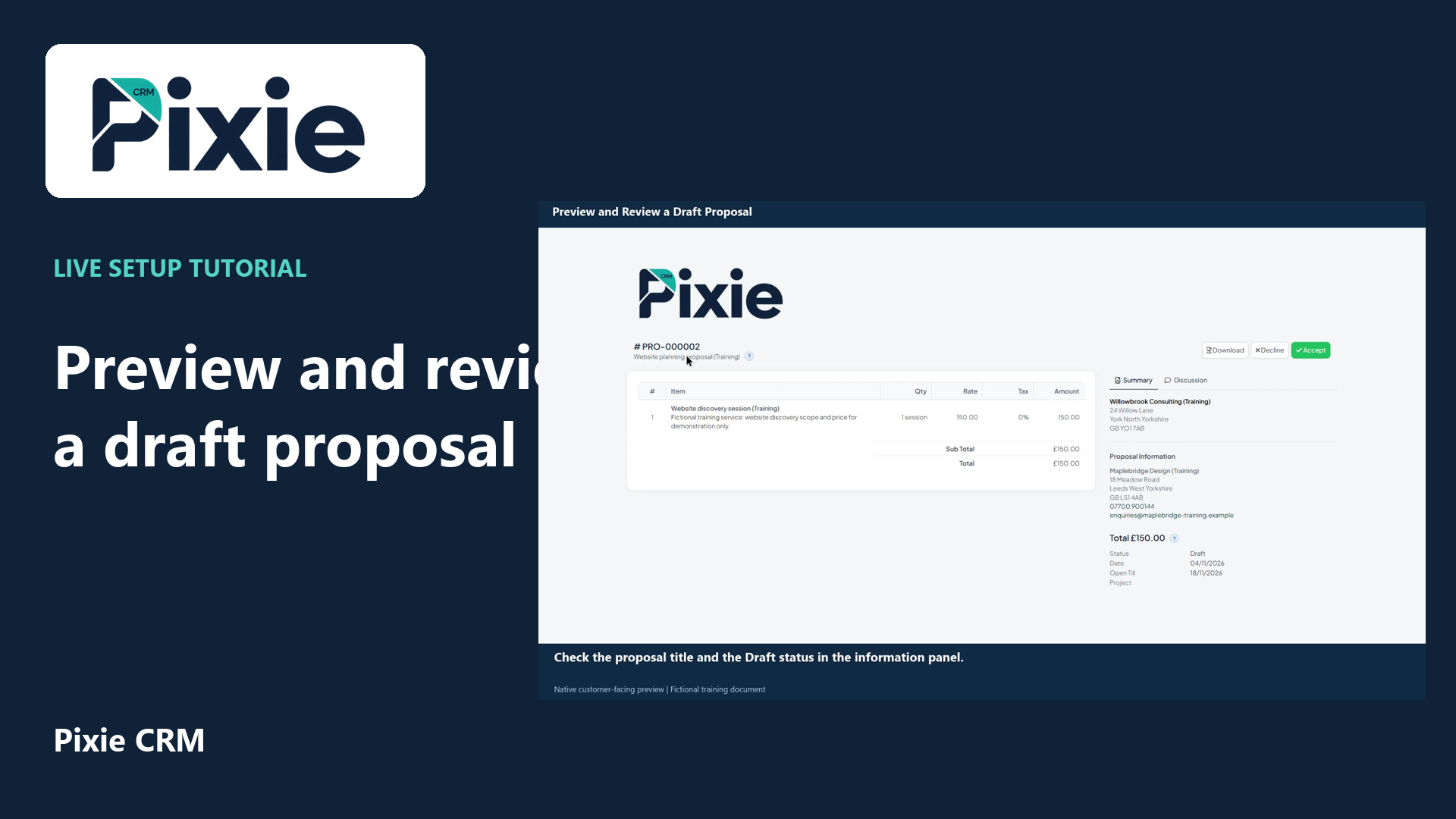
Open a saved Pixie CRM proposal in its customer-facing preview with live clicks. Review its header, service line, total, recipient details, dates and discussion controls.
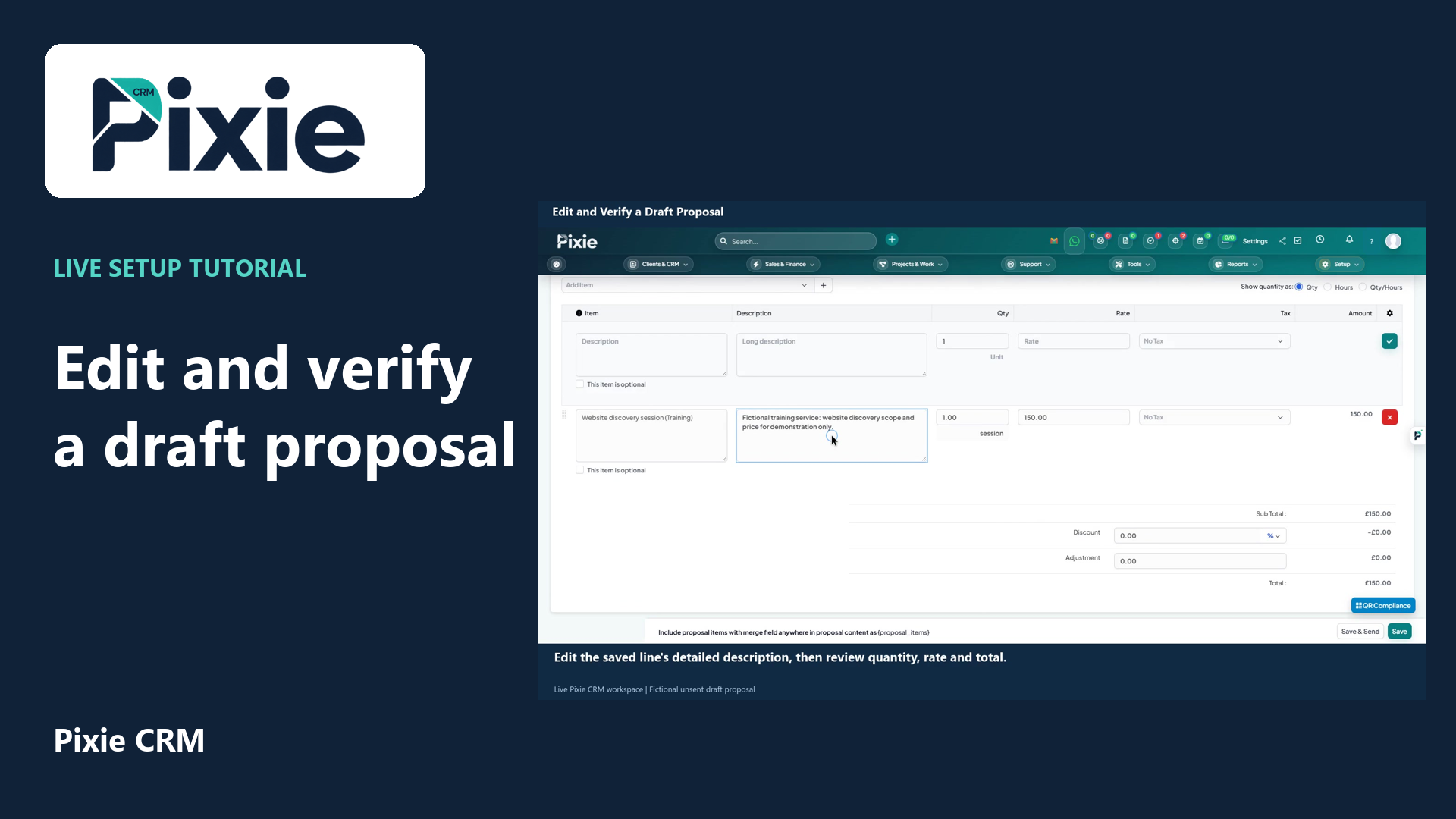
Edit a saved Pixie CRM draft proposal with live clicks. Change its expiry date and service description, save the draft, then reopen it to verify both changes.
Recorded in a demonstration workspace; available options depend on your plan and permissions.
Visit the Pixie CRM YouTube channel
Capture the source of an enquiry, the customer's requirements and the people involved in the decision. Define the evidence needed to move an opportunity into the next stage. An agreed next meeting or a requested proposal is more meaningful than a stage change based only on enthusiasm. Keep expected value and timing under review, and close out unsuitable opportunities with a useful reason rather than leaving them in the forecast indefinitely.
Use proposals and estimates to explain the agreed scope, assumptions and commercial terms. When work is won, give the delivery team the relevant documents, contacts and commitments. Record changes where colleagues can find them, especially when a verbal conversation affects timing or scope. Sales reporting can then focus on practical questions: which leads lack an owner, which opportunities have no next action and where a handover is waiting for information.
Useful answers
Practical details for a better informed conversation.
Discuss the stages and fields that match your sales process during setup. Keep stage definitions clear, and separate meaningful buying progress from internal tasks such as drafting a document.
Use it for agreed routing, reminders and repeatable follow-up steps, with a person responsible for exceptions. Personal conversations and significant commercial decisions still need appropriate judgement and review.
Continue exploring
Your workflow is a good place to start
Bring your current tools, your priorities and the handovers you want to improve. We’ll help you define a useful next step.
Verify your email. Send your enquiry.
Keep your ticket reference.