
Pixie CRM guided video tutorial
Record and verify lead qualification checks
Recorded live · 1:50 · English captions
Record and verify lead qualification checks: live walkthrough
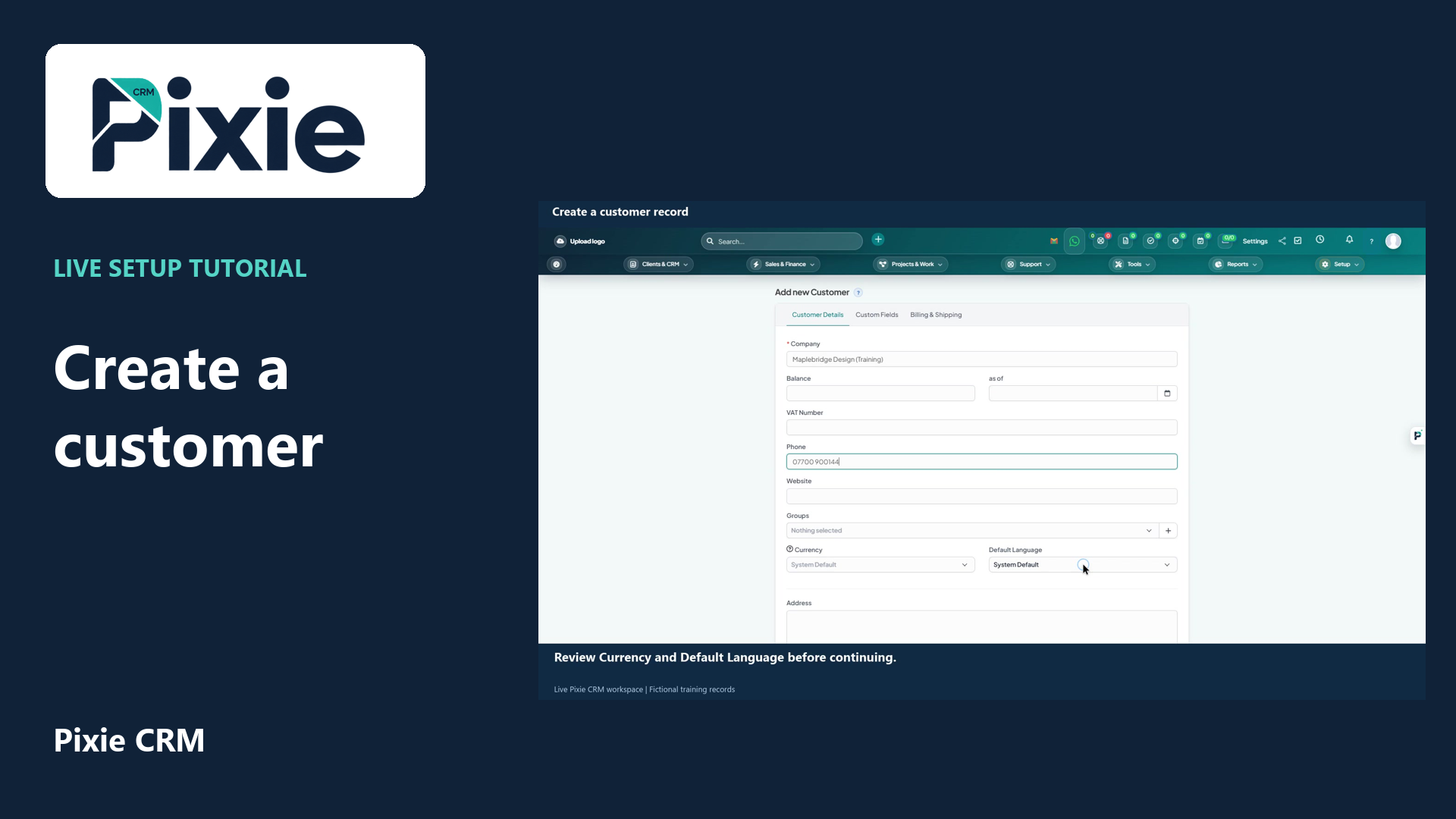 Create a customer record in Pixie CRM
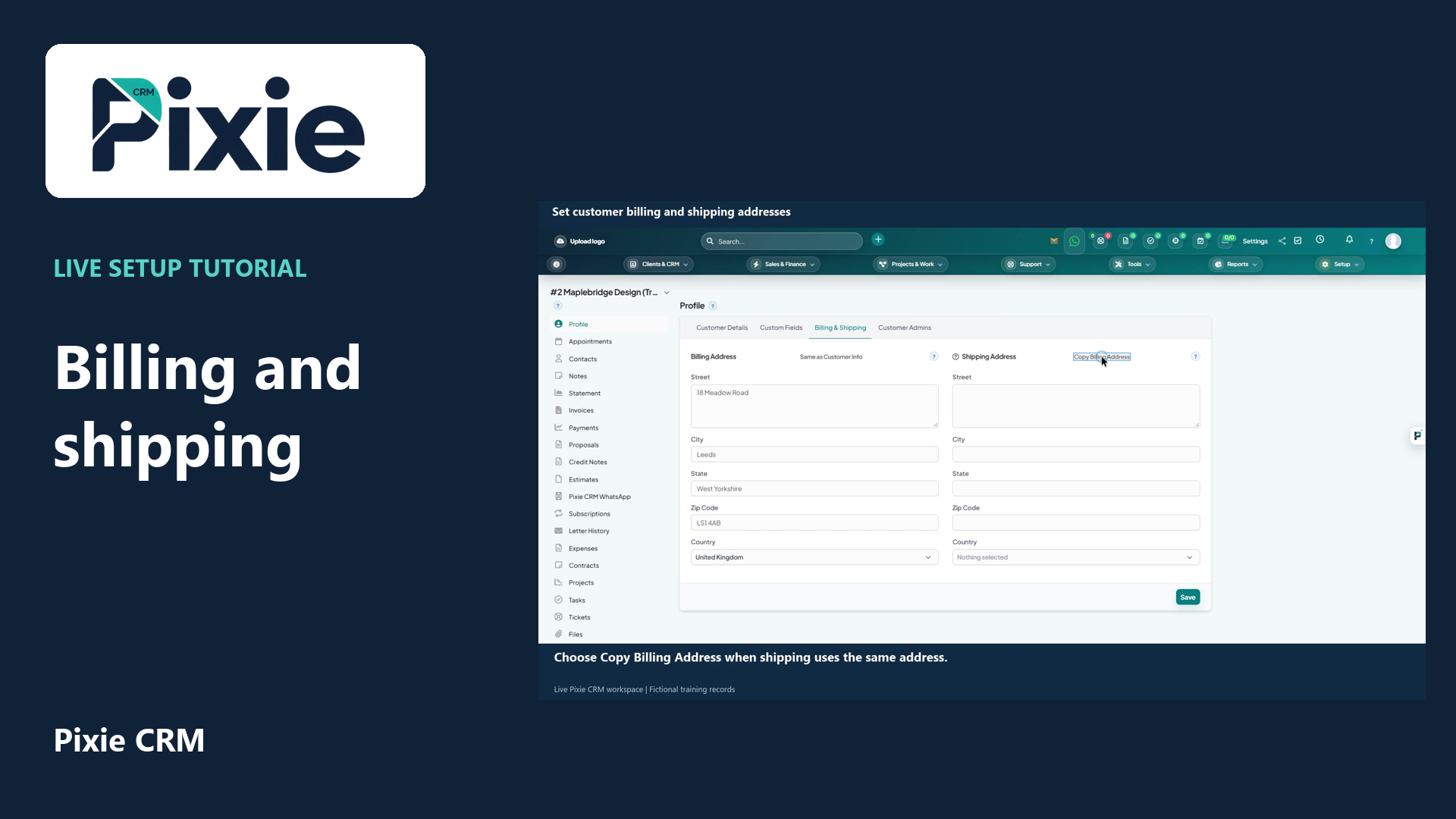 Set customer billing and shipping addresses
More videos in this category · Read the matching instructions
Record Pixie CRM lead qualification checks with live clicks. Set each check, add evidence, save and reopen to verify the retained values and score.
Matching written guide · Download MP4 · English captions
The prospect and assessment are fictional training examples. The score describes the saved check selections and does not automatically change lead status or ownership. No customer contact, email, call, appointment or lead conversion takes place.
Watch this tutorial on YouTube ↗ · Related Pixie CRM tutorials ↗
Video chapters
- 0:00 — Open qualification checks
- 0:18 — Record the individual checks
- 0:42 — Add evidence and save
- 1:11 — Reopen and verify the score and evidence
- 1:29 — Continue with related Pixie CRM tutorials
Read the video transcript
Record lead qualification checks in Pixie CRM. Open the training lead and choose Follow-up and qualification. Review the four checks and the explanation beside the score. Each Yes adds twenty-five points; No and Unknown add zero.
Record each check separately. In this fictional example, set Need understood and Decision contact identified to Yes. Leave Budget confirmed as Unknown and set Timing agreed to No. These choices describe the recorded checks; they do not automatically change ownership or lead status.
Add a concise explanation of the choices in Evidence or notes. The text clearly identifies this as a fictional training assessment, with no prospect contact. Review all four selections and choose Save qualification checks.
Close and reopen the same lead. Return to Follow-up and qualification and verify the saved choices and evidence. Two confirmed checks produce fifty out of one hundred. The lead remains a qualified enquiry, and the existing follow-up plan is retained.
Follow the written instructions
Open the matching written guide ↗ · Browse all Pixie CRM video guides