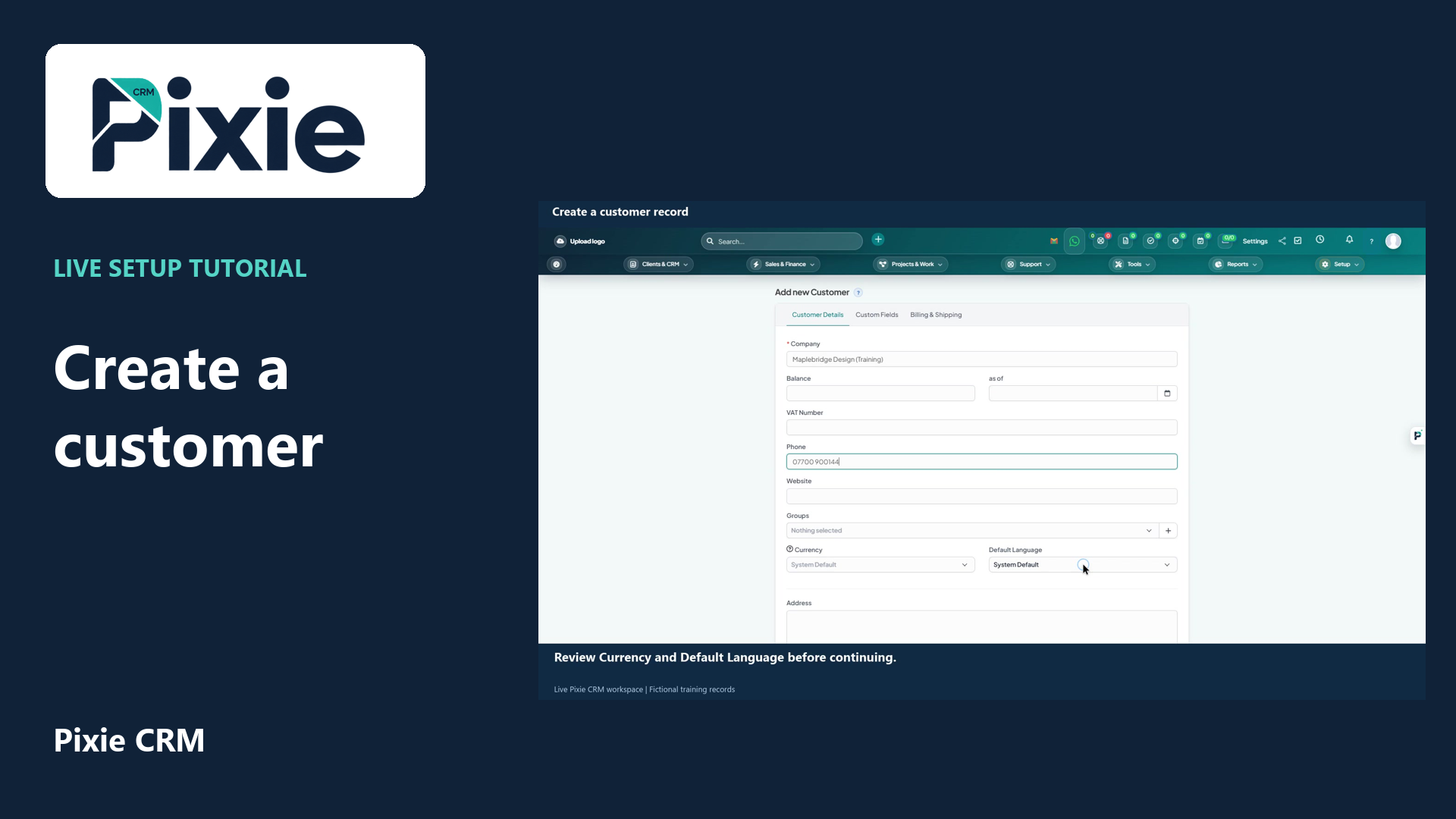
2:24 · English captions
Create a customer record in Pixie CRM
Create a Pixie CRM customer record with live clicks. Enter the company, phone, language and address, save the record and confirm the saved customer details.
Matching written guide ↗Customer work, connected.

Pixie CRM learning library
Learn Pixie CRM with genuine screen recordings, live clicks, clear narration, English captions and matching written workflow guides.
2:24 · English captions
Create a Pixie CRM customer record with live clicks. Enter the company, phone, language and address, save the record and confirm the saved customer details.
Matching written guide ↗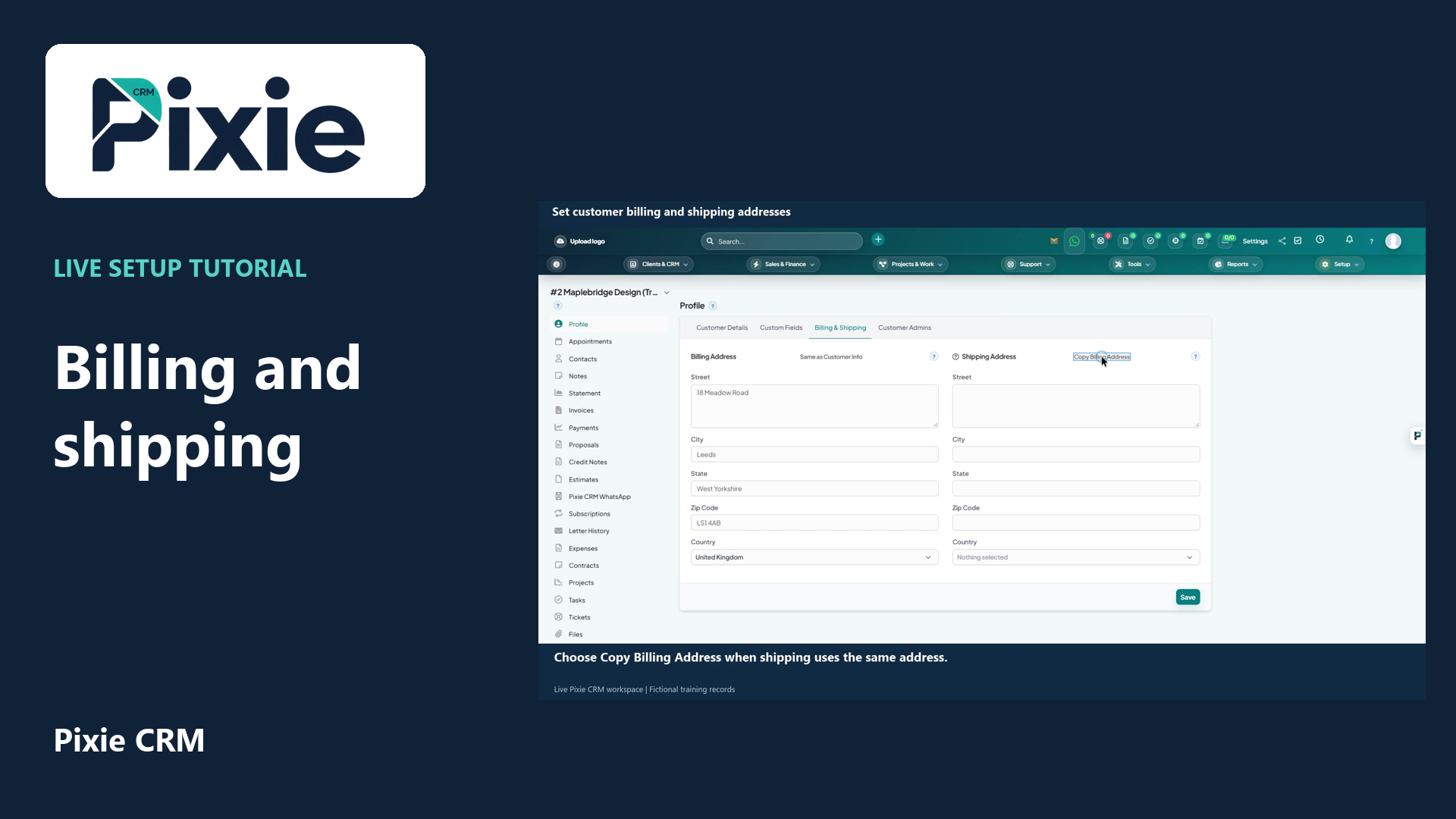
1:43 · English captions
Set separate customer billing and shipping addresses in Pixie CRM. Follow live clicks to copy the customer address, copy billing to shipping, save and verify both sets of fields.
Matching written guide ↗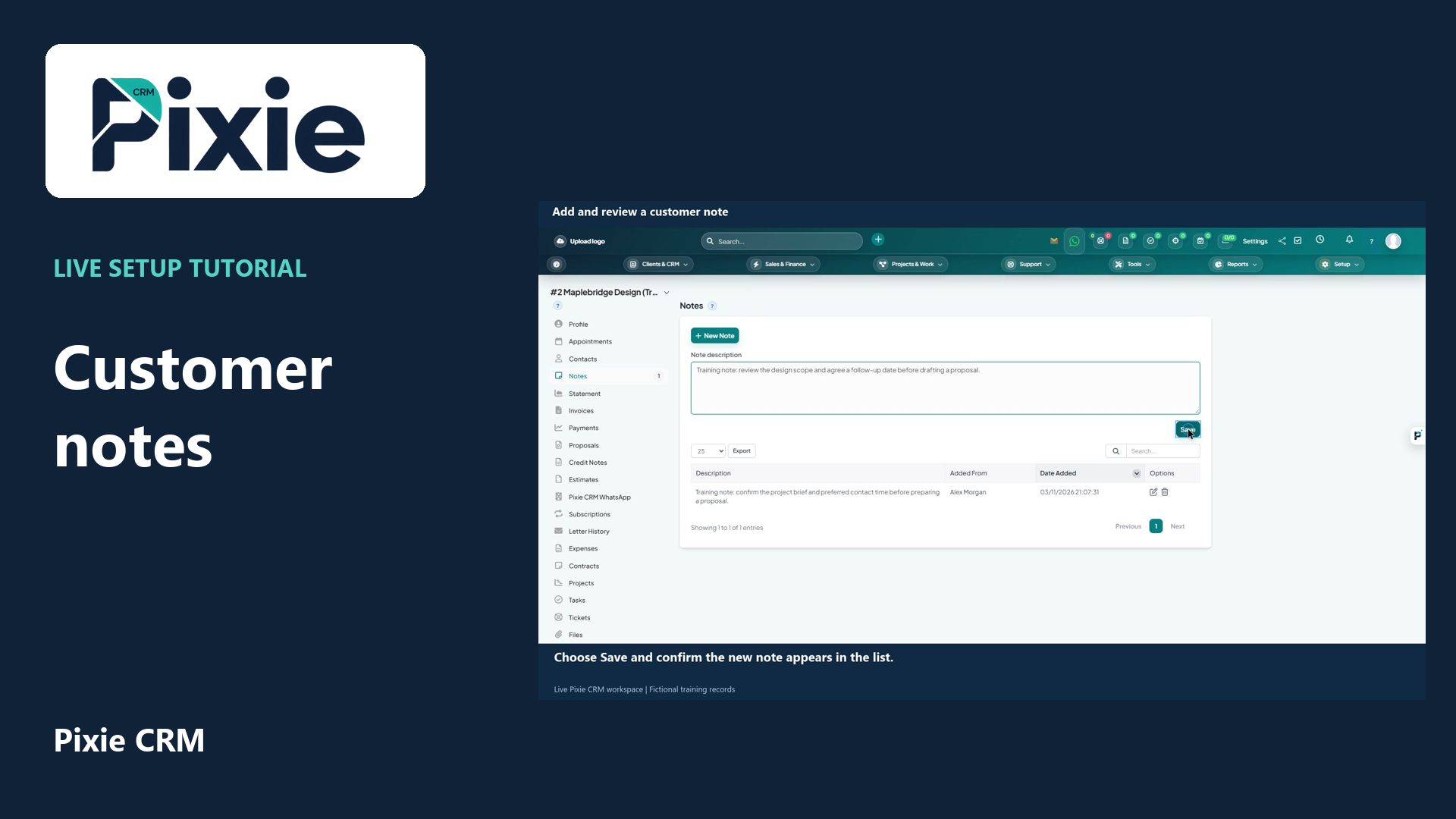
1:25 · English captions
Add a customer note in Pixie CRM with live clicks. Open Notes, write a factual description, save it and review the saved note, author and date.
Matching written guide ↗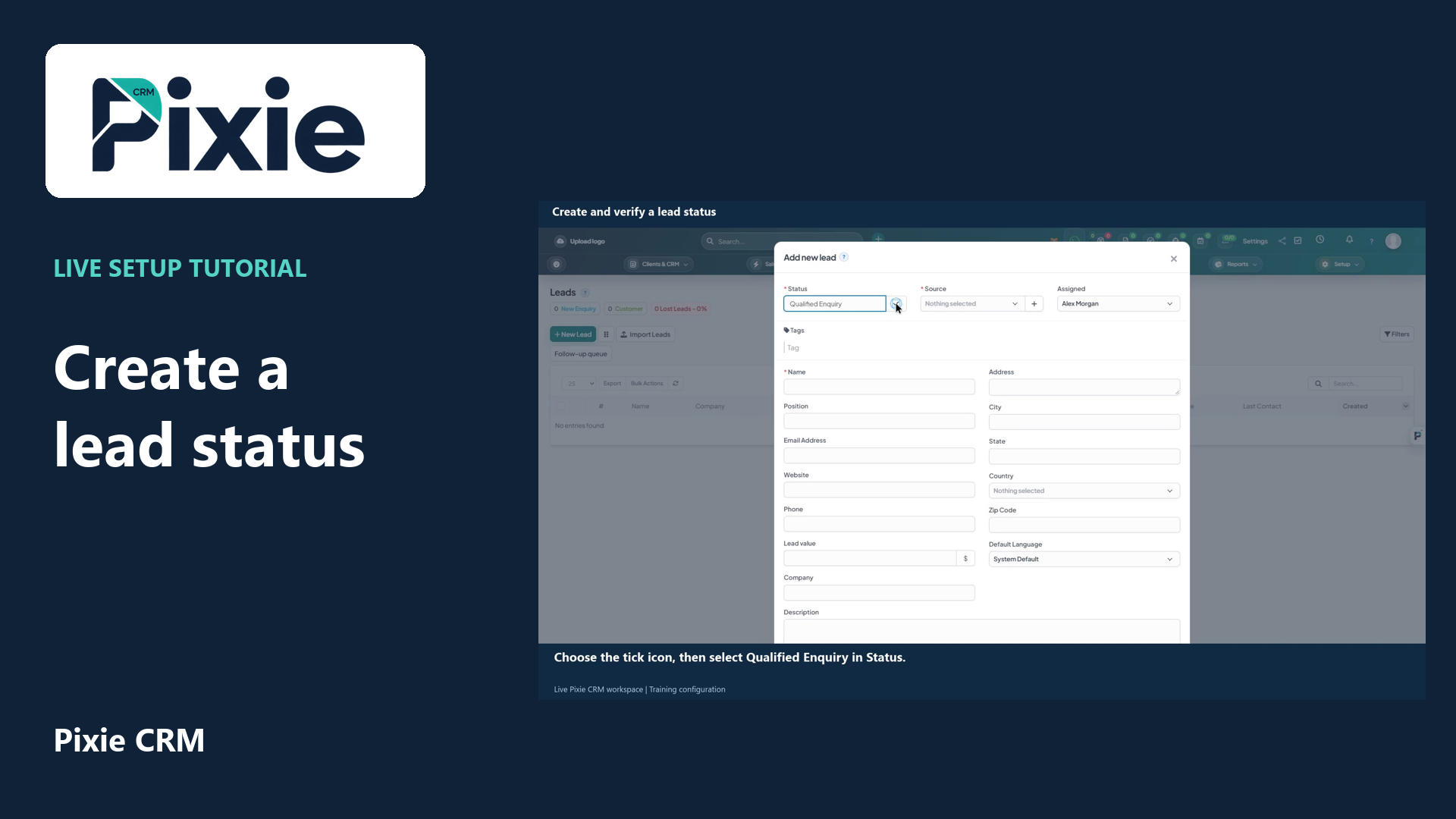
1:26 · English captions
Create a lead status from the Pixie CRM New Lead form. Add the status name, save it with the tick icon and reopen the form to confirm the saved option is available.
Matching written guide ↗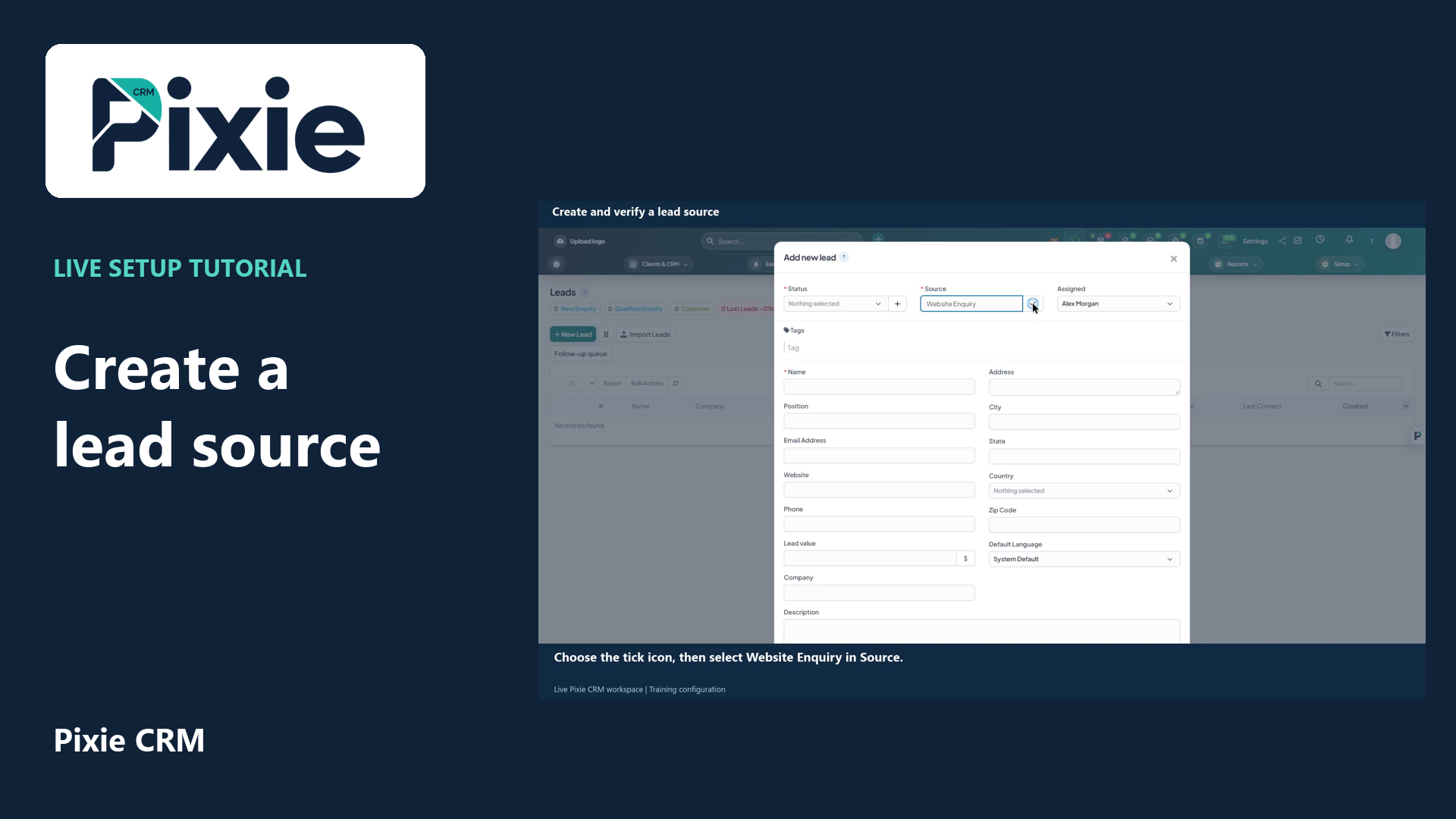
1:24 · English captions
Add a lead source in Pixie CRM with live clicks. Enter Website Enquiry, save it using the tick icon and reopen New Lead to confirm the source remains available.
Matching written guide ↗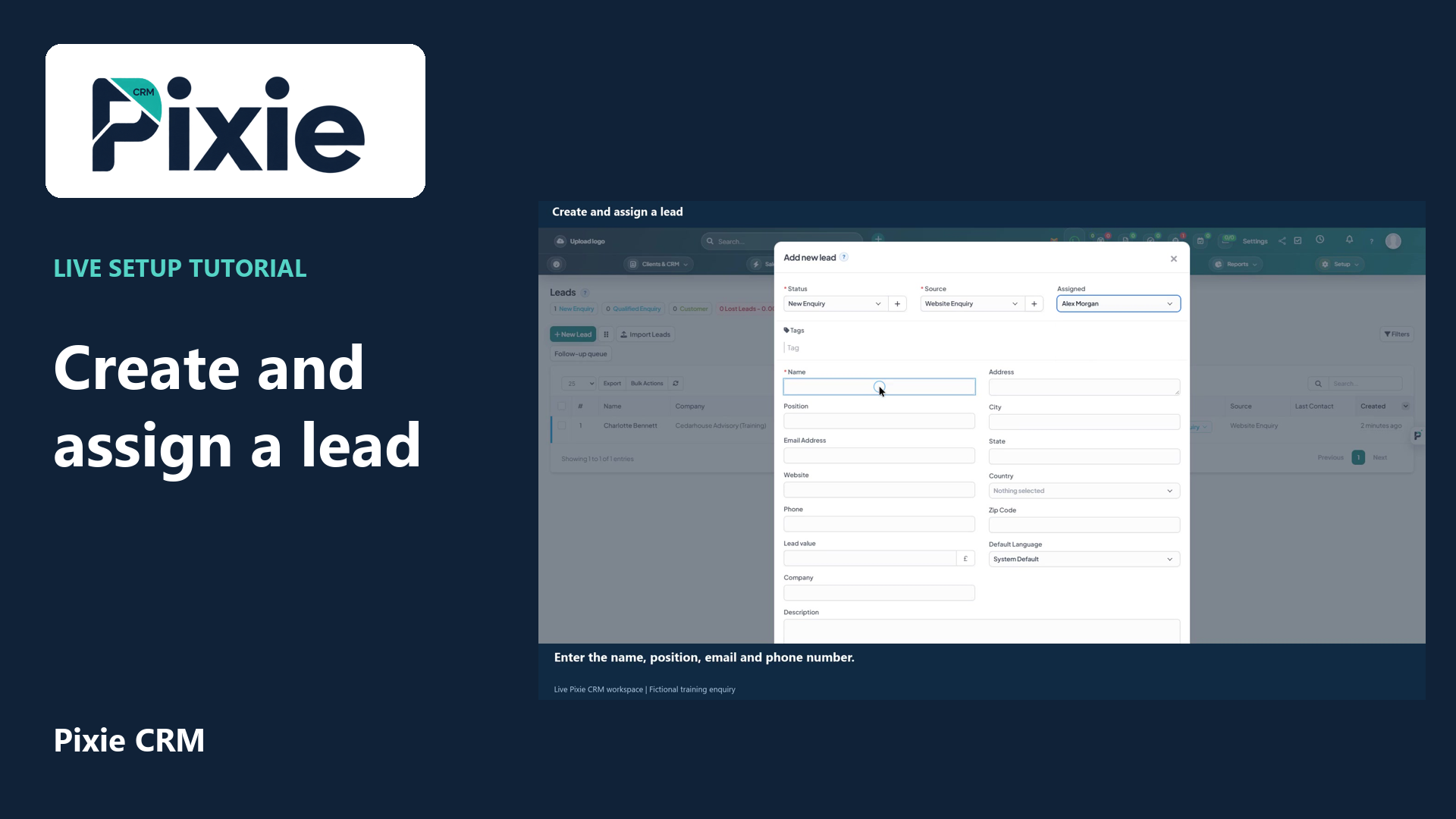
2:35 · English captions
Create a lead in Pixie CRM with live clicks. Select the status, source and owner, enter the enquiry details, review visibility and contact history, then save and verify the lead in the list.
Matching written guide ↗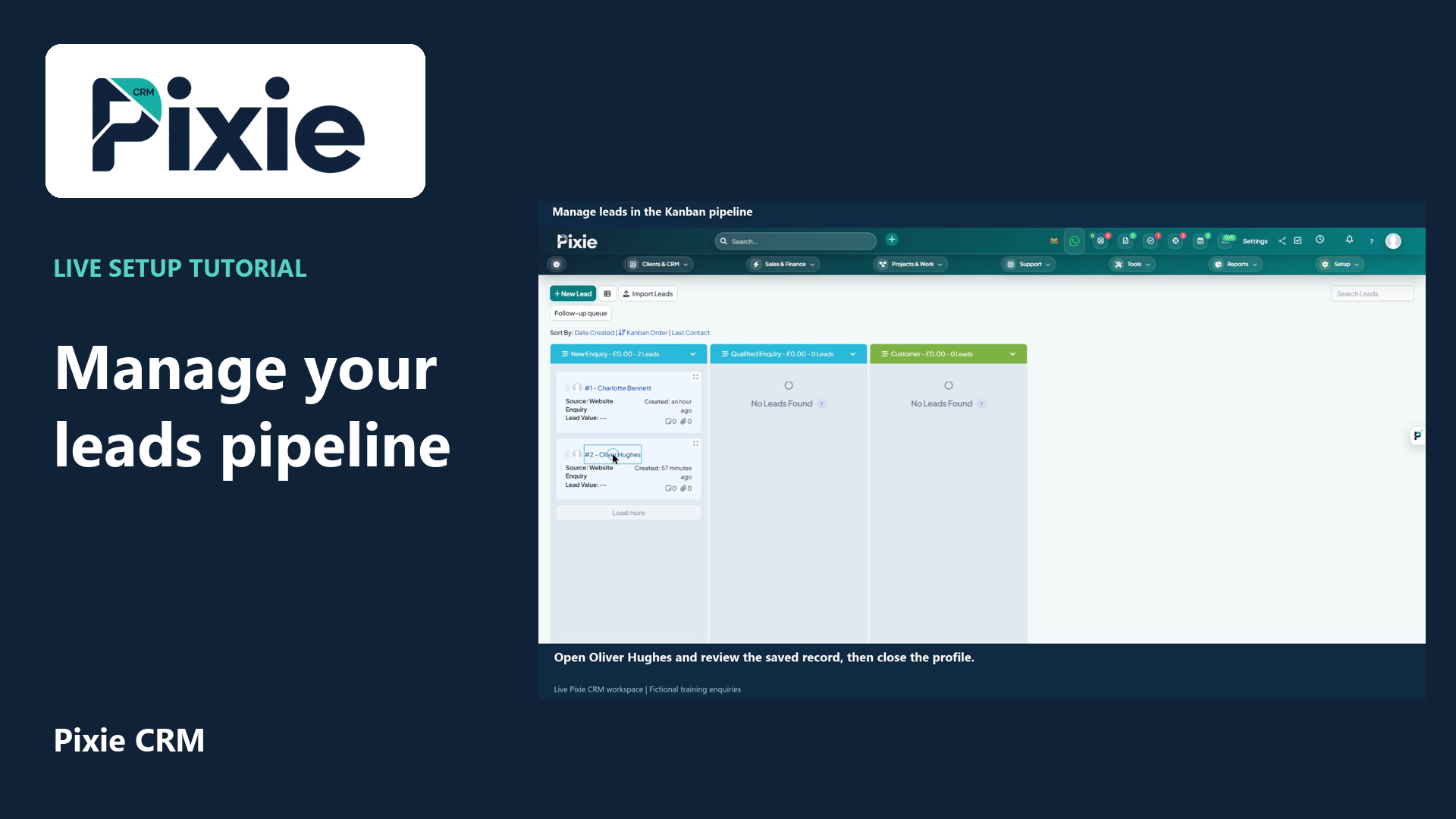
2:07 · English captions
Use the Pixie CRM leads Kanban board with live clicks and cursor movement. Review a lead, move its card to the next stage and confirm the saved status in list view.
Matching written guide ↗