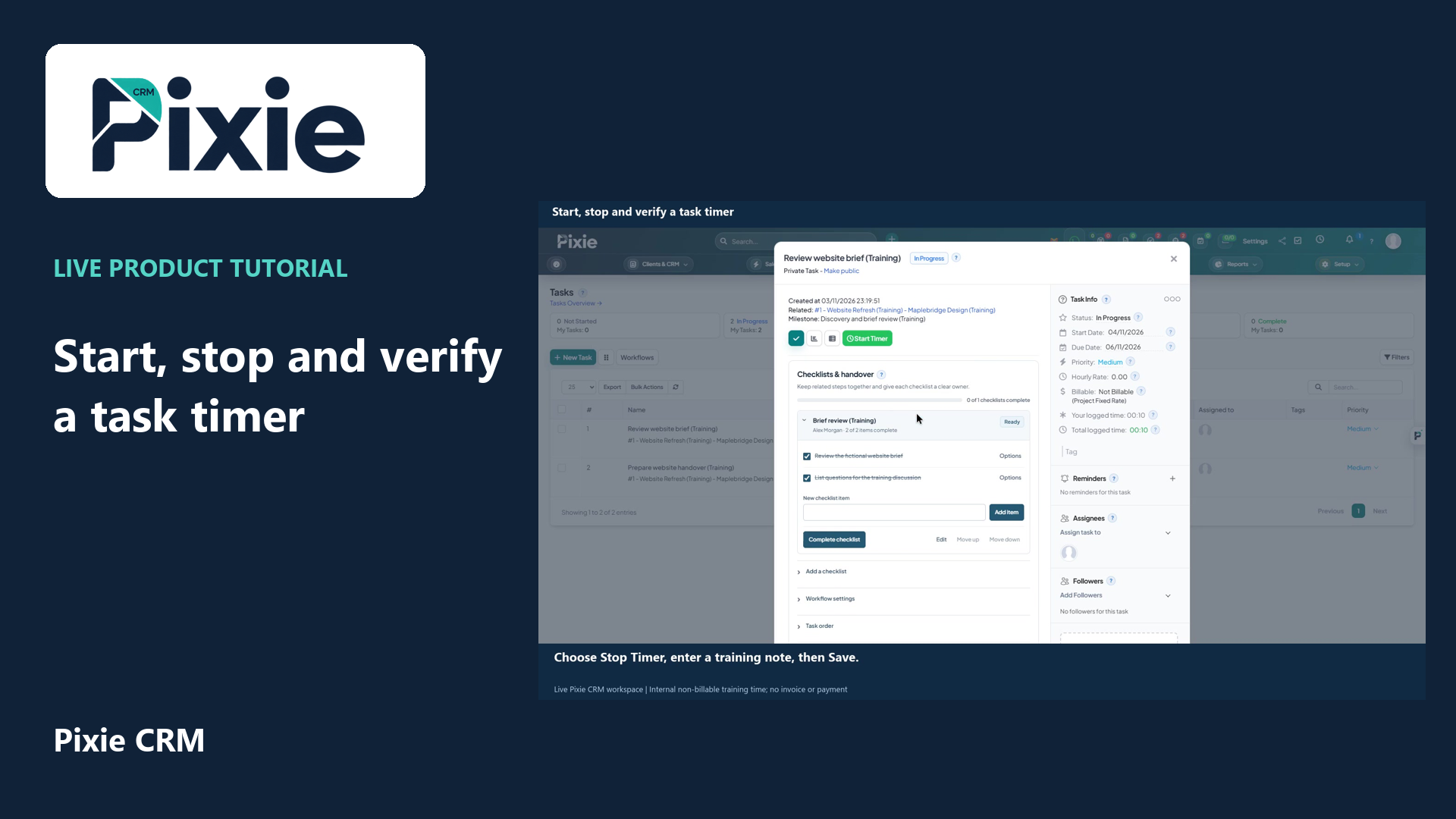
Start, stop and verify a task timer
Track time on a Pixie CRM task with live clicks. Start the timer, stop it with a session note and review the completed timesheet entry after reopening the task.
Customer work, connected.

Projects & Work
Time records should explain the work well enough for both a reviewer and a customer to understand. Pixie CRM time and timesheets connect recorded effort with staff, tasks and clients. That gives service businesses a better basis for reviewing delivery, planning capacity and preparing billing.
Keep the customer context, responsible person and next step together. Start with a familiar task, agree the information the team needs and check the result with the people who will use it.
Learn with Pixie CRM
Follow real application screens at your own pace, with English captions and a matching written guide.
Track time on a Pixie CRM task with live clicks. Start the timer, stop it with a session note and review the completed timesheet entry after reopening the task.
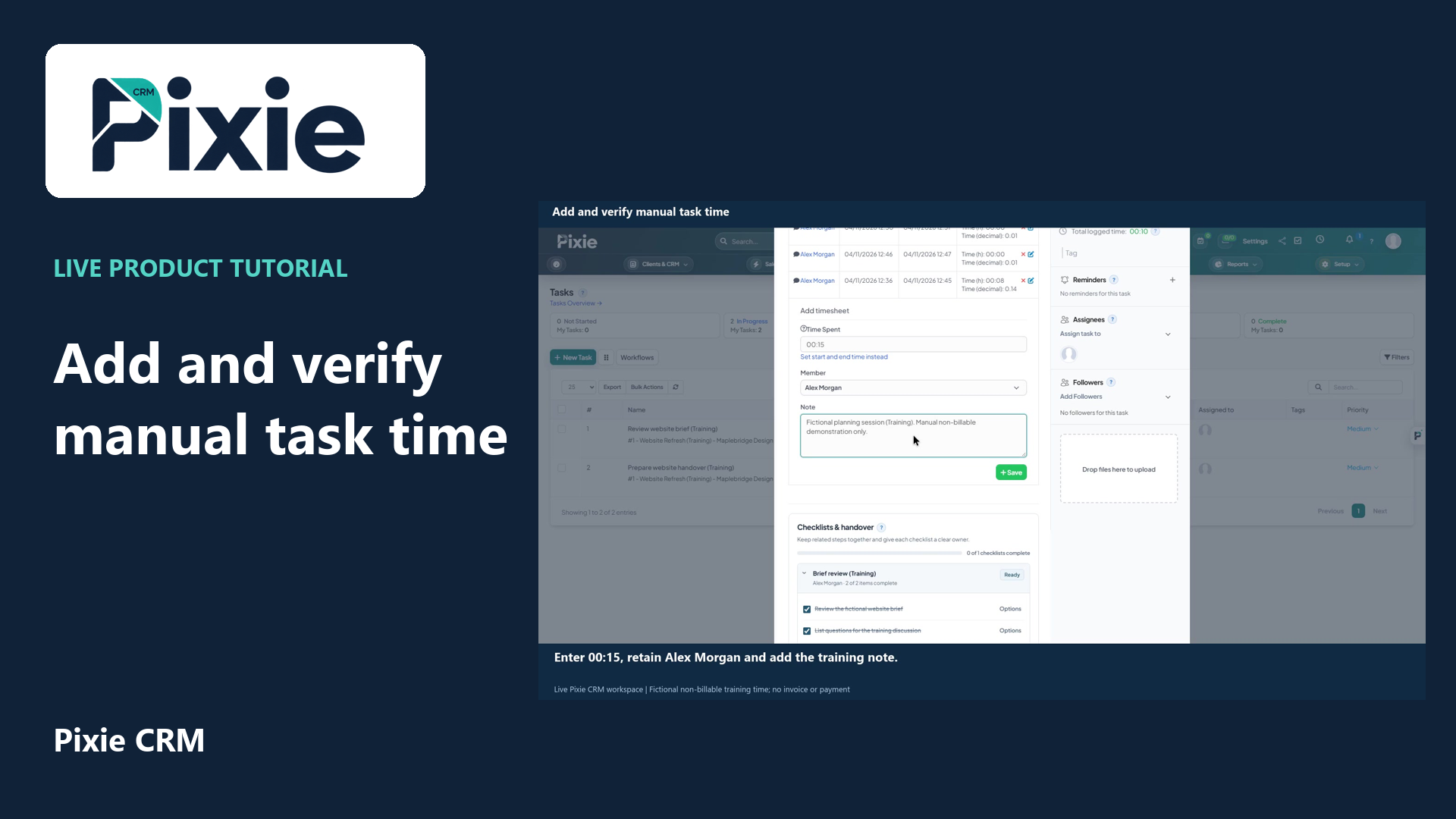
Add a manual Pixie CRM task timesheet with live clicks. Enter a duration, confirm the staff member, add a clear note, save and reopen the task to verify the retained entry.
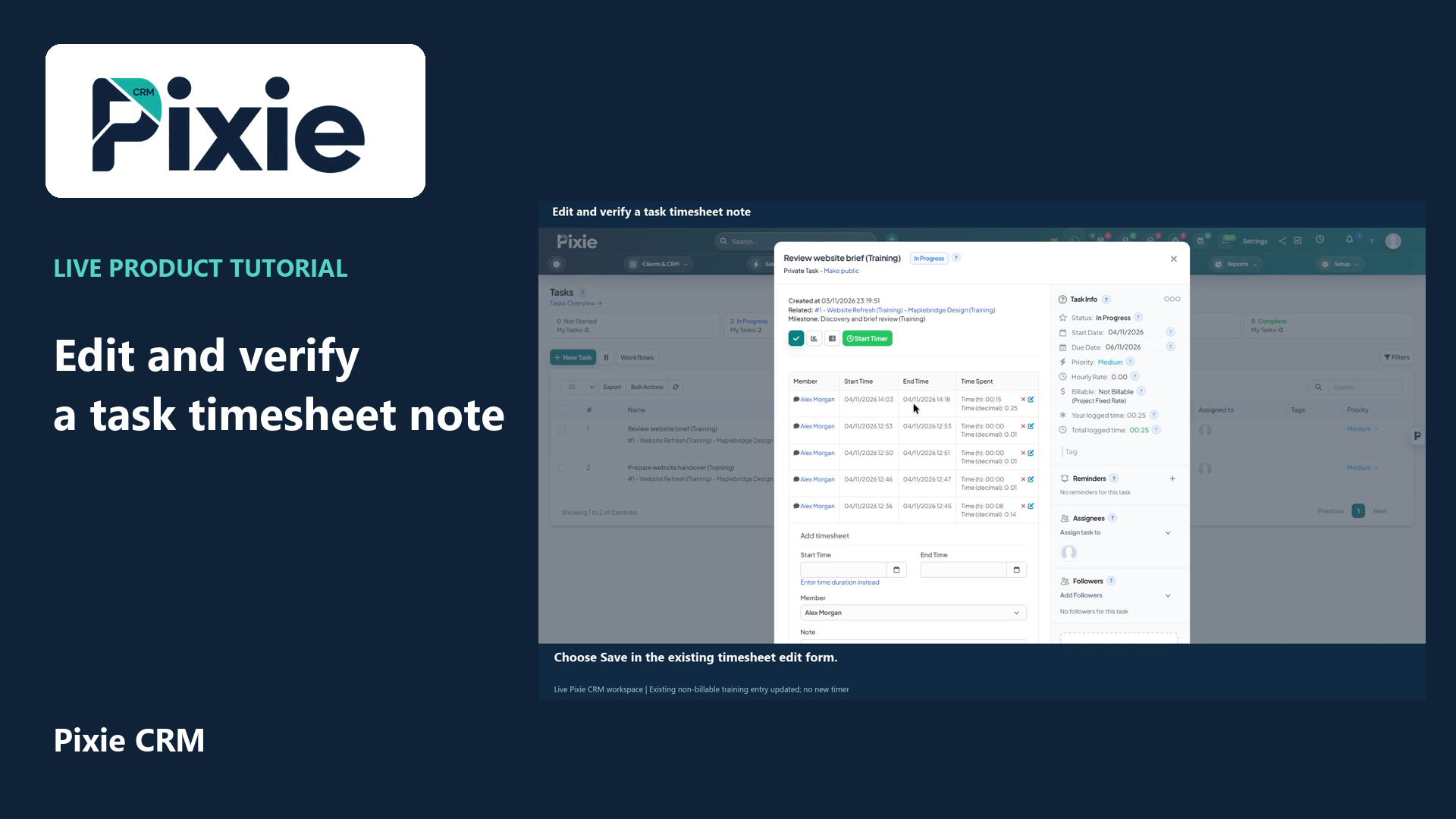
Edit a saved Pixie CRM task timesheet note with live clicks. Update the wording, retain the existing member and timestamps, save and reopen the entry to verify the retained changes.
Recorded in a demonstration workspace; available options depend on your plan and permissions.
Visit the Pixie CRM YouTube channel
Record the relevant task or project, the date and a short explanation of the work. Decide when a timer is appropriate and how manual entries or corrections are reviewed. Distinguish billable and non-billable activity according to the agreement rather than treating every recorded hour as chargeable. Consistent descriptions help project managers investigate a variance without asking someone to reconstruct a week from memory.
A timesheet review should look for missing context, duplicate entries and work outside the agreed scope. Set a clear cut-off for review and a route for late corrections. Project reporting can then compare effort with the delivery plan, while finance sees approved information for billing. Explain how time records are used to staff and limit access appropriately; activity measurement should support work management rather than encourage misleading totals.
Useful answers
Practical details for a better informed conversation.
Time tracking supports the distinction between billable and non-billable work. Confirm how rates, approval status, rounding and invoice descriptions are handled in your configuration before using time records for live billing.
Agree a correction process that preserves a readable explanation. A reviewer should be able to understand the intended work and the reason for the adjustment rather than relying on the raw duration alone.
Continue exploring
Your workflow is a good place to start
Bring your current tools, your priorities and the handovers you want to improve. We’ll help you define a useful next step.
Verify your email. Send your enquiry.
Keep your ticket reference.
Explore the tasks behind Time & Timesheets. Check the guide against your enabled modules and role, then confirm the result in your workspace.