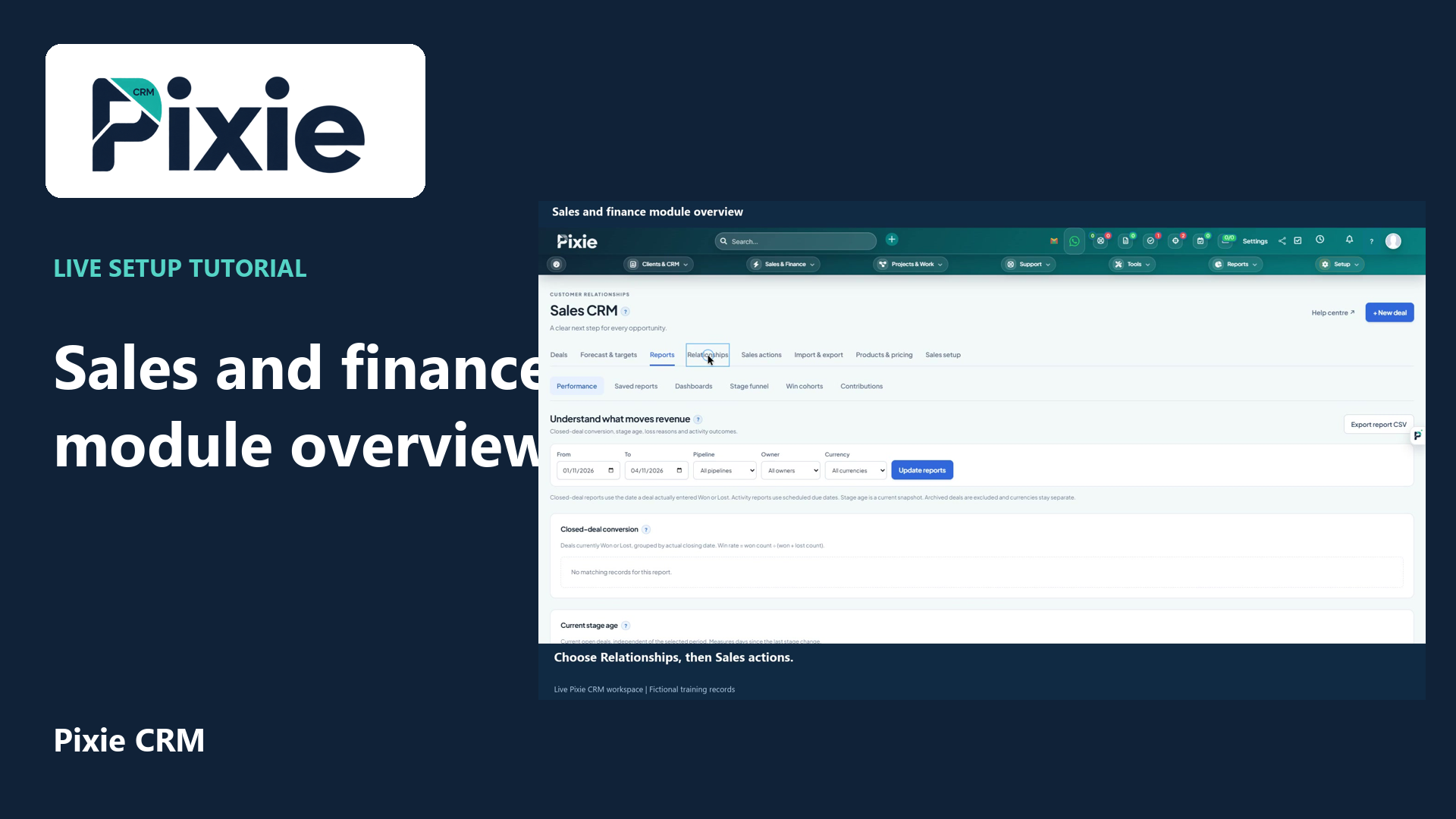
Explore the Pixie CRM sales and finance workspaces with live clicks. Find deals, forecasts, sales documents, invoices, payments, items, subscriptions, expenses, contracts and accounting tools.
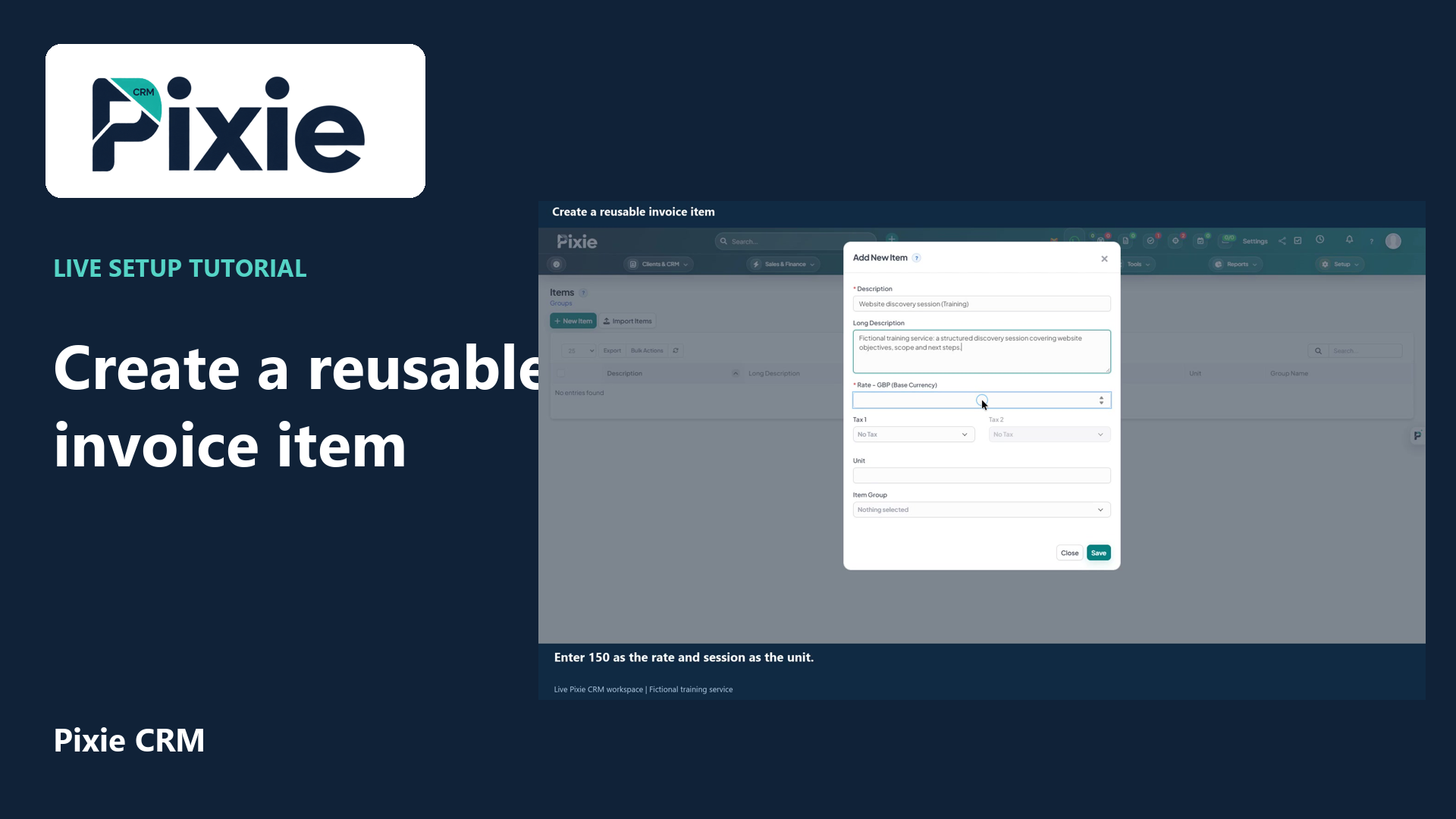
Create a reusable invoice item in Pixie CRM. Follow live clicks to enter the description, rate and unit, save the item and reopen it to verify the details.
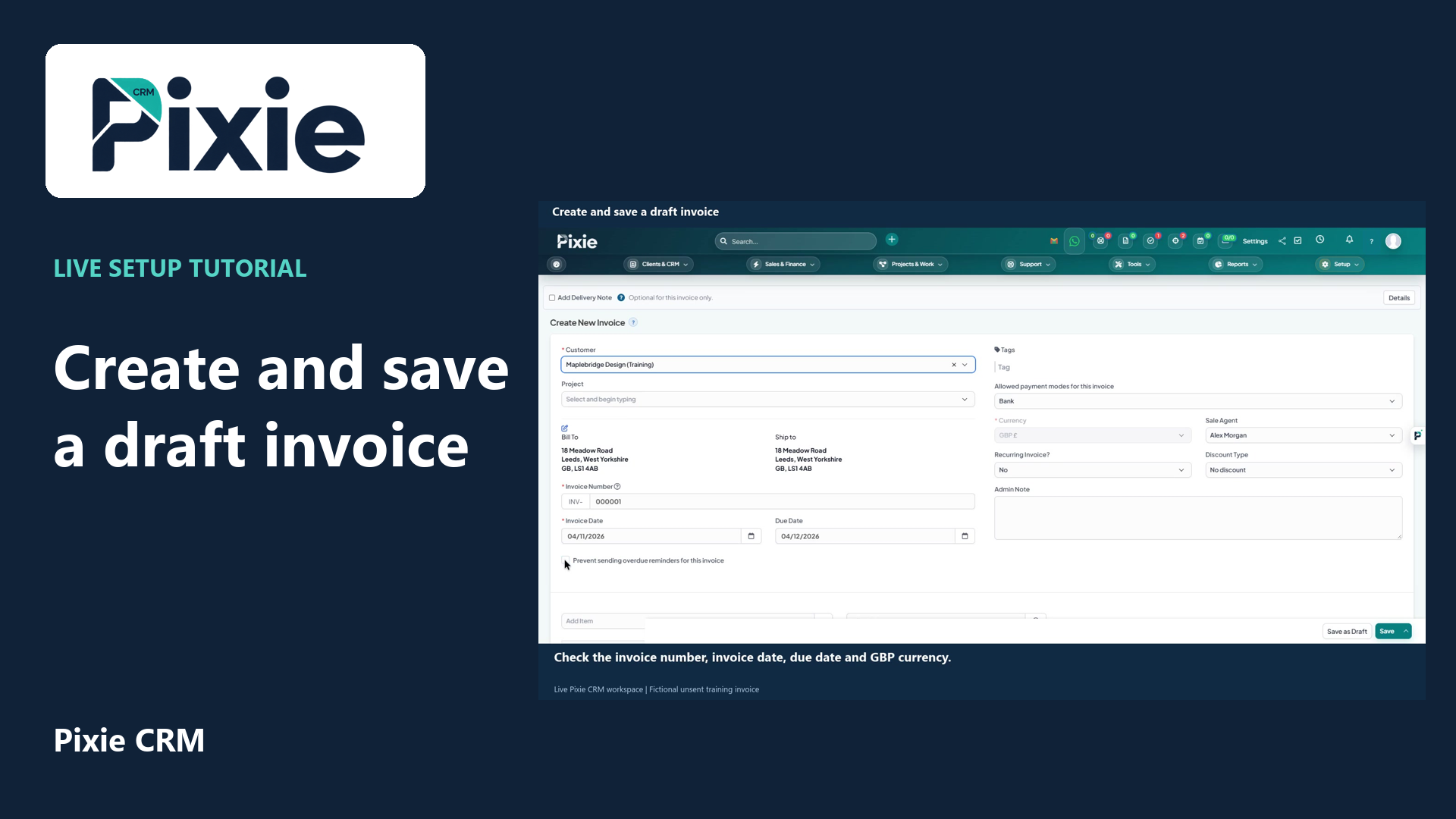
Create a draft invoice in Pixie CRM with live clicks. Select the customer, review dates and GBP currency, add a reusable service item and verify the saved draft.
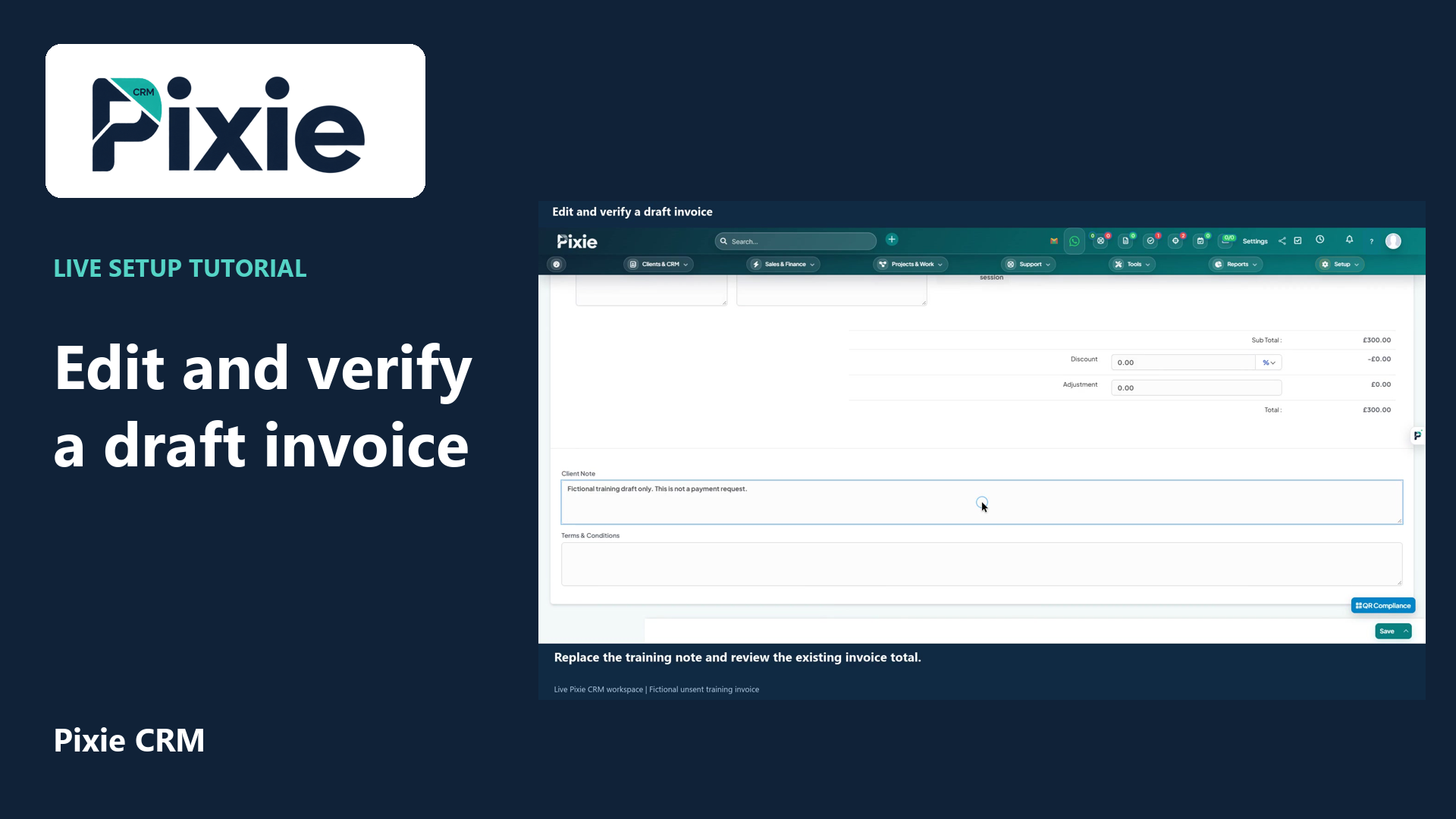
Edit a draft invoice in Pixie CRM. Follow live clicks to revise the due date and client note, save the same draft and reopen it to verify the stored changes.
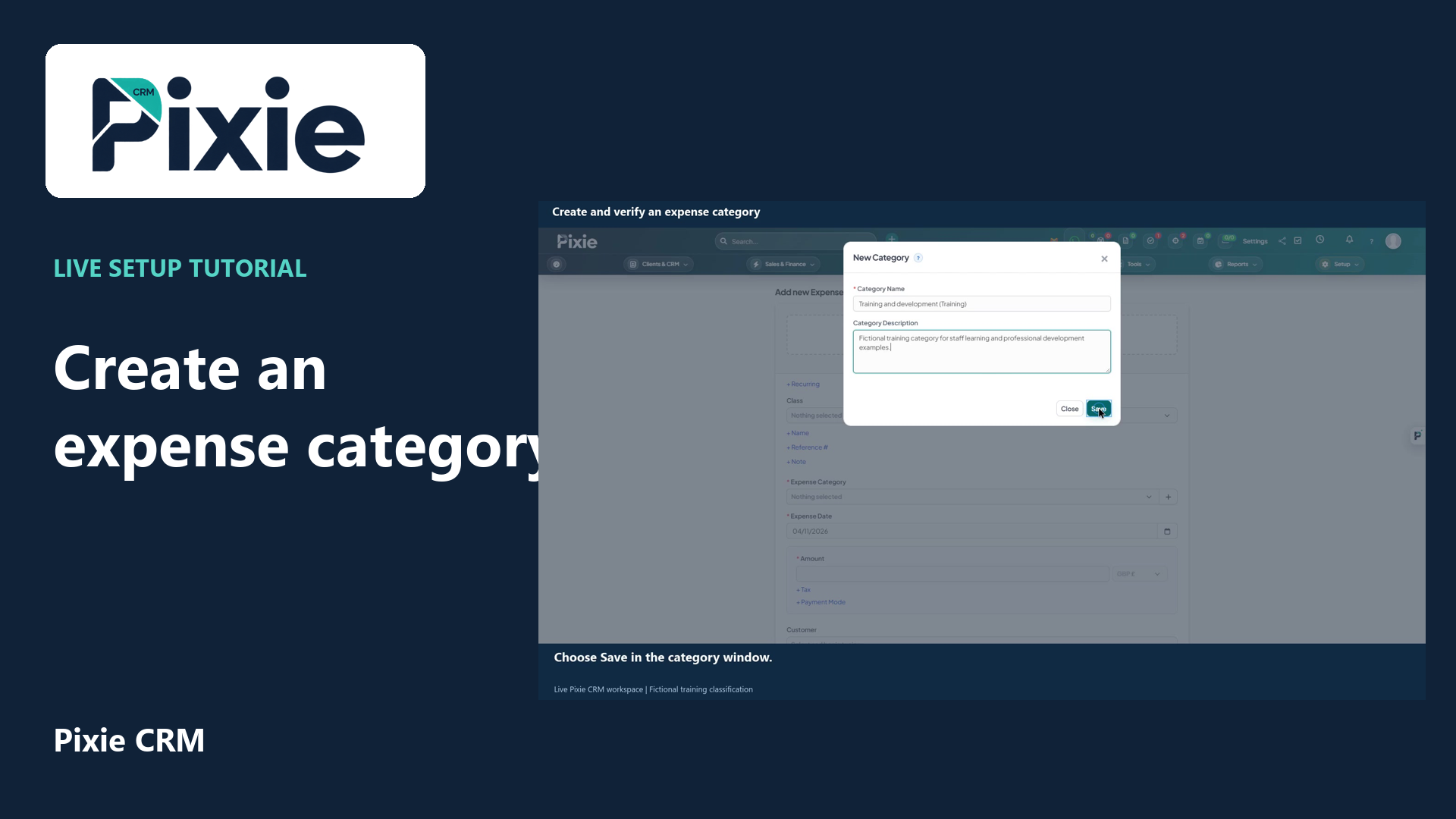
Create an expense category in Pixie CRM. Use the plus button beside Category, enter its name and description, save and reopen the form to verify it is available.