
Pixie CRM guided video tutorial
Disable and restore a knowledge base article
Recorded live · 1:35 · English captions
Disable and restore a knowledge base article: live walkthrough
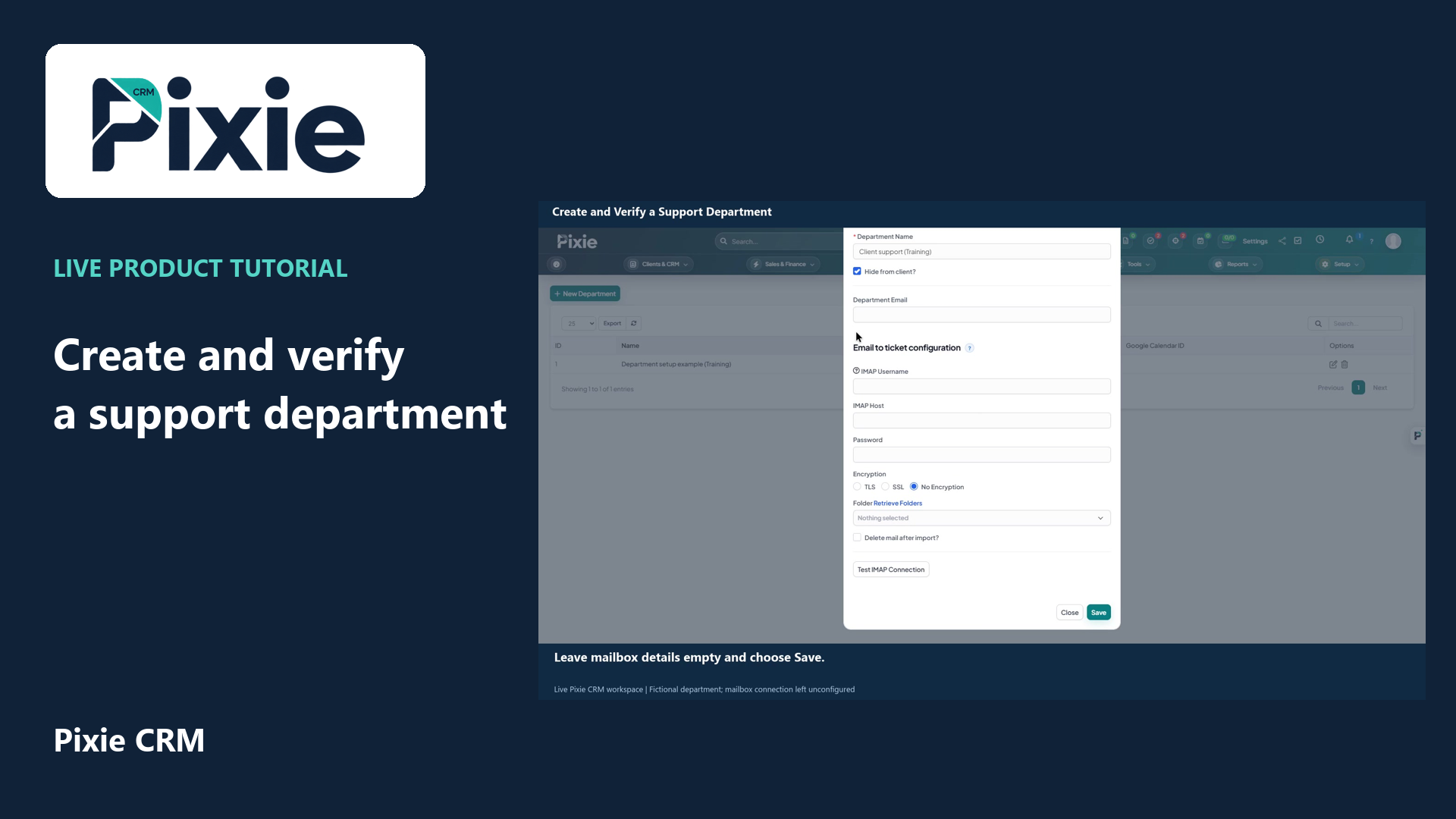 Create and verify a support department
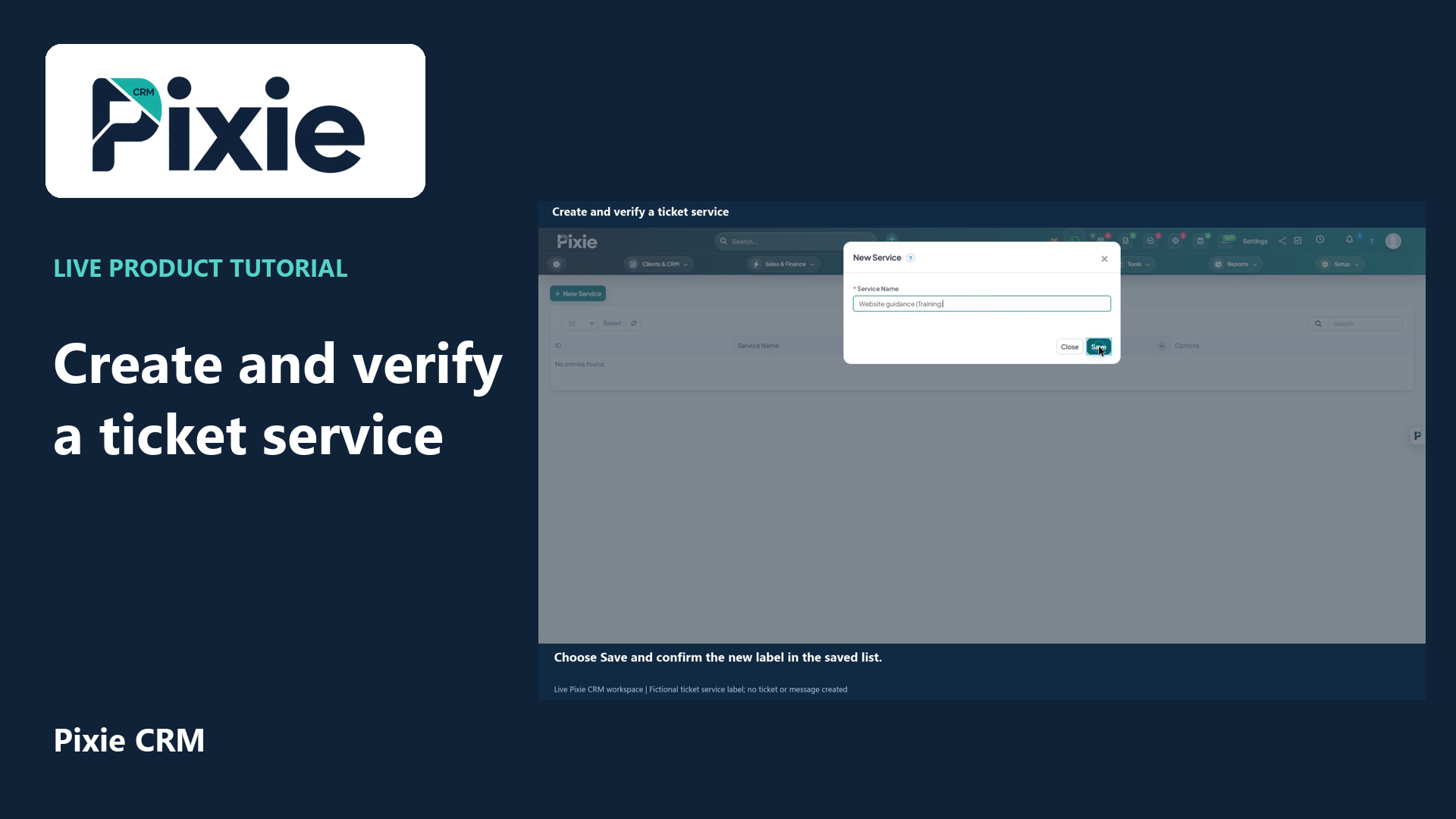 Create and verify a ticket service
More videos in this category · Read the matching instructions
Disable and restore a Pixie CRM knowledge-base article with live clicks. Save and verify both availability states while preserving the Internal Article audience setting.
Matching written guide · Download MP4 · English captions
The article is a fictional training example in the disposable workspace. Internal Article remains enabled during both saves. This video changes and restores availability without publishing customer-facing content or sending a message.
Watch this tutorial on YouTube ↗ · Related Pixie CRM tutorials ↗
Video chapters
- 0:00 — Open the saved internal article
- 0:15 — Disable the article and save
- 0:30 — Verify the saved disabled state
- 0:45 — Restore article availability
- 1:00 — Verify the restored internal article
- 1:15 — Continue with related Pixie CRM tutorials
Read the video transcript
Disable and restore a knowledge-base article in Pixie CRM. Open Knowledge Base and select the saved training article. Review its Internal Article and Disabled options before changing availability.
Select Disabled and choose Save. Keep Internal Article selected so the article's audience remains internal. Availability and audience are separate settings; changing one does not require changing the other.
After the editor reloads, confirm that Disabled remains selected and Internal Article is still on. The saved article has been disabled without changing its title, group or intended audience.
To restore availability, clear Disabled and save again. Keep Internal Article selected for this staff guidance. Review the audience carefully before using these controls on real customer-facing content.
Confirm that Disabled is off, Internal Article is on and the original group is retained. The article is restored for its internal audience. This workflow has not published a customer-facing article.
Follow the written instructions
Open the matching written guide ↗ · Browse all Pixie CRM video guides