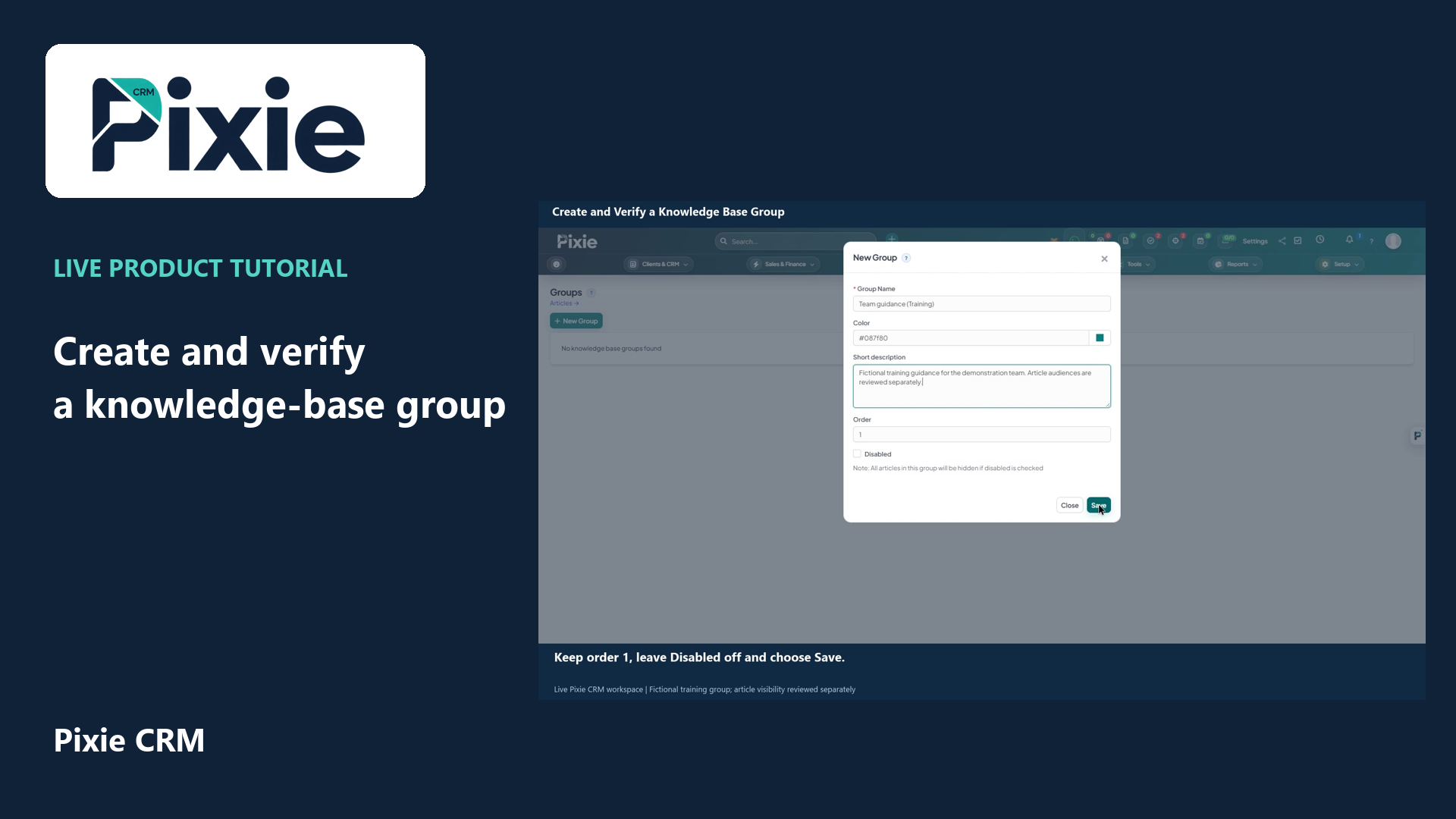
Create a Pixie CRM knowledge-base group with live clicks. Set its name, colour, description and order, save it and reopen the group to verify the retained settings.
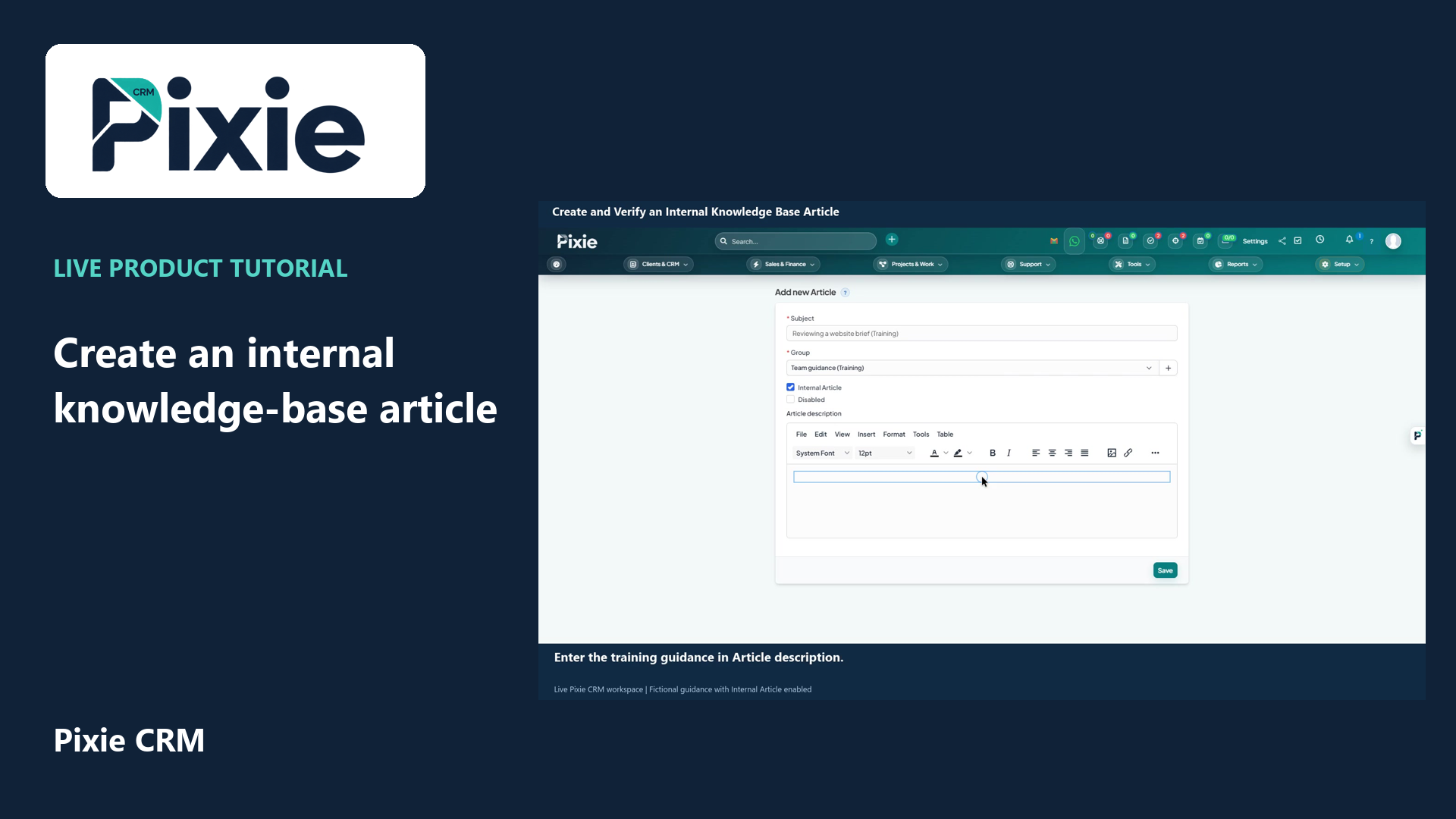
Create an internal Pixie CRM knowledge-base article with live clicks. Set its title and group, choose Internal Article, write the guidance and verify the saved audience and content.
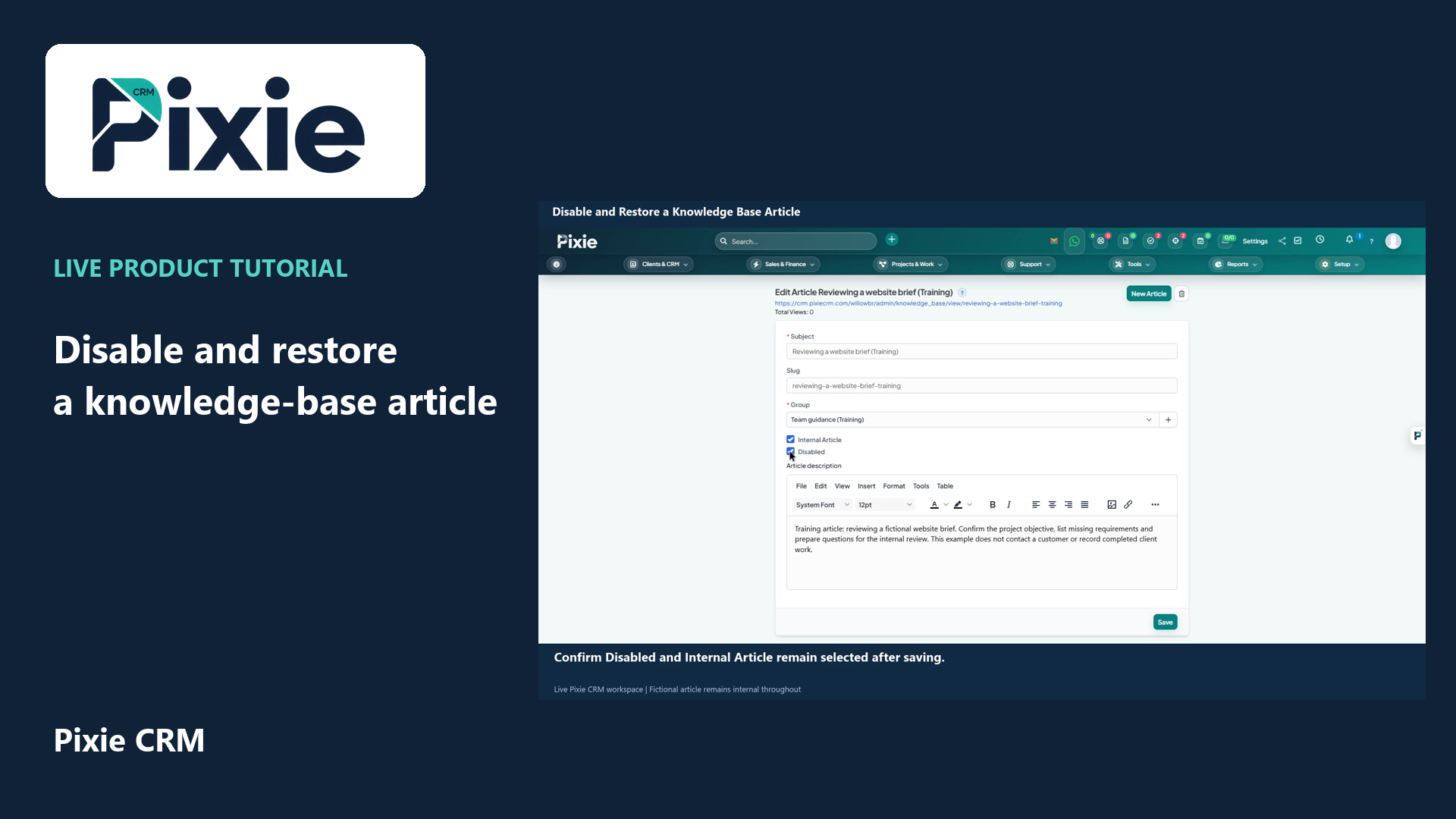
Disable and restore a Pixie CRM knowledge-base article with live clicks. Save and verify both availability states while preserving the Internal Article audience setting.
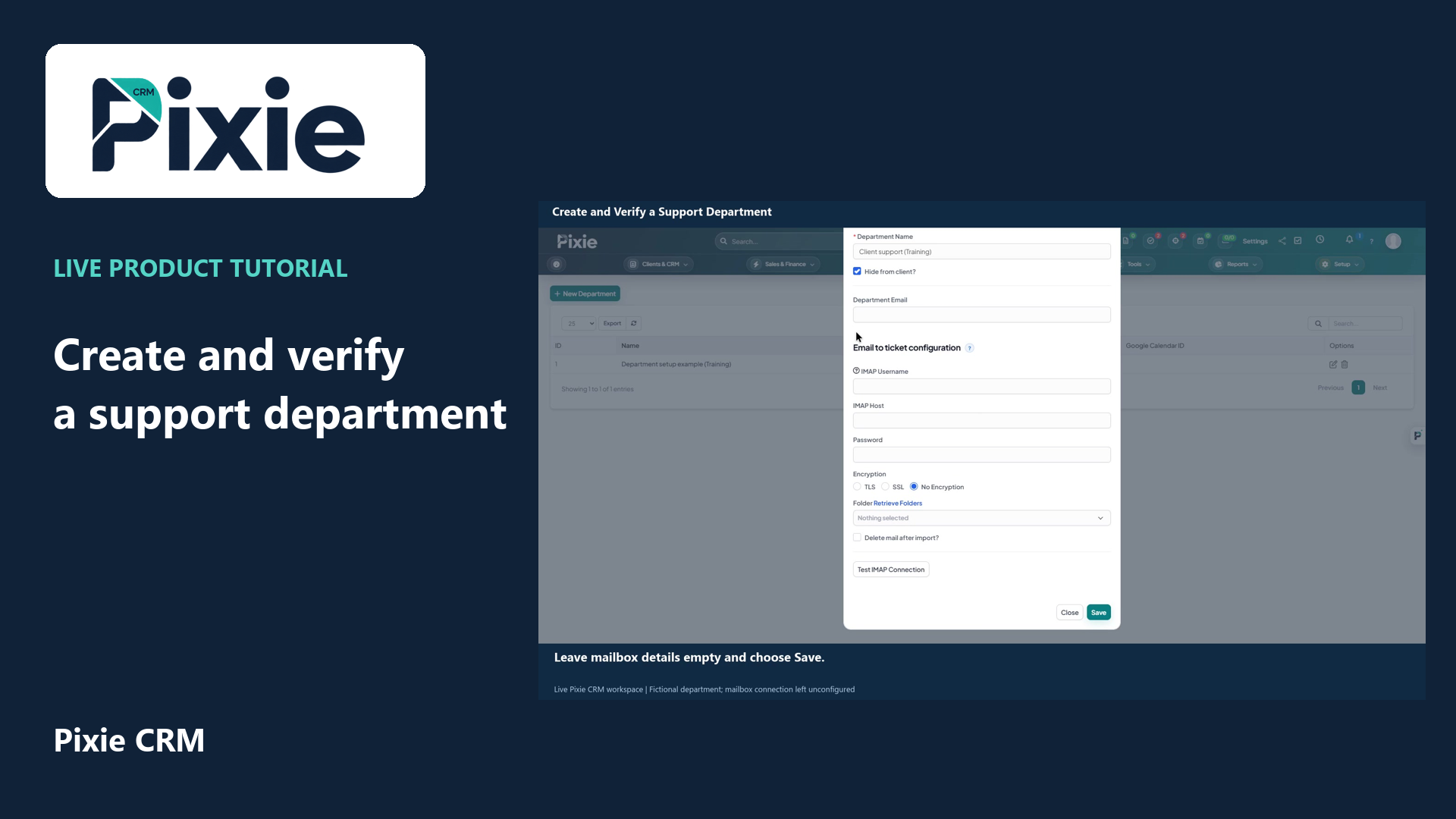
Create a Pixie CRM support department with live clicks. Set its name and client visibility, save it and reopen the department to verify the retained settings.
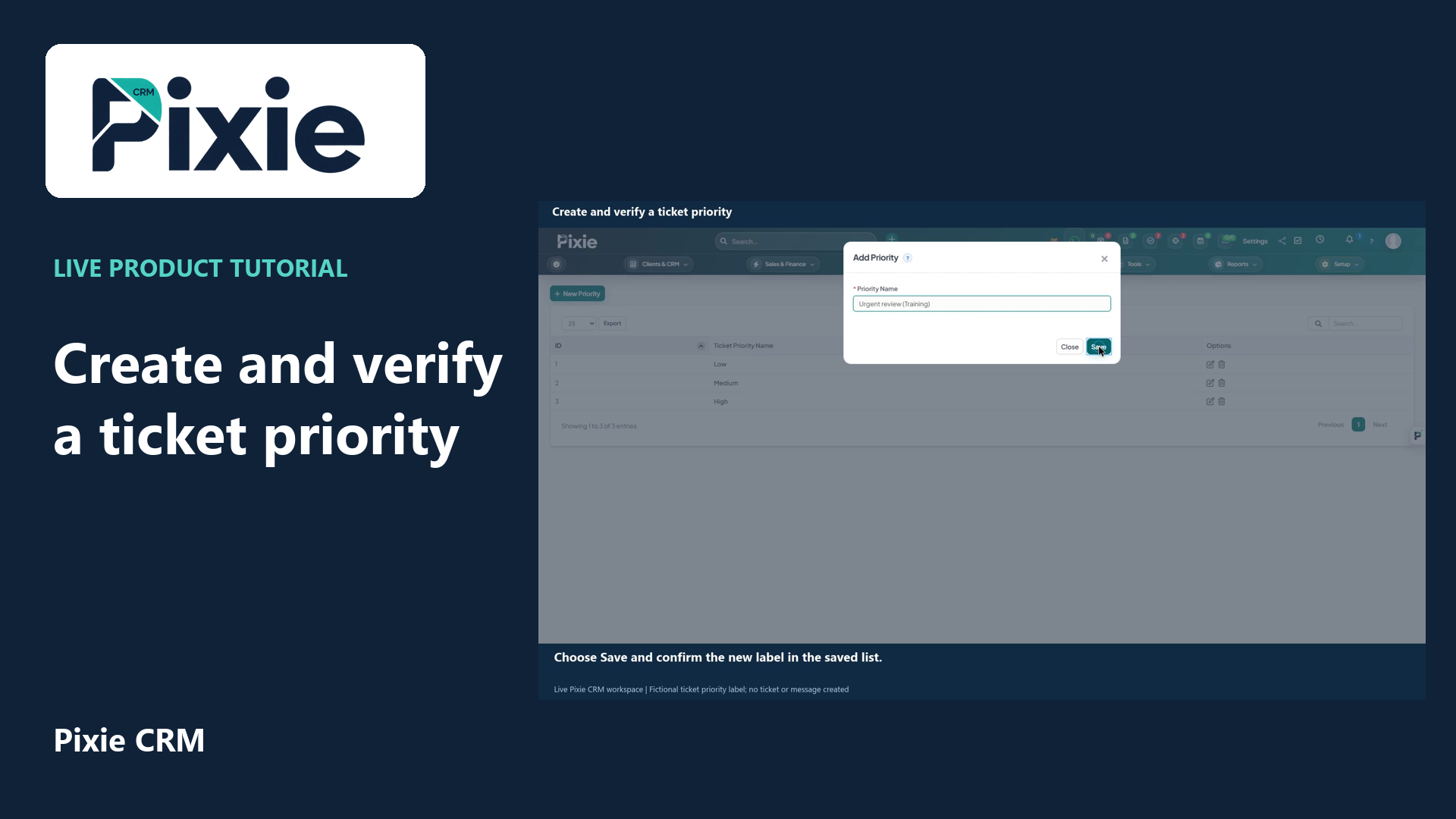
Create a Pixie CRM ticket priority with live clicks. Enter its label, save the new option and reopen the Edit form to verify that the name is retained.
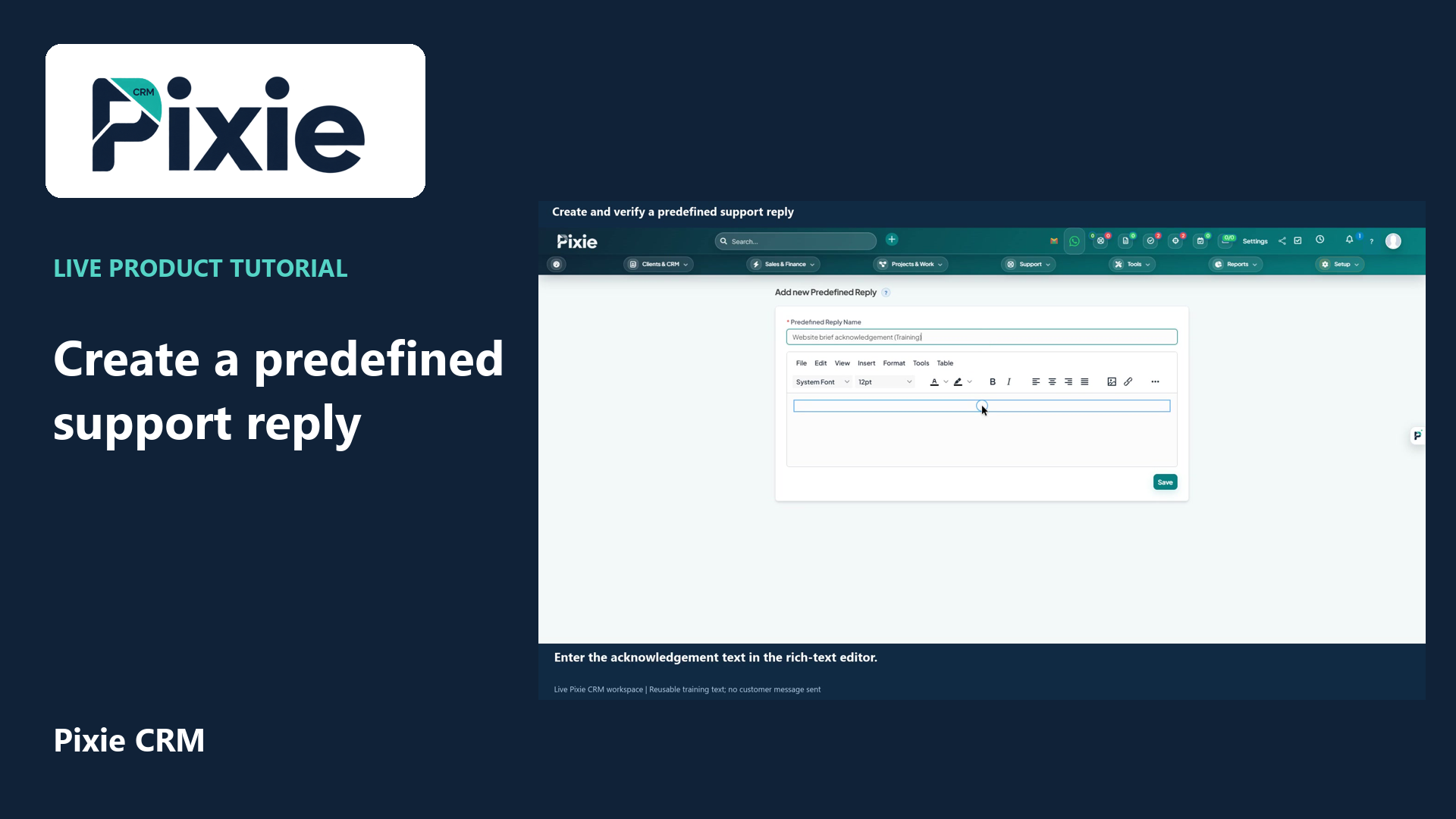
Create a Pixie CRM predefined support reply with live clicks. Enter its name and message, save the reusable text and reopen it to verify the retained wording.