Create a customer project
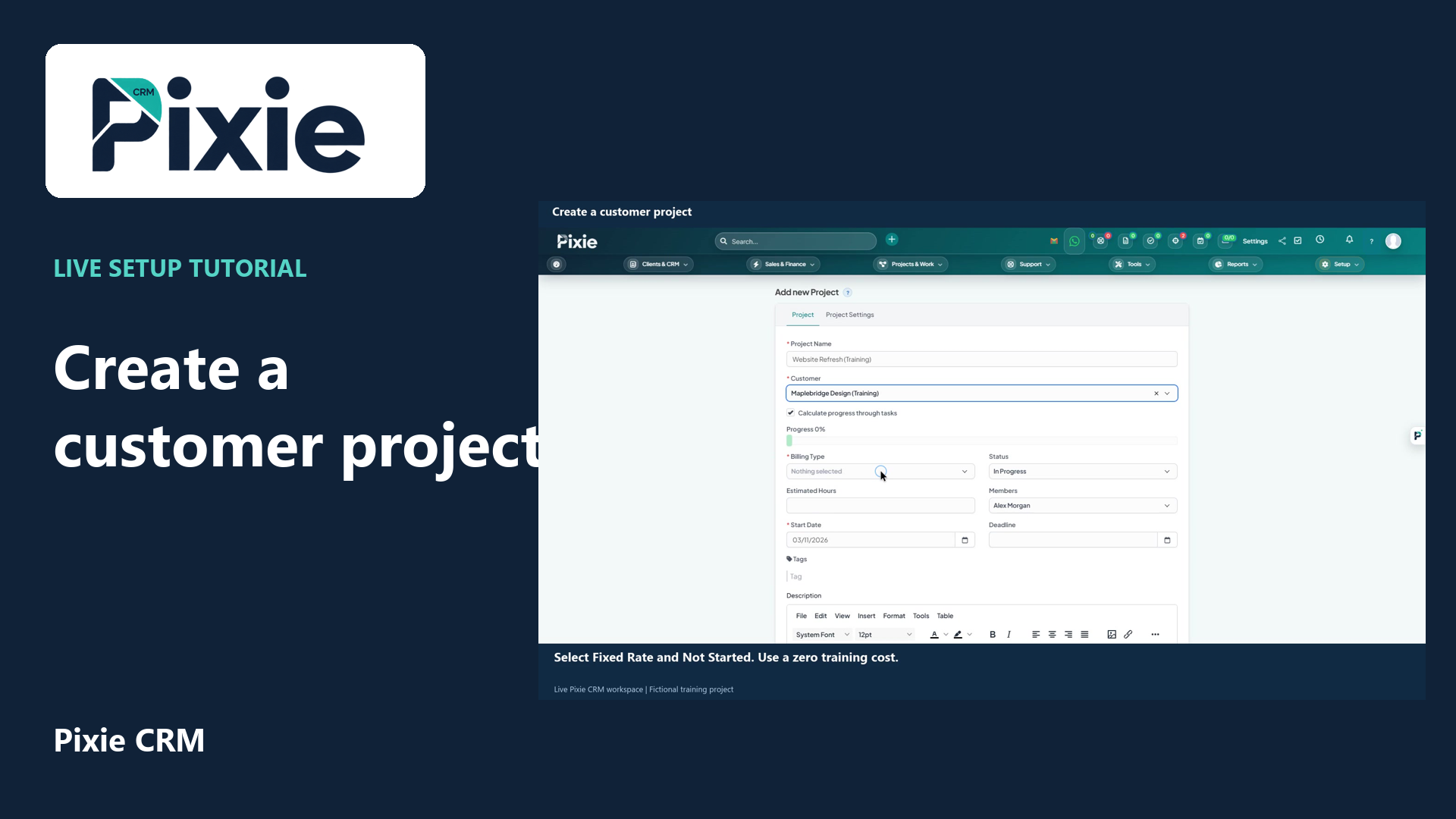
Create a customer project in Pixie CRM with live clicks. Link the customer, choose billing type and status, set dates, review members and notification choices, then save and confirm the project overview.
Customer work, connected.

Platform capabilities
A project team should not have to rediscover the commitments made during a sale. Pixie CRM projects and delivery features bring the customer, scope and work plan together. They help people understand what is due, who owns it and which decisions could affect the outcome.
Learn with Pixie CRM
Follow real application screens at your own pace, with English captions and a matching written guide.
Create a customer project in Pixie CRM with live clicks. Link the customer, choose billing type and status, set dates, review members and notification choices, then save and confirm the project overview.
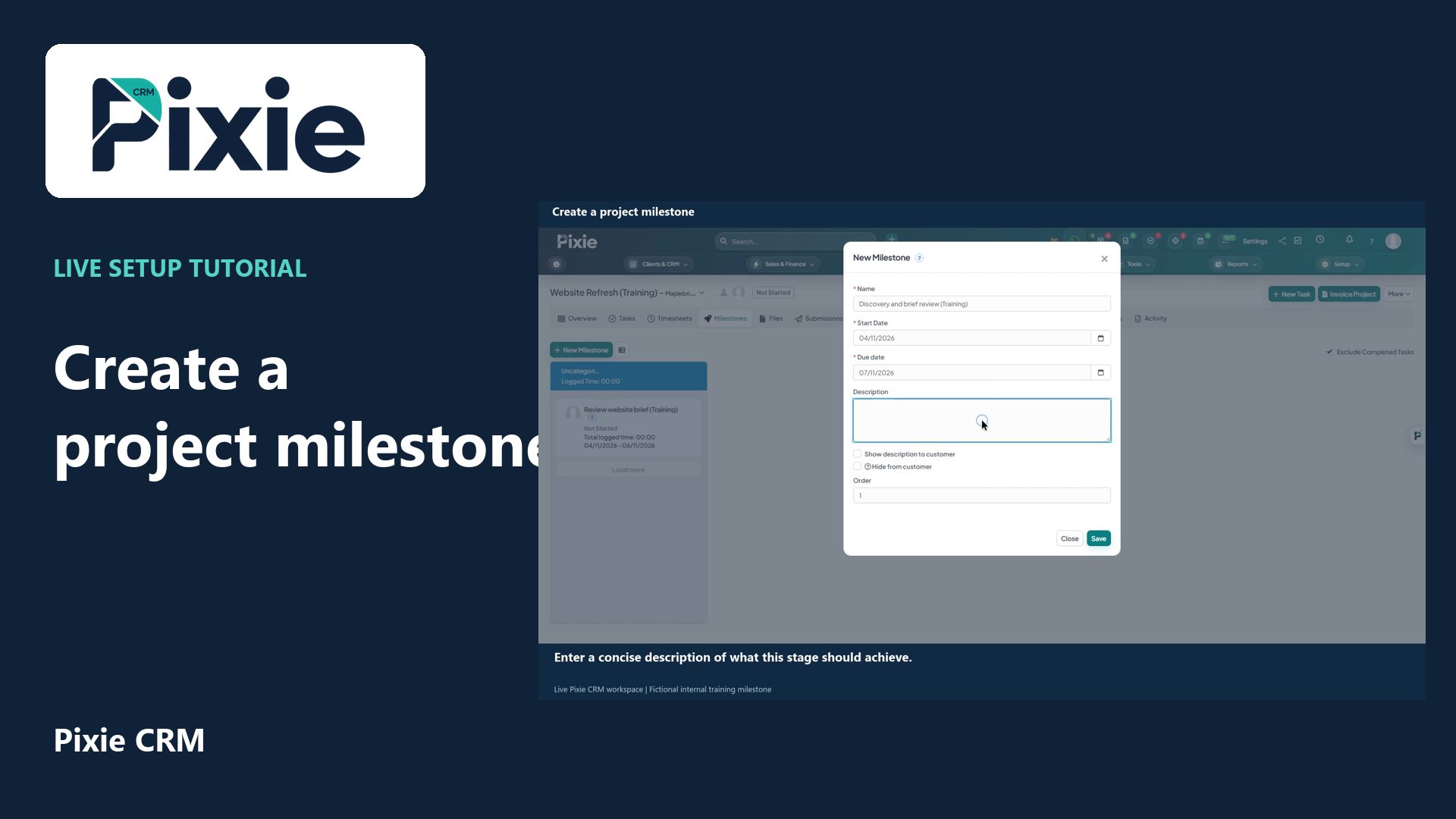
Create a project milestone in Pixie CRM with live clicks. Set its name, dates, description, customer visibility and order, then save and confirm it in the project.
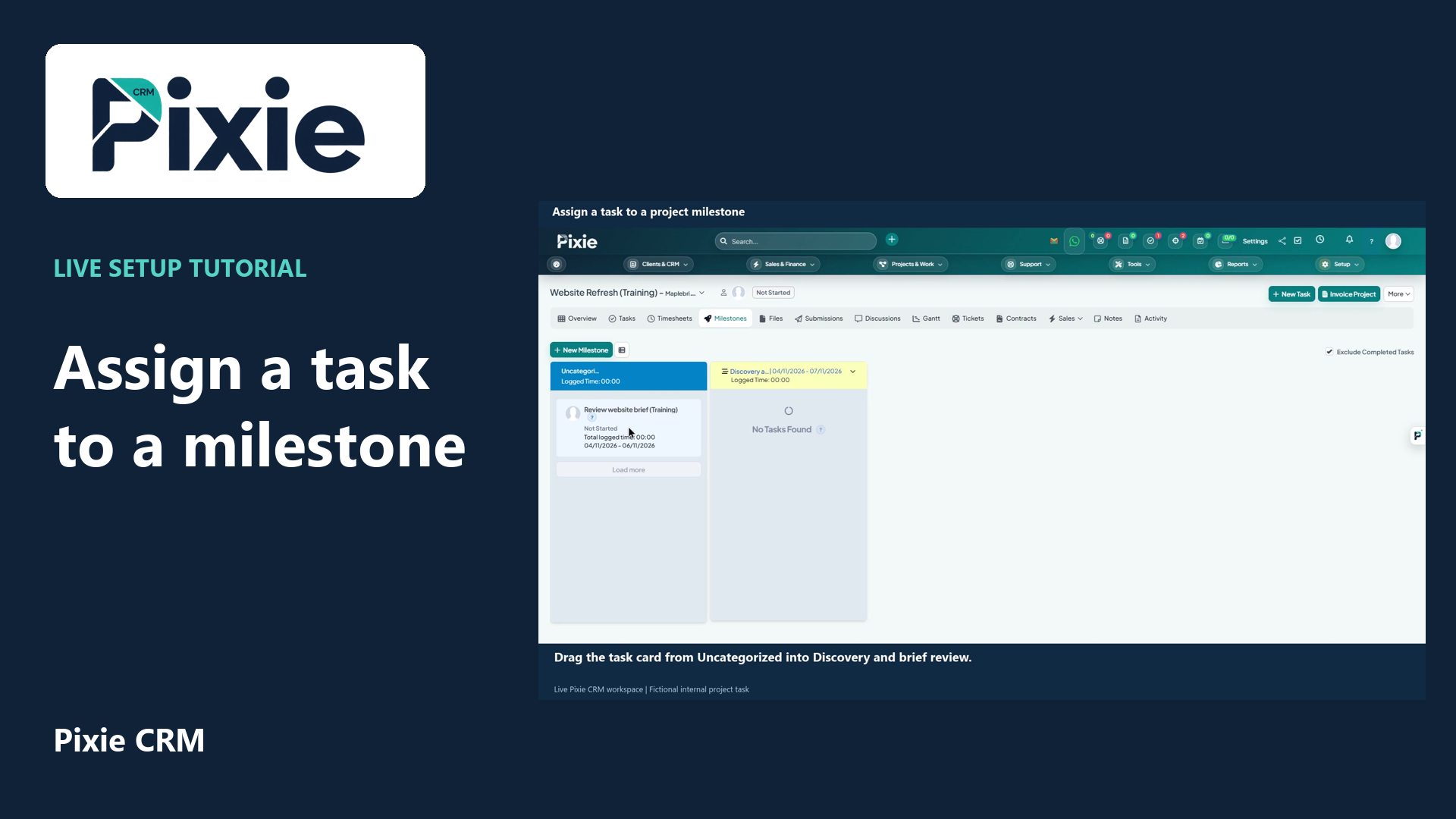
Organise a project task into a milestone in Pixie CRM. Follow the live drag-and-drop workflow, then reopen the board to confirm the assignment was saved.
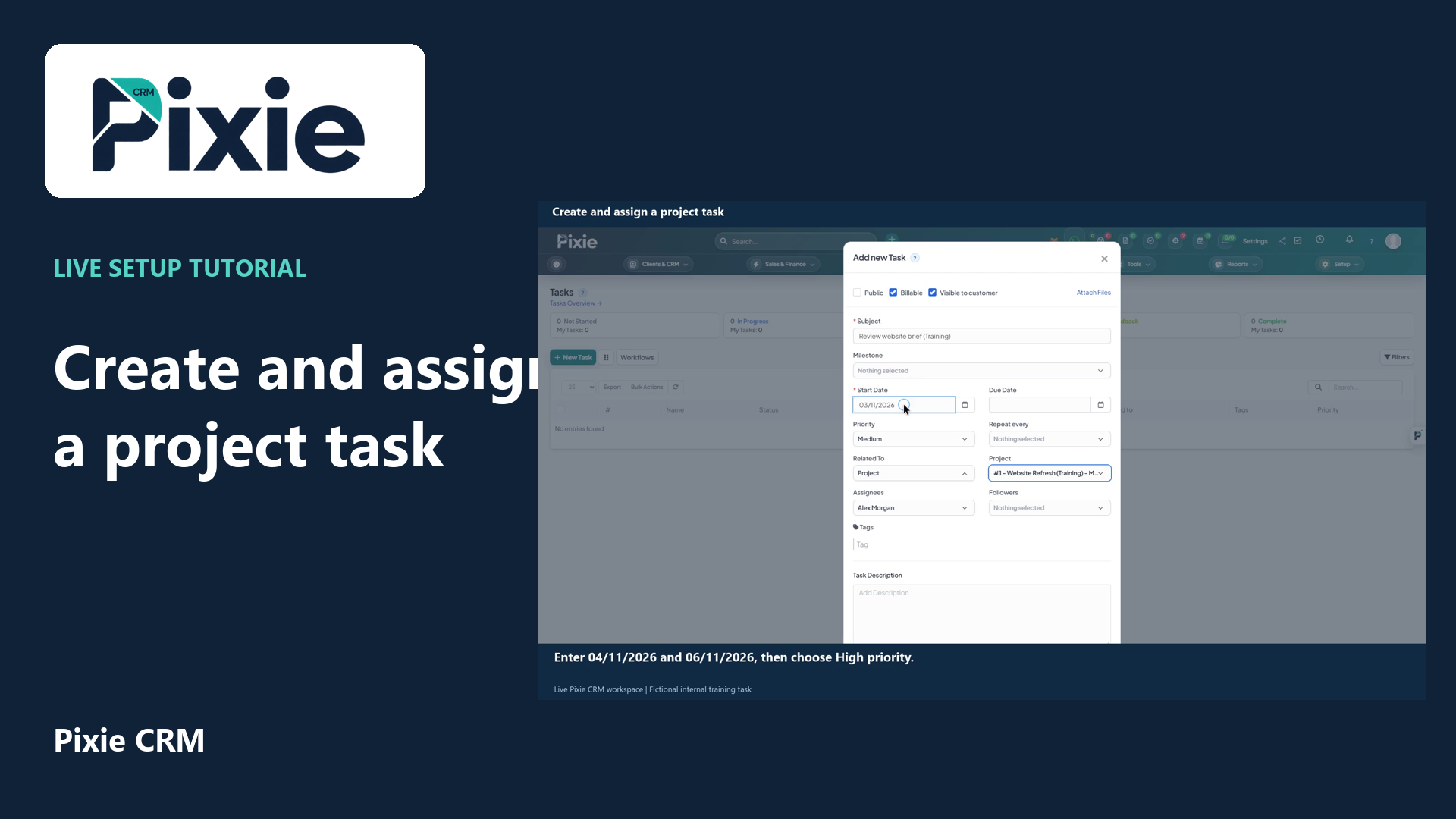
Create a project task in Pixie CRM with live clicks. Link its project, set the dates and priority, review the assignee, billing and visibility, then save and verify the task.
Recorded in a demonstration workspace; available options depend on your plan and permissions.
Visit the Pixie CRM YouTube channel
Start with the promised deliverables and break them into milestones and assigned tasks. Include the information needed to begin, such as customer inputs, dependencies and approved documents. Time records can help explain effort, while the calendar makes relevant dates easier to see. Give the customer a considered view through the portal rather than exposing every internal conversation or unreviewed document.
Delivery rarely follows the first plan exactly. A customer request, delayed approval or unexpected task needs an owner and an explanation of its effect. Review scope, timing and commercial consequences together so a small change does not become an invisible commitment. Project reporting should draw attention to blocked work and unresolved questions as well as completed tasks. Close the project with the handover information and records that support future service or renewal.
Useful answers
Practical details for a better informed conversation.
Time and timesheet capabilities connect effort with tasks, projects and customers. Agree approval, billable treatment and reporting before using those records in a customer invoice.
That is an important configuration requirement for the portal. Define the documents, milestones and discussions intended for clients, then test the view with appropriate customer permissions.
Continue exploring
Your workflow is a good place to start
Bring your current tools, your priorities and the handovers you want to improve. We’ll help you define a useful next step.
Verify your email. Send your enquiry.
Keep your ticket reference.