Create and verify a knowledge base group
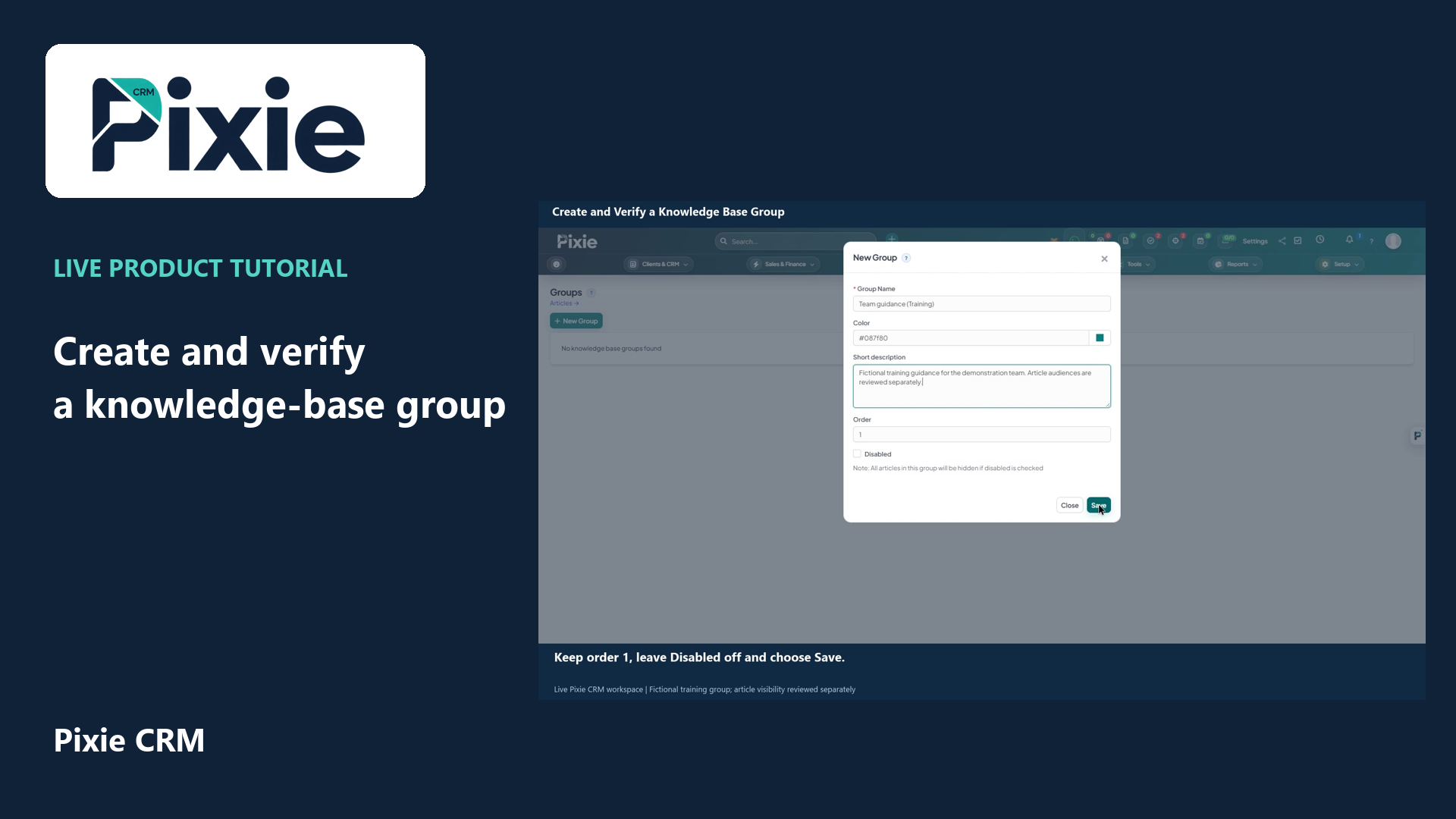
Create a Pixie CRM knowledge-base group with live clicks. Set its name, colour, description and order, save it and reopen the group to verify the retained settings.
Customer work, connected.

Support
A good help article lets someone complete a task or understand what to do next. Pixie CRM knowledge base gives service teams a place to publish that guidance. Articles can reduce repeated explanations when they reflect the real product, use familiar language and are easy to find.
Keep the customer context, responsible person and next step together. Start with a familiar task, agree the information the team needs and check the result with the people who will use it.
Learn with Pixie CRM
Follow real application screens at your own pace, with English captions and a matching written guide.
Create a Pixie CRM knowledge-base group with live clicks. Set its name, colour, description and order, save it and reopen the group to verify the retained settings.
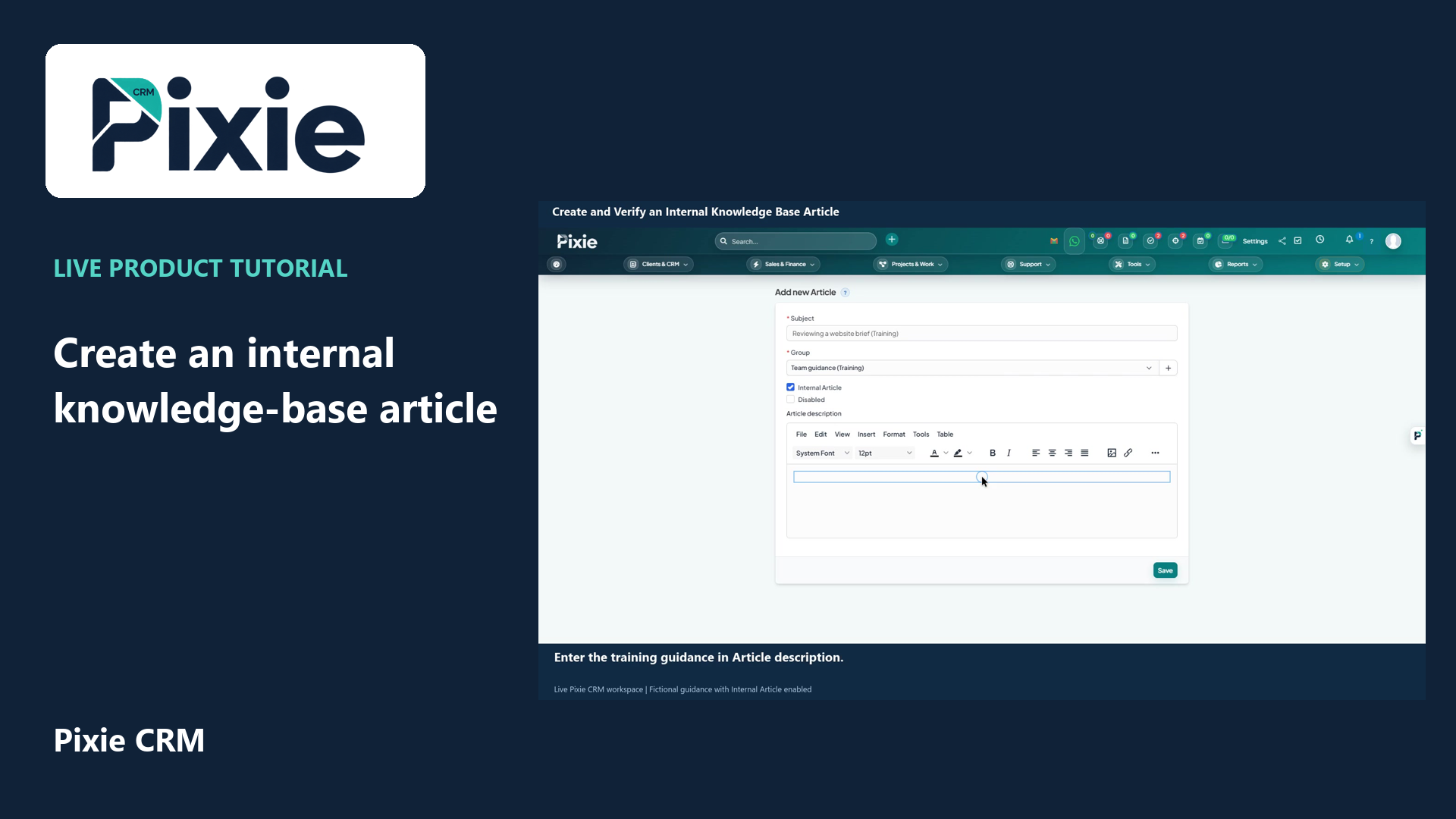
Create an internal Pixie CRM knowledge-base article with live clicks. Set its title and group, choose Internal Article, write the guidance and verify the saved audience and content.
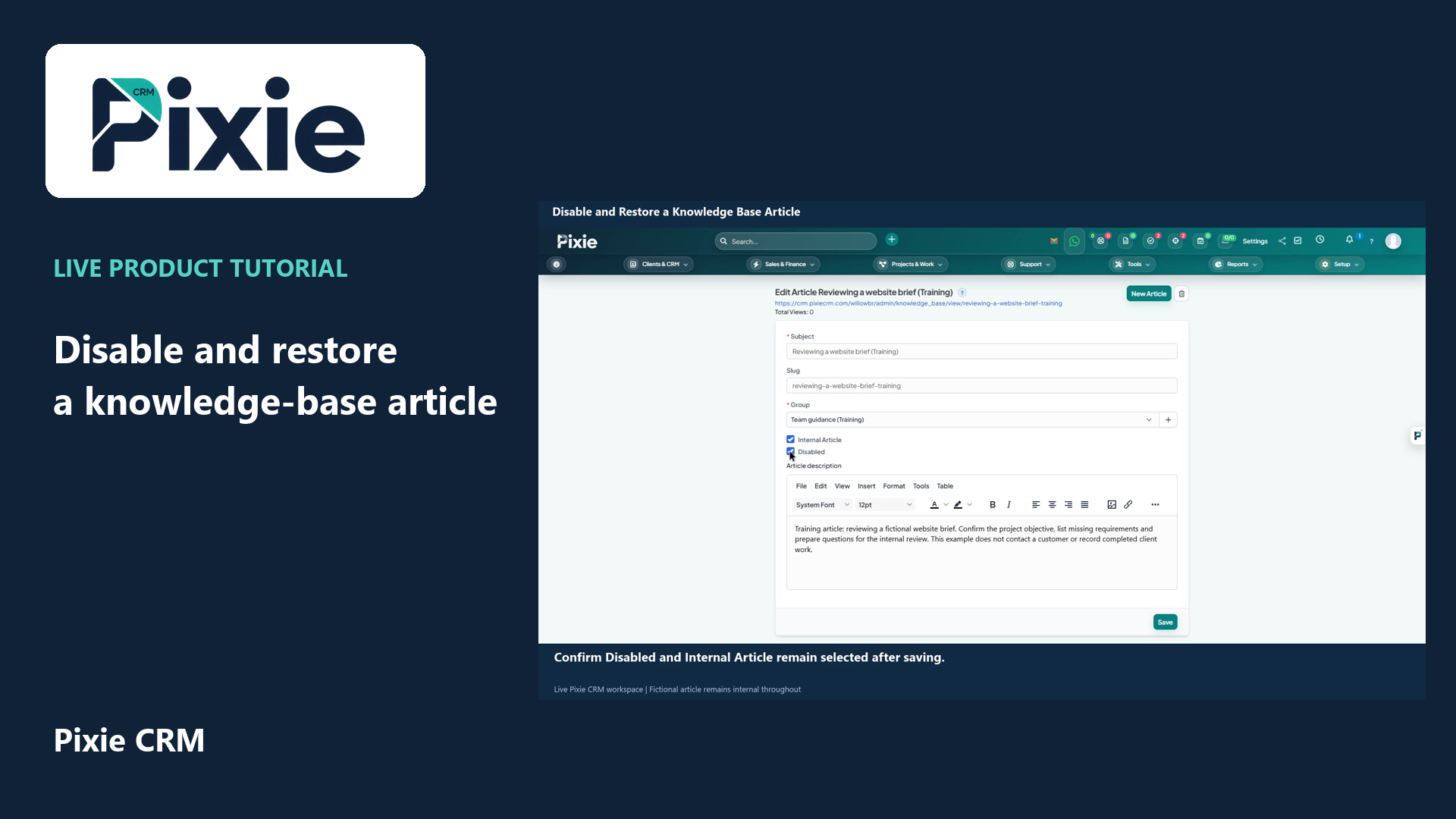
Disable and restore a Pixie CRM knowledge-base article with live clicks. Save and verify both availability states while preserving the Internal Article audience setting.
Recorded in a demonstration workspace; available options depend on your plan and permissions.
Visit the Pixie CRM YouTube channel
Use a title a customer would recognise, then explain the starting point and the outcome. Break instructions into manageable steps and include the conditions that change the answer. Screenshots should match the current interface and avoid customer information. Categories help readers browse, while useful wording in the title and introduction helps search. A short article that answers one question well is often easier to maintain than a long overview covering several unrelated tasks.
Assign responsibility for reviewing each article when a feature or policy changes. Support tickets can reveal missing steps, unclear terms and new topics worth documenting. Check that public articles contain only information intended for customers; internal troubleshooting may need a different audience. If a process involves account access or private data, guide the reader to the appropriate secure route rather than inviting them to put sensitive information into a public comment.
Useful answers
Practical details for a better informed conversation.
Categories and search help people find relevant knowledge articles. Build categories from the questions customers ask, using language they recognise and a structure that is straightforward to browse.
Searchable, well-structured content can make useful guidance easier to discover, but rankings are not guaranteed. Accuracy, relevance, accessibility and a maintained website matter more than adding repeated keywords.
Continue exploring
Your workflow is a good place to start
Bring your current tools, your priorities and the handovers you want to improve. We’ll help you define a useful next step.
Verify your email. Send your enquiry.
Keep your ticket reference.
Explore the tasks behind Knowledge Base. Check the guide against your enabled modules and role, then confirm the result in your workspace.