
Use predefined ticket replies
Pixie CRM guidance. Follow the route for your workspace, check your role and enabled modules, and verify the result before moving on.
Follow this guide to create reusable response content and insert it into ticket replies.
Learn with Pixie CRM
Watch this workflow
Follow real application screens at your own pace, with English captions and a matching written guide.
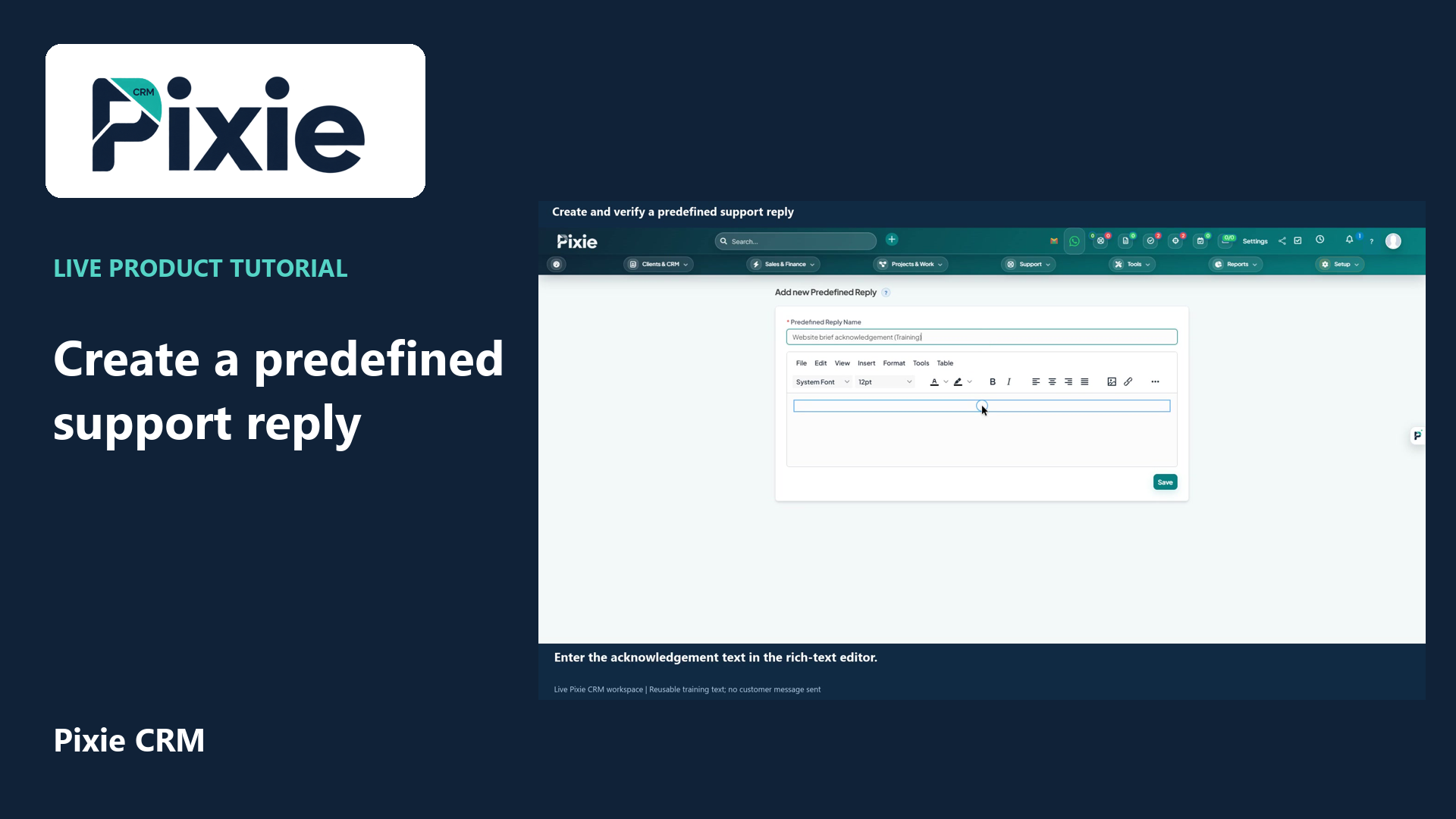
Create and verify a predefined support reply
Create a Pixie CRM predefined support reply with live clicks. Enter its name and message, save the reusable text and reopen it to verify the retained wording.
Recorded in a demonstration workspace; available options depend on your plan and permissions.
Visit the Pixie CRM YouTube channel
What this guide helps you do
Create reusable response content and insert it into ticket replies. Pixie CRM keeps the result connected to the relevant customer, staff member and operational history where the feature supports those relationships. That connection is important for search, reporting, client portal visibility and future automation.
Follow these steps
- Start from Setup → Support → Predefined Replies and open the relevant record or view.
- Verify that the record is in the correct status and that you have permission to perform the action.
- Check the related customer, dates, amounts, recipients and attachments before continuing.
- Select the action described by “Use predefined ticket replies” and complete the displayed options.
- Preview client-facing content or the resulting document where Pixie CRM provides a preview.
- Verify the action and wait for the success message before leaving the page.
- Check the activity timeline, status, email queue, gateway or generated record to verify the outcome.
Settings to check
Checks before you finish
- Avoid exposing private notes to the customer.
- Use the correct department and status.
- Check attachments before sending.
- Check whether the result should be visible to a customer contact or only to staff.
- Confirm the final status, activity entry, generated document or notification before leaving the record.