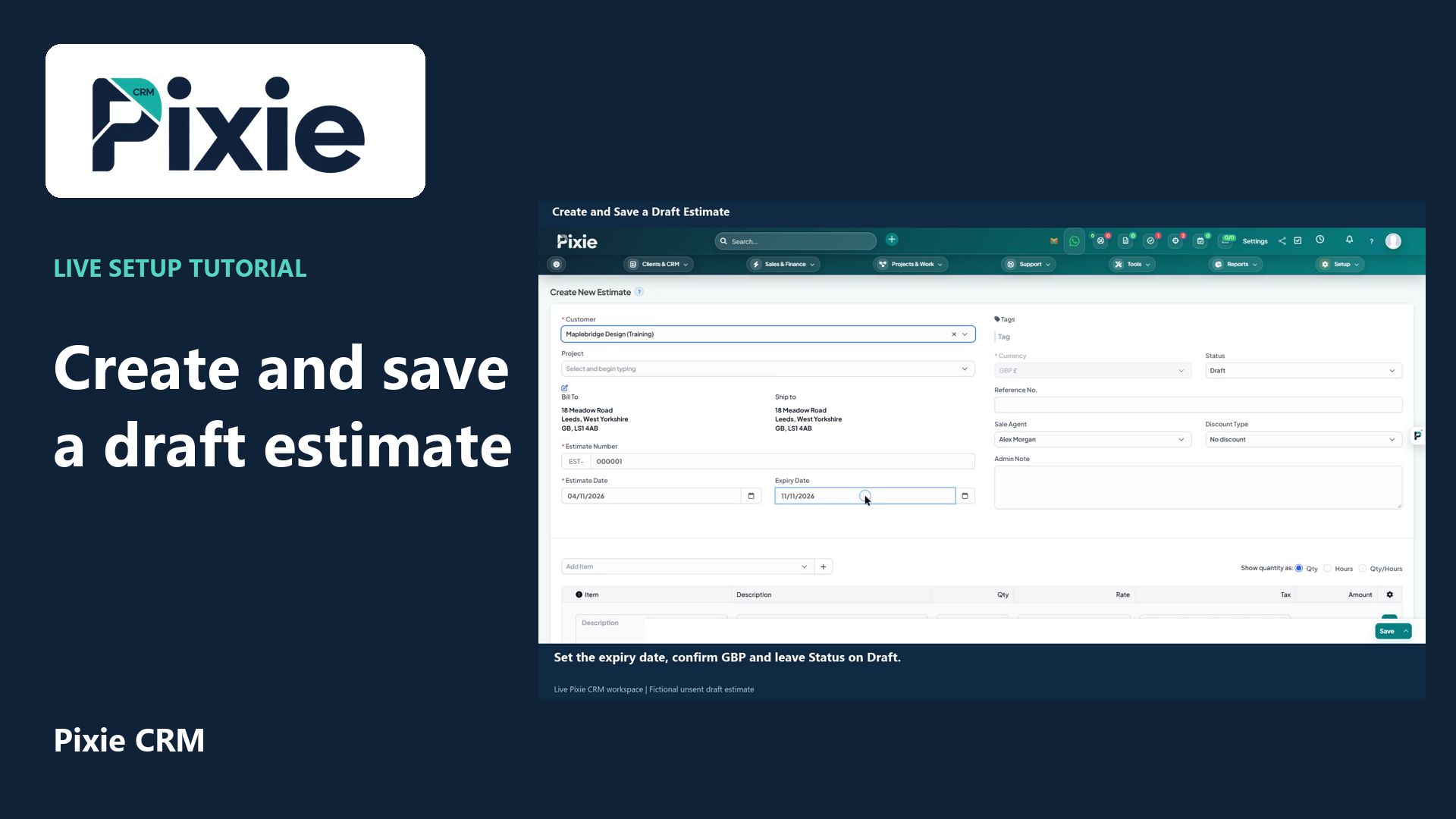
Create a draft estimate in Pixie CRM with live clicks. Select the customer, review dates, GBP and status, add a reusable service item, save and verify the stored draft.
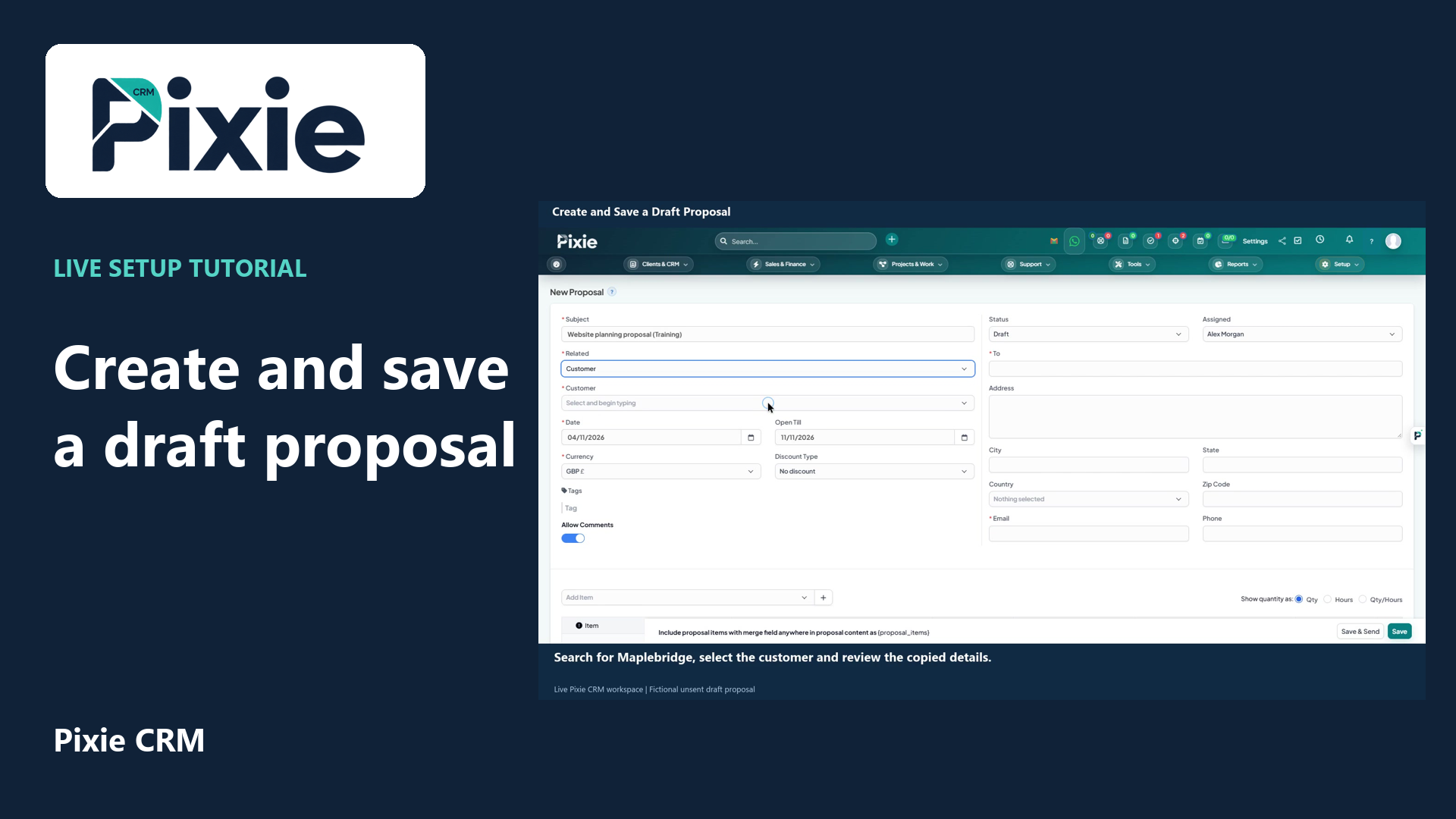
Create a draft proposal in Pixie CRM with live clicks. Enter its subject, link a customer, review recipient details and dates, add a service item, save and verify the draft.
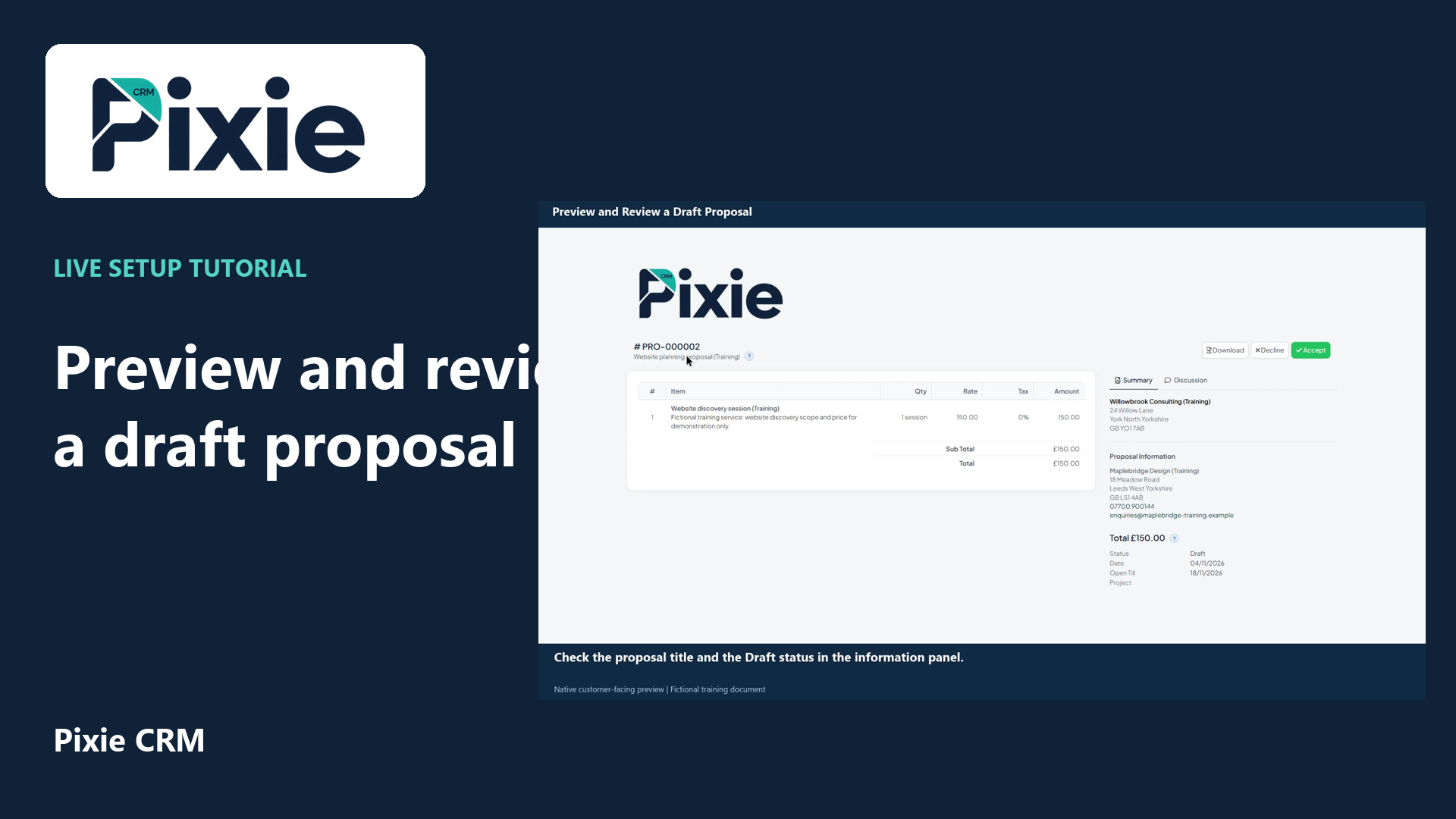
Open a saved Pixie CRM proposal in its customer-facing preview with live clicks. Review its header, service line, total, recipient details, dates and discussion controls.
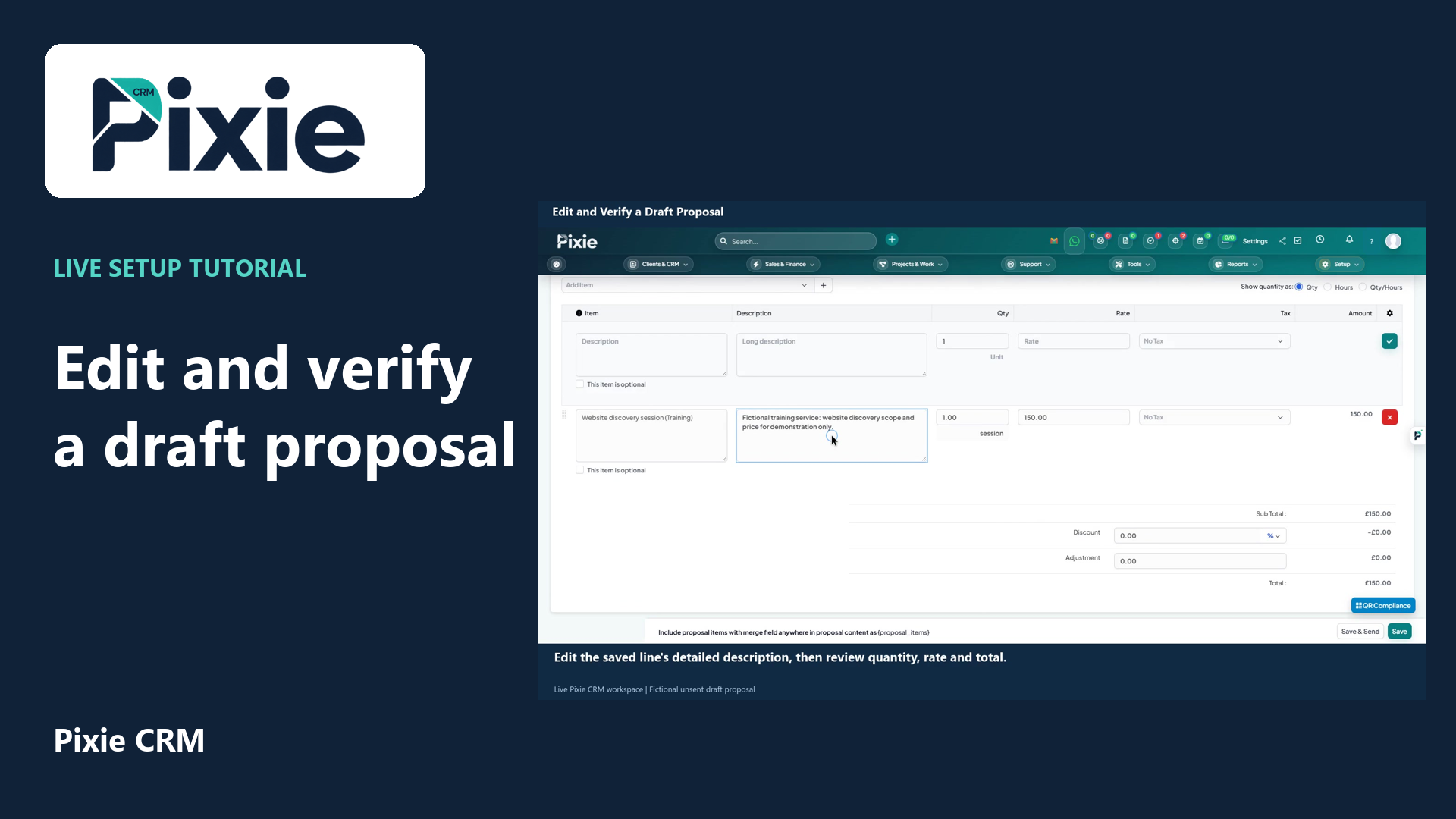
Edit a saved Pixie CRM draft proposal with live clicks. Change its expiry date and service description, save the draft, then reopen it to verify both changes.