
Edit proposal content and items
Pixie CRM guidance. Follow the route for your workspace, check your role and enabled modules, and verify the result before moving on.
Follow this guide to update subject, recipient, dates, currency, items, terms and rich proposal content.
Learn with Pixie CRM
Watch this workflow
Follow real application screens at your own pace, with English captions and a matching written guide.
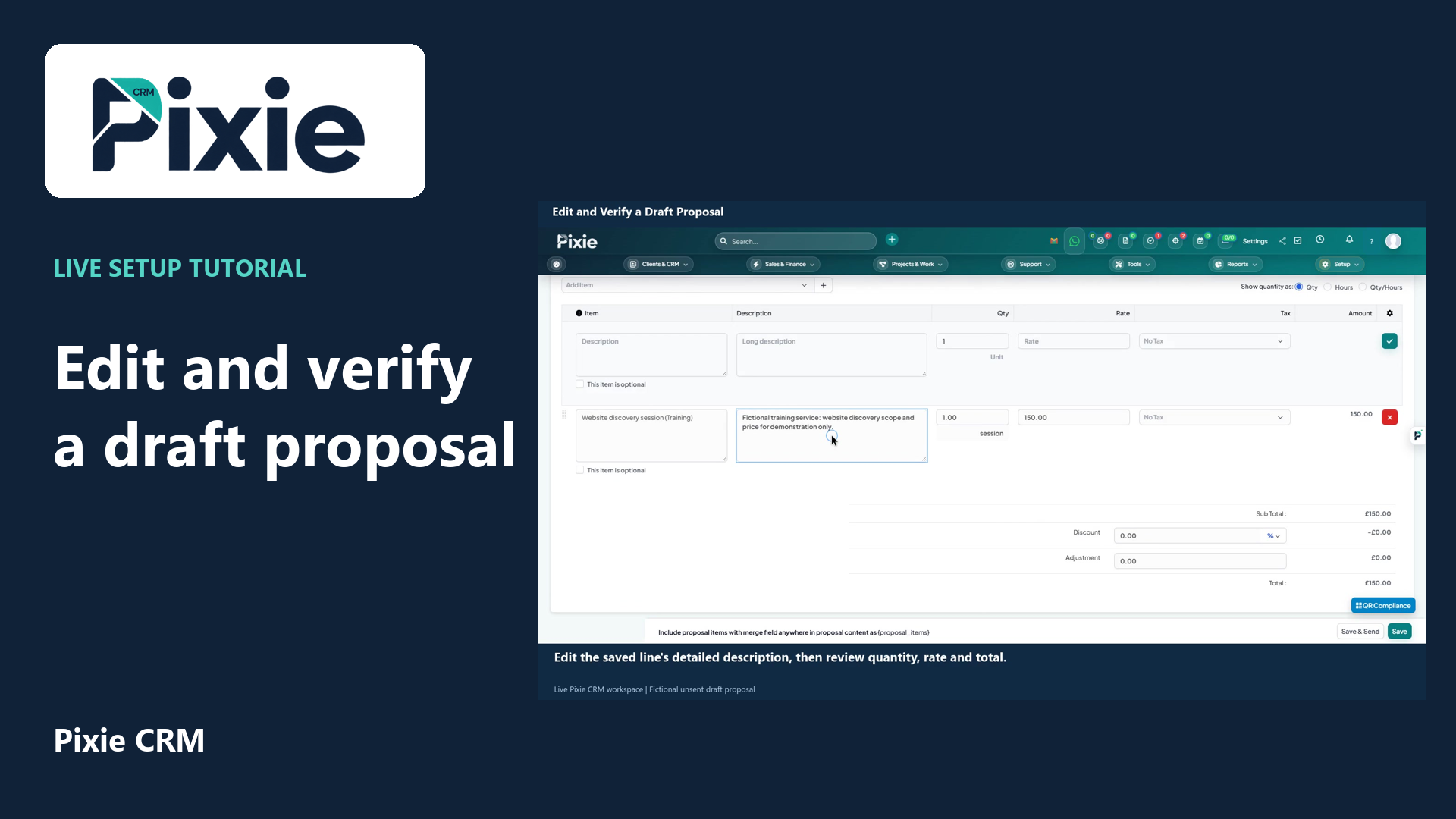
Edit and verify a draft proposal
Edit a saved Pixie CRM draft proposal with live clicks. Change its expiry date and service description, save the draft, then reopen it to verify both changes.
Recorded in a demonstration workspace; available options depend on your plan and permissions.
Visit the Pixie CRM YouTube channel
What this guide helps you do
Update subject, recipient, dates, currency, items, terms and rich proposal content. Pixie CRM keeps the result connected to the relevant customer, staff member and operational history where the feature supports those relationships. That connection is important for search, reporting, client portal visibility and future automation.
Follow these steps
- Go to Sales → Proposals → Open proposal and locate the existing record.
- Check status, activity, related transactions and client-visible history before editing.
- Change only the fields required by the current business event.
- Recalculate or recheck dates, totals, tax, ownership and visibility when those values are affected.
- Save and resolve any validation errors on the same form.
- Refresh or reopen the record and confirm the new value appears in the summary and activity history.
- Notify the customer or responsible team only when the edited information changes their action or obligation.
Settings to check
Checks before you finish
- Use a clear subject and outcome.
- Check merge fields in the preview.
- Preserve acceptance information after the client acts.
- Check whether the result should be visible to a customer contact or only to staff.
- Confirm the final status, activity entry, generated document or notification before leaving the record.