
Pixie CRM guided video tutorial
Edit and verify a WhatsApp standard reply
Recorded live · 1:37 · English captions
Edit and verify a WhatsApp standard reply: live walkthrough
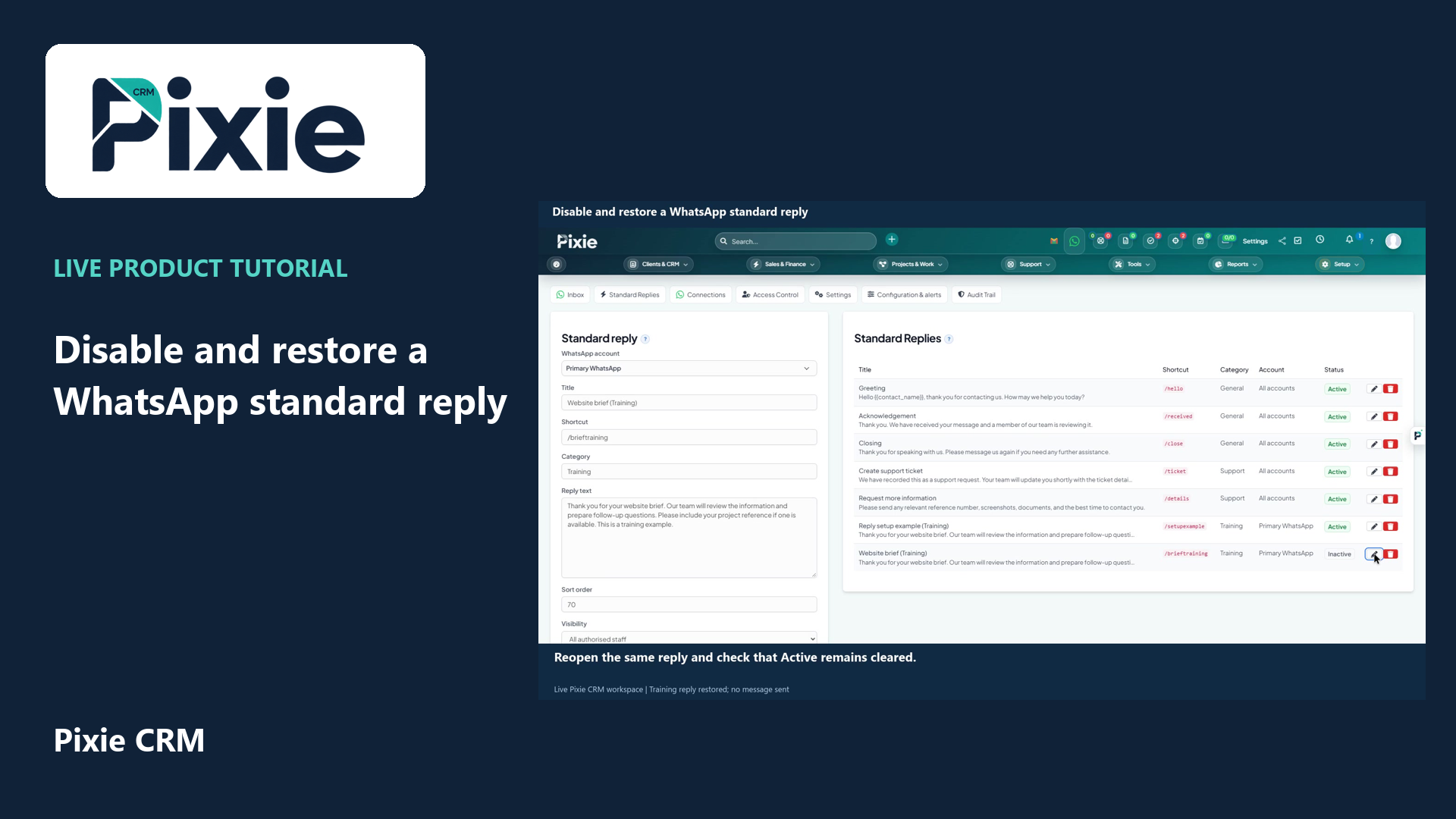 Disable and restore a WhatsApp standard reply
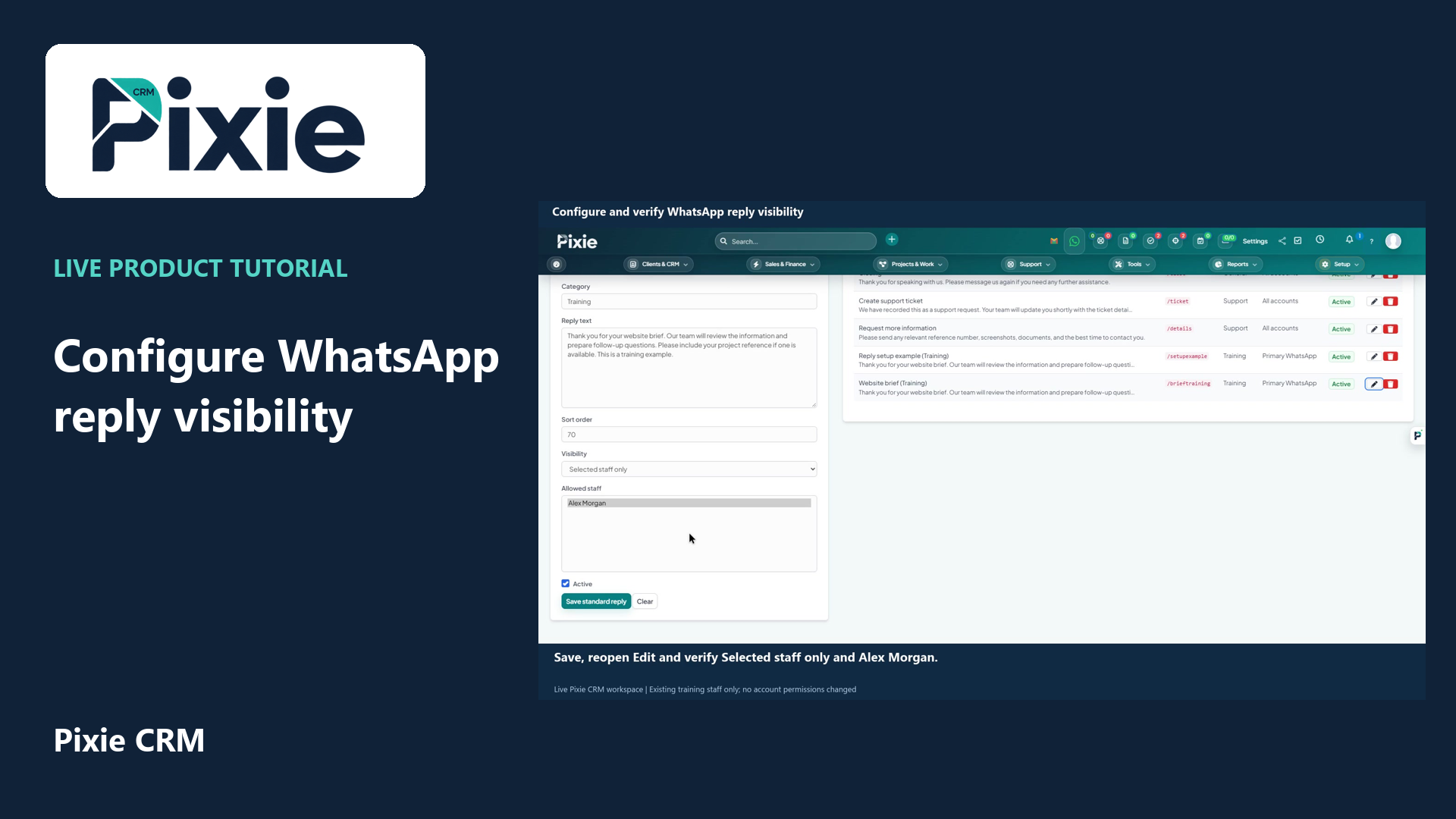 Configure and verify WhatsApp reply visibility
More videos in this category · Read the matching instructions
Edit a saved Pixie CRM WhatsApp standard reply with live clicks. Revise its message and sort order, save the existing record and reopen it to verify the changes and retained settings.
Matching written guide · Download MP4 · English captions
The reply is fictional training content in the disposable workspace. The same reply record is updated without creating a duplicate. No device is paired, no account access is granted and no customer message is sent.
Watch this tutorial on YouTube ↗ · Related Pixie CRM tutorials ↗
Video chapters
- 0:00 — Open the existing standard reply
- 0:16 — Revise the wording and sort order
- 0:40 — Save the existing reply
- 0:57 — Reopen and verify the retained changes
- 1:17 — Continue with related Pixie CRM tutorials
Read the video transcript
Edit a saved WhatsApp standard reply in Pixie CRM. Open Standard Replies and use the edit control beside Website brief, marked as Training. Review the selected account and reply title before changing the stored wording.
Revise the reply text to request a project reference when one is available. Change the sort order to seventy. Keep the existing title, shortcut, category and account. Review the complete wording before saving a reusable response.
Choose Save standard reply. The update applies to the existing reply record. Confirm the training title in the list before reopening it. Saving the edited library entry does not send the revised text to any customer or conversation.
Reopen the saved reply and verify the revised message and sort order. The same record retains its account, title, shortcut, category, visibility and active status. This tutorial updates reusable wording only and creates no duplicate reply or customer message.
Follow the written instructions
Open the matching written guide ↗ · Browse all Pixie CRM video guides