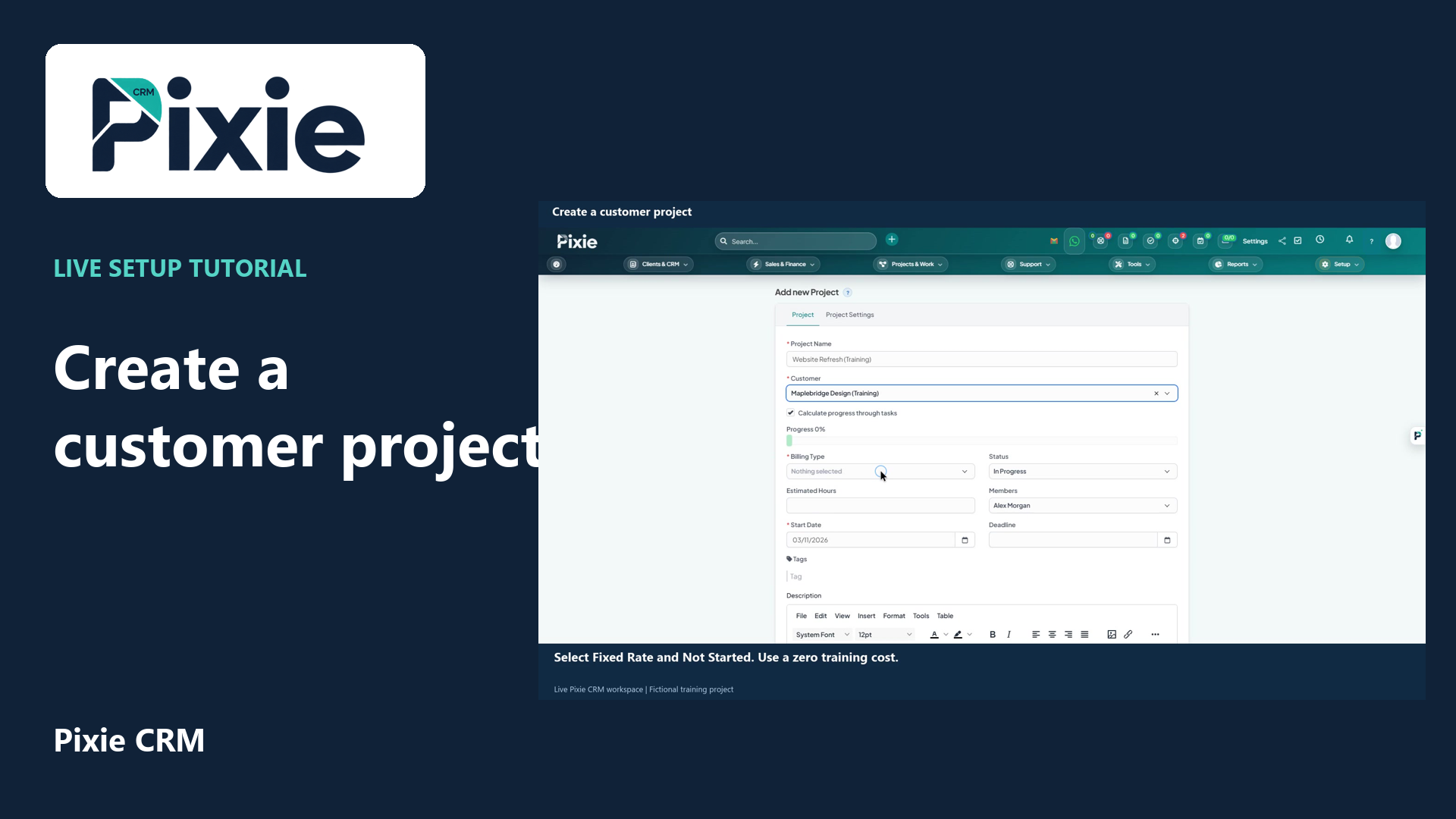
Create a customer project in Pixie CRM with live clicks. Link the customer, choose billing type and status, set dates, review members and notification choices, then save and confirm the project overview.
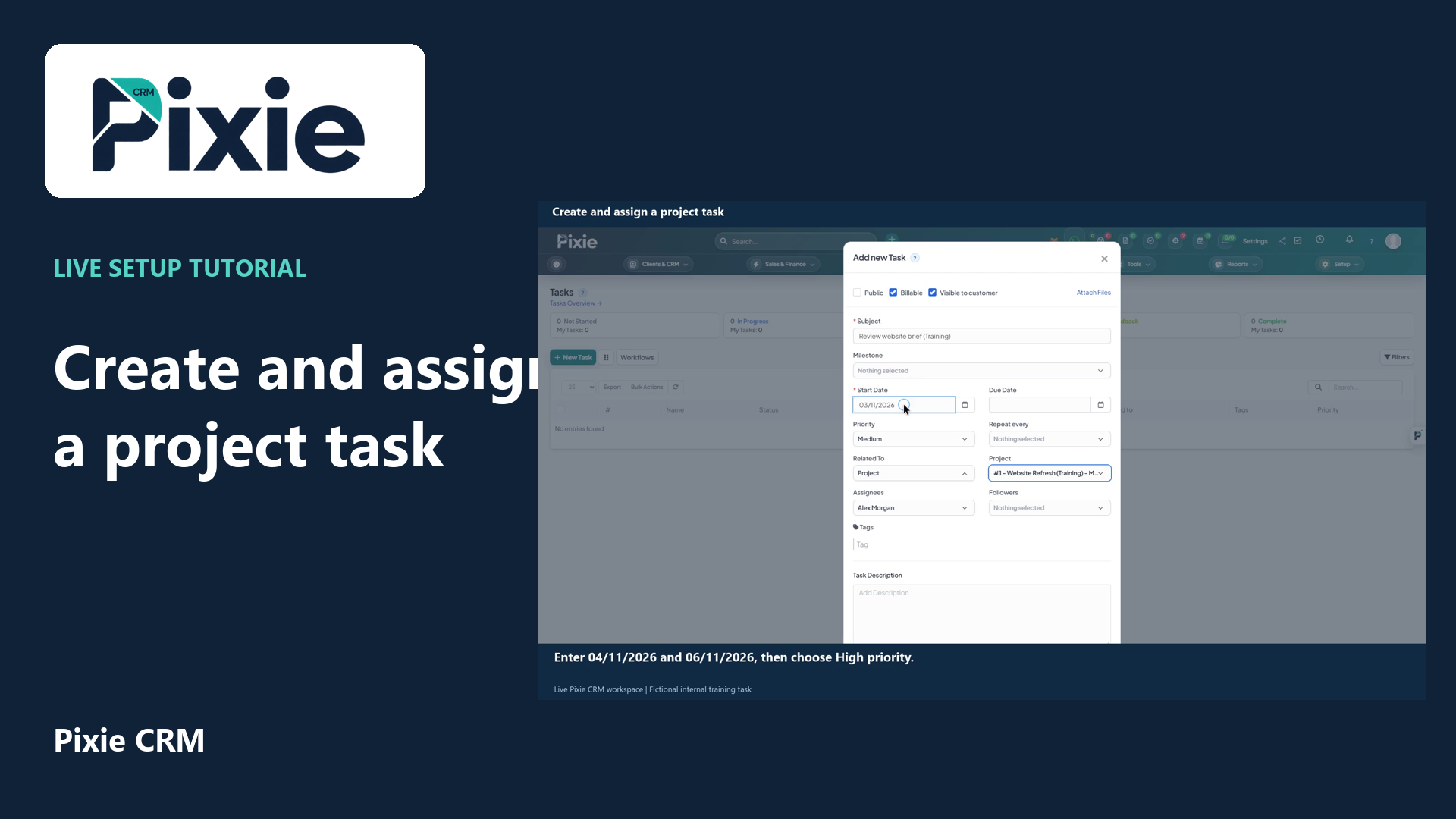
Create a project task in Pixie CRM with live clicks. Link its project, set the dates and priority, review the assignee, billing and visibility, then save and verify the task.
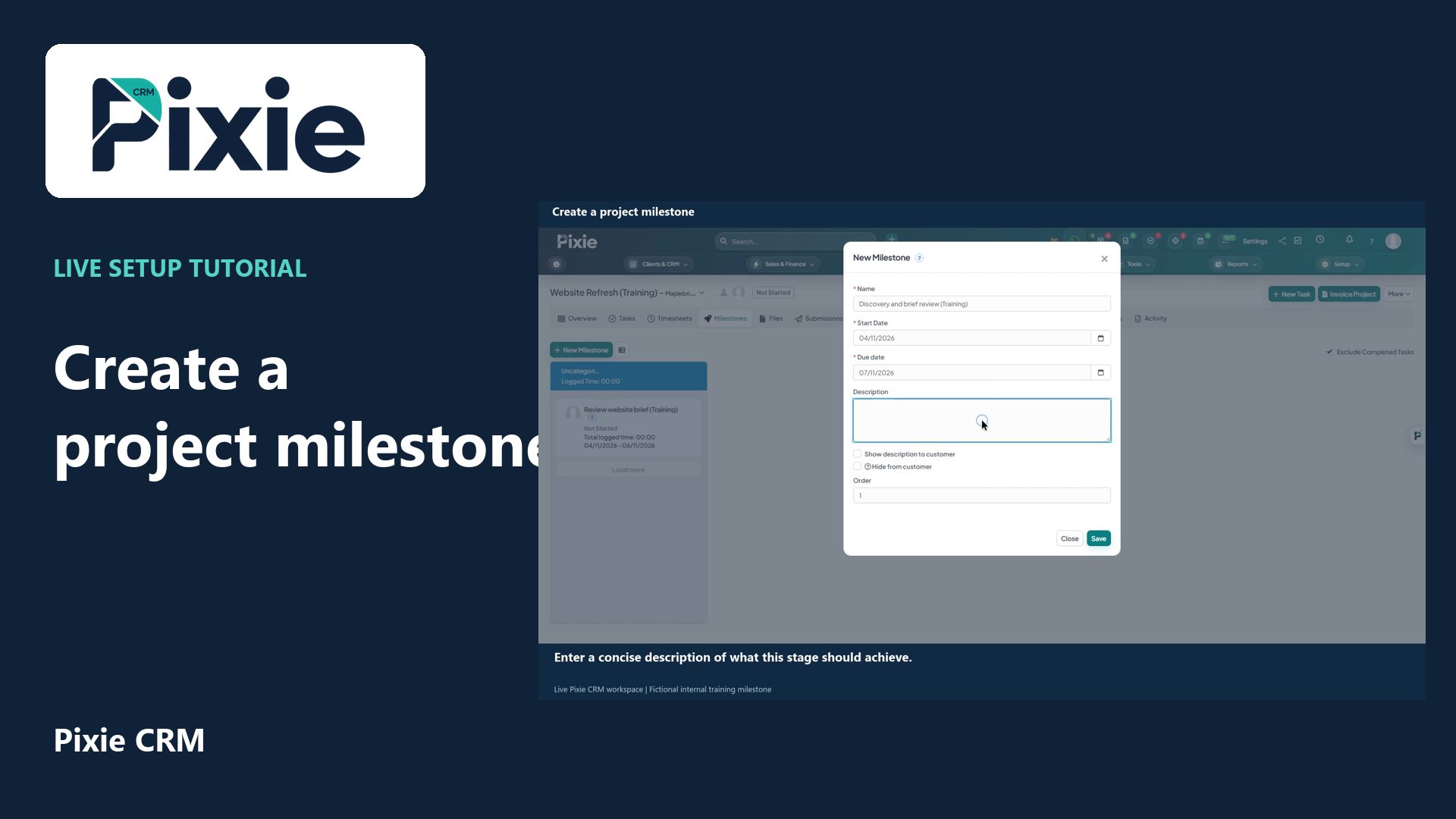
Create a project milestone in Pixie CRM with live clicks. Set its name, dates, description, customer visibility and order, then save and confirm it in the project.
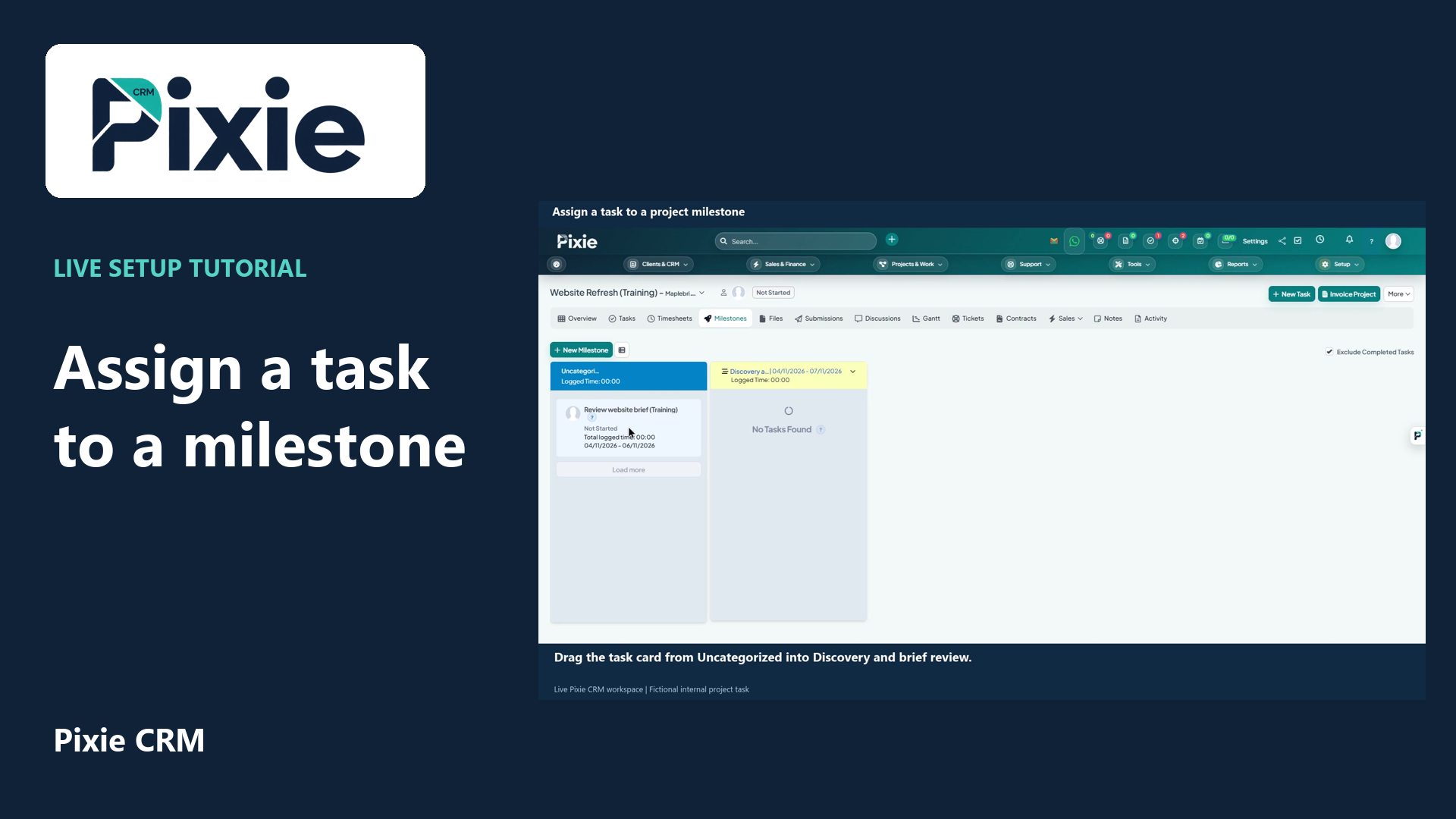
Organise a project task into a milestone in Pixie CRM. Follow the live drag-and-drop workflow, then reopen the board to confirm the assignment was saved.