
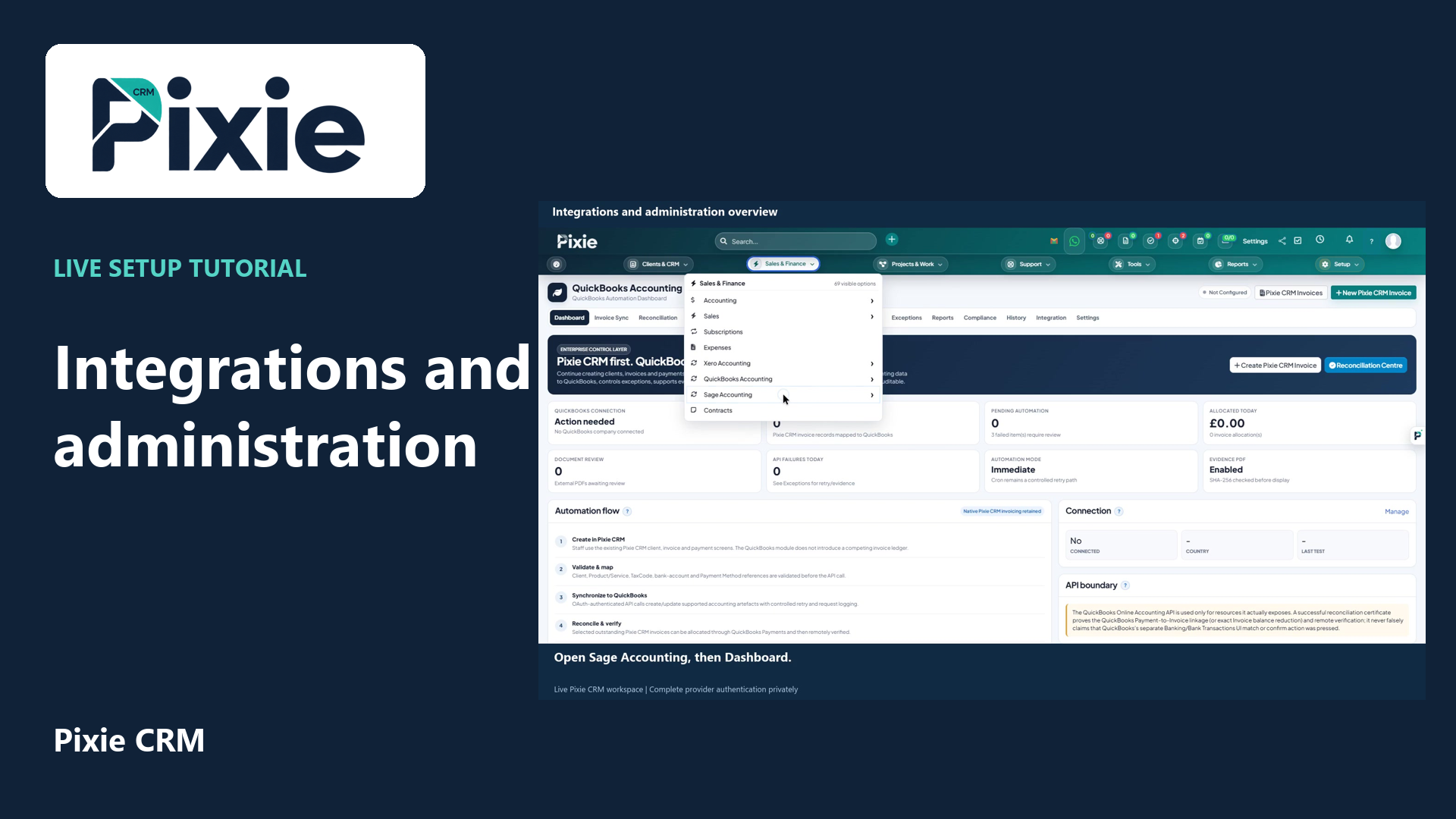
Integrations and administration overview
Locate Pixie CRM integrations and administration controls with live clicks. Review Xero, QuickBooks and Sage readiness, automation, staff, roles, custom fields, privacy settings and the solution catalogue.
Use bundled enterprise catalogue, e-invoicing, AI tools and payment integration features.
Learn with Pixie CRM
Follow real application screens at your own pace, with English captions and a matching written guide.
Locate Pixie CRM integrations and administration controls with live clicks. Review Xero, QuickBooks and Sage readiness, automation, staff, roles, custom fields, privacy settings and the solution catalogue.
Recorded in a demonstration workspace; available options depend on your plan and permissions.
Visit the Pixie CRM YouTube channel
Use the Enterprise Solutions catalogueBrowse bundled product, module and integration information and manage catalogue requests.
Open guide →GuideGenerate and export an e-invoiceValidate the configured template and create the supported electronic invoice output.
Open guide →GuideUse AI text enhancement and ticket assistanceImprove draft text, summarise tickets and suggest replies with human review before use.
Open guide →GuideConfigure and use the iDEAL payment integrationEnable the bundled iDEAL integration, configure webhook handling and test payment callbacks.
Open guide →GuideeCommerce & POS Module overviewStart with the complete code-backed module map.
Open guide →WorkflowRead-only API credentials and endpointsThis section documents API key creation, authentication, rate limits, list parameters and every supplied GET endpoint.
Open guide →WorkflowSigned webhooks, retries and cron processingThis section documents endpoint safety checks, event selection, HMAC verification, delivery retries and dead-letter behaviour.
Open guide →Need a connected lead workflow? Follow the approved setup, field mapping, testing and troubleshooting guides for Pixie CRM.
Browse all Zapier Ready Integration guides →