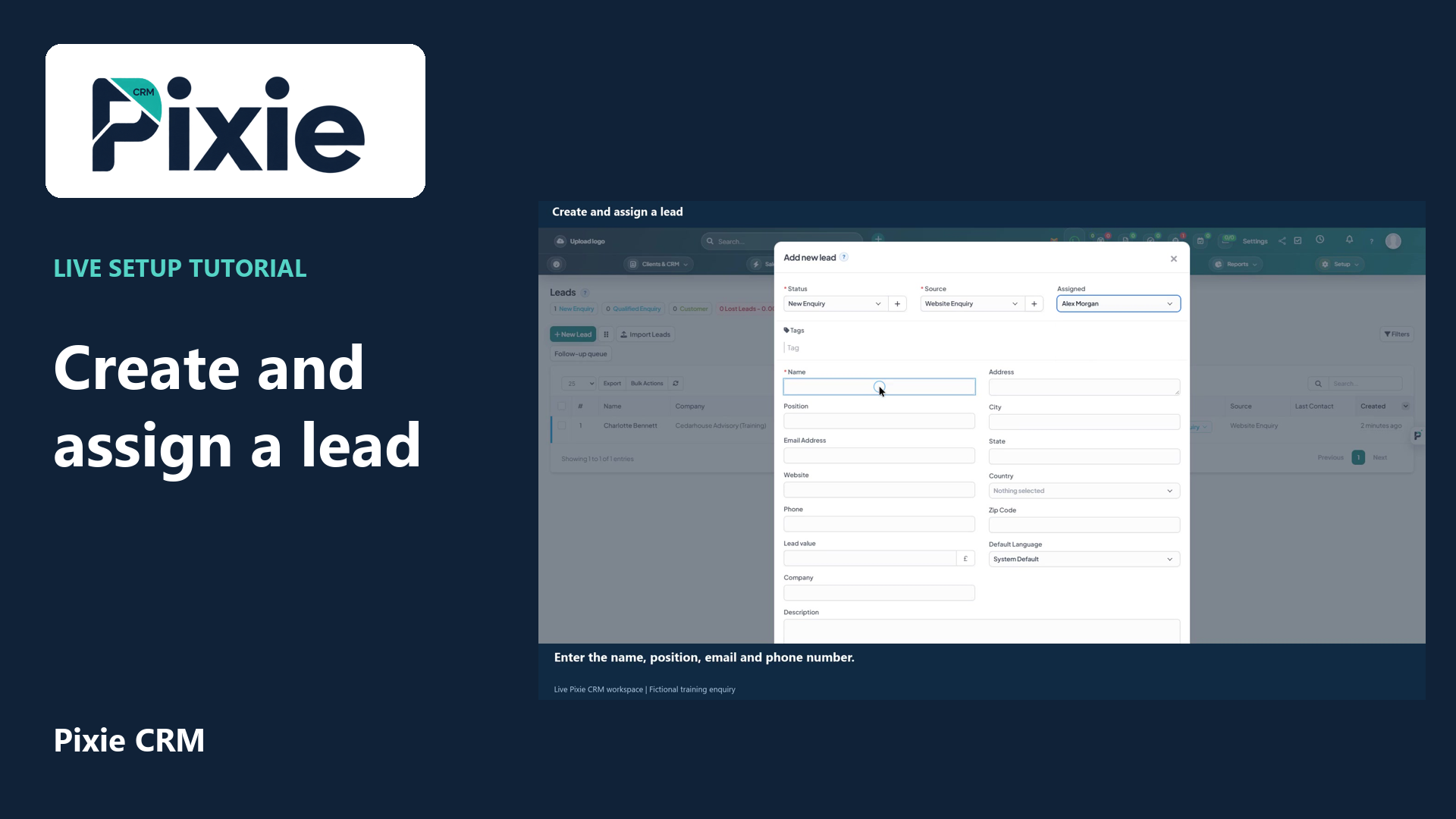
Create and assign a lead
Create a lead in Pixie CRM with live clicks. Select the status, source and owner, enter the enquiry details, review visibility and contact history, then save and verify the lead in the list.
Customer work, connected.

Platform capabilities
A sales process needs consistency without making every prospect feel the same. Pixie CRM combines lead records, pipeline stages and commercial documents with configurable follow-up. It helps a team know who is responsible, what has been learned and which decision should come next.
Learn with Pixie CRM
Follow real application screens at your own pace, with English captions and a matching written guide.
Create a lead in Pixie CRM with live clicks. Select the status, source and owner, enter the enquiry details, review visibility and contact history, then save and verify the lead in the list.
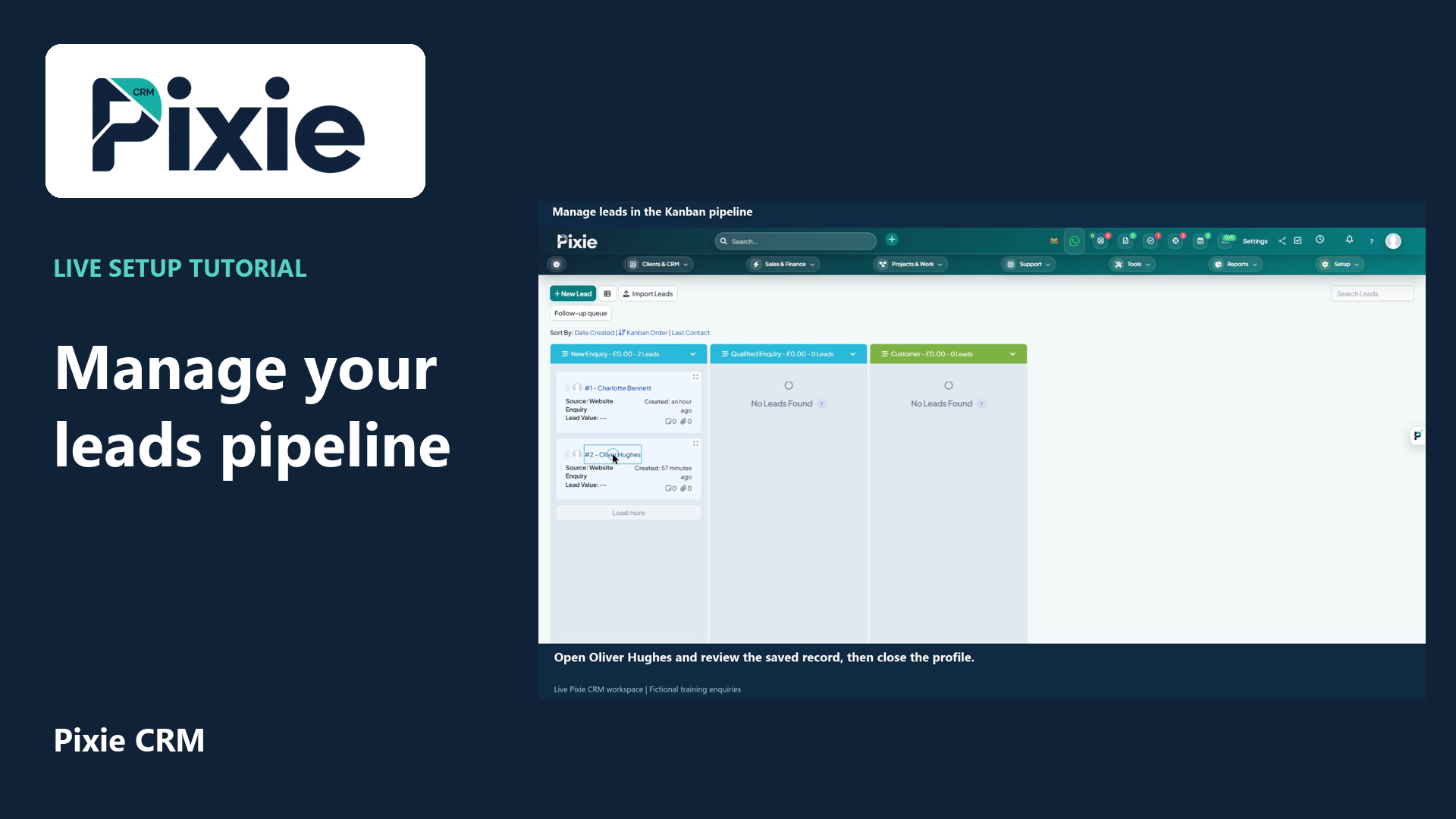
Use the Pixie CRM leads Kanban board with live clicks and cursor movement. Review a lead, move its card to the next stage and confirm the saved status in list view.
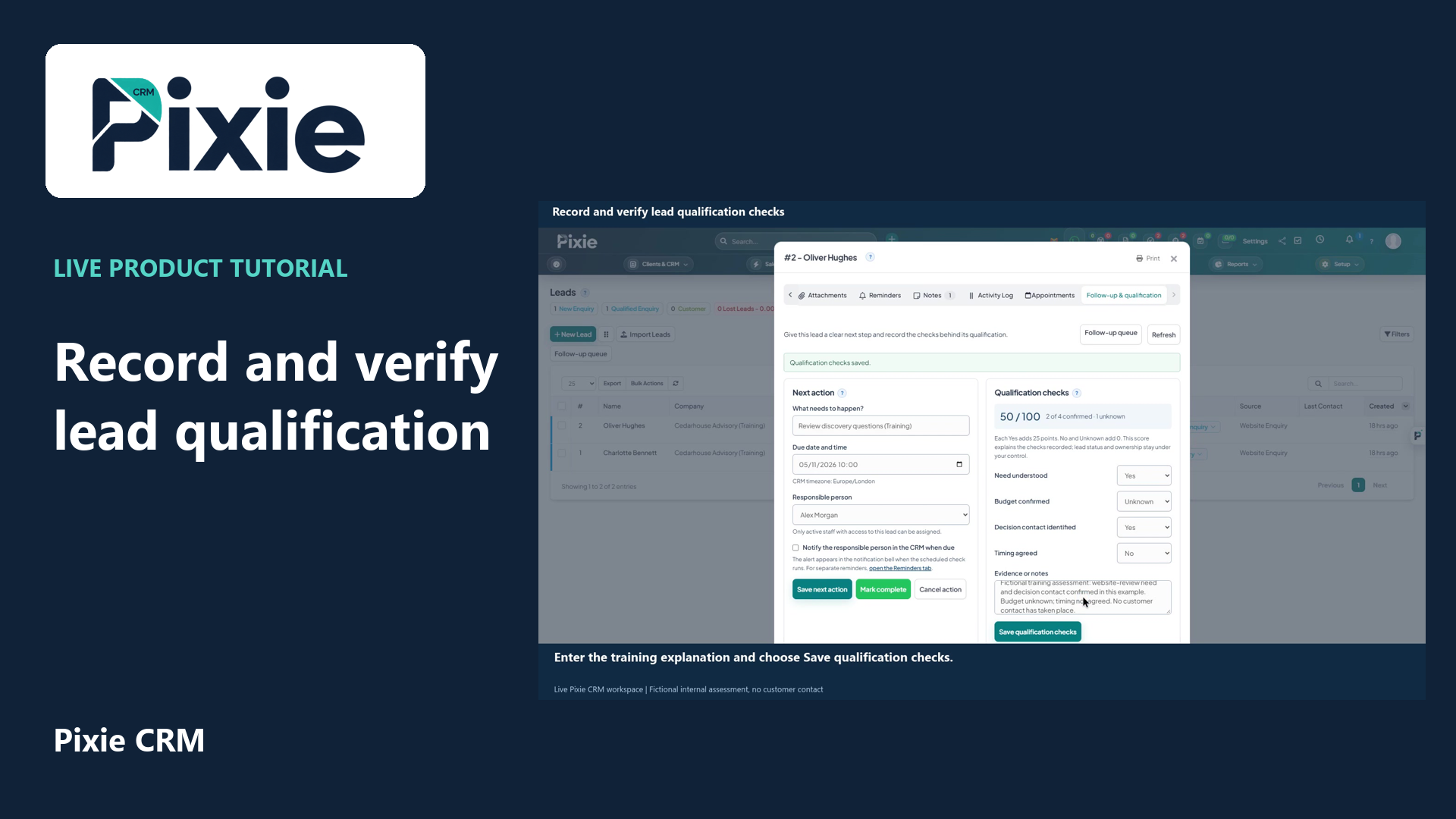
Record Pixie CRM lead qualification checks with live clicks. Set each check, add evidence, save and reopen to verify the retained values and score.
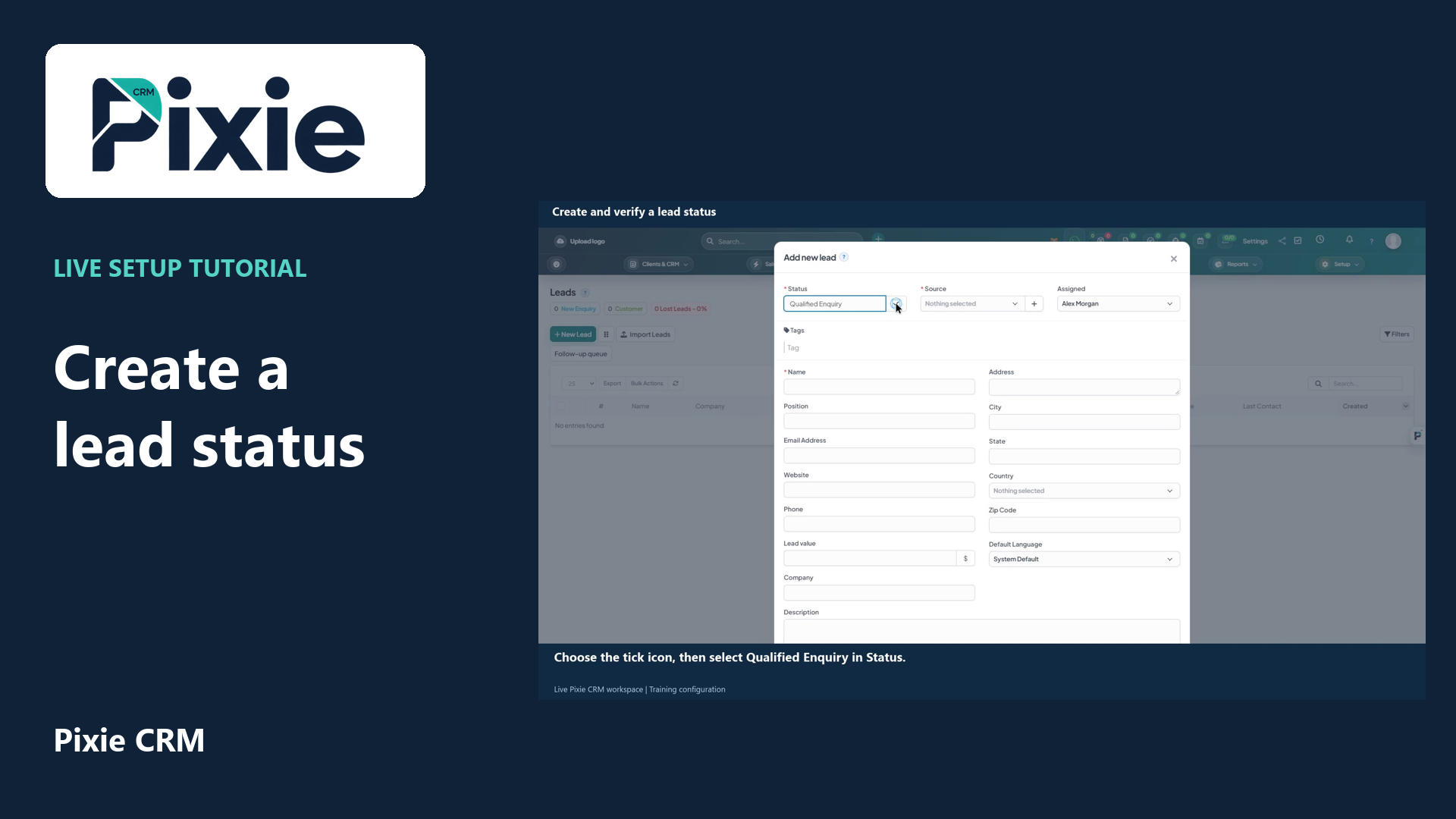
Create a lead status from the Pixie CRM New Lead form. Add the status name, save it with the tick icon and reopen the form to confirm the saved option is available.
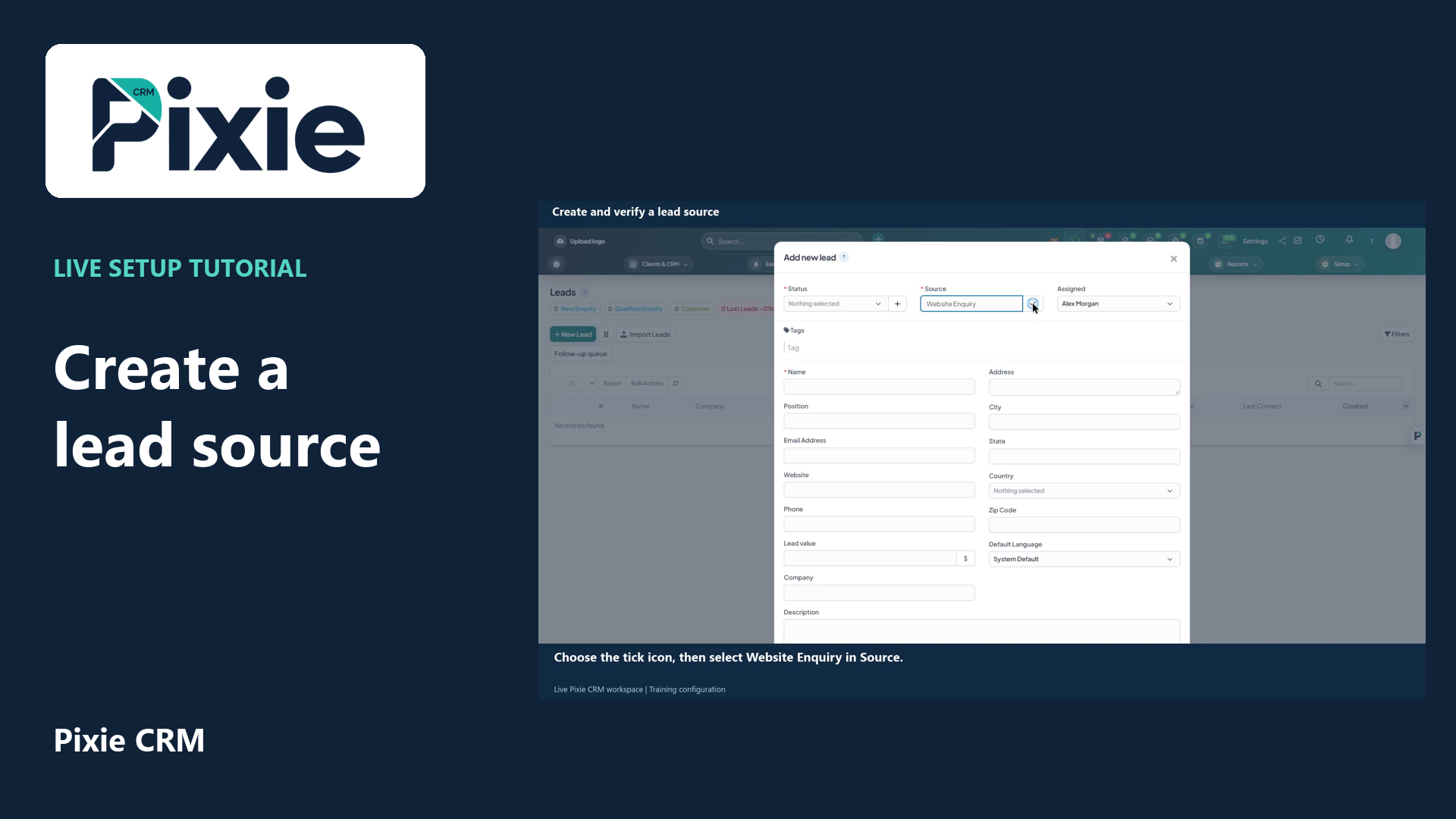
Add a lead source in Pixie CRM with live clicks. Enter Website Enquiry, save it using the tick icon and reopen New Lead to confirm the source remains available.
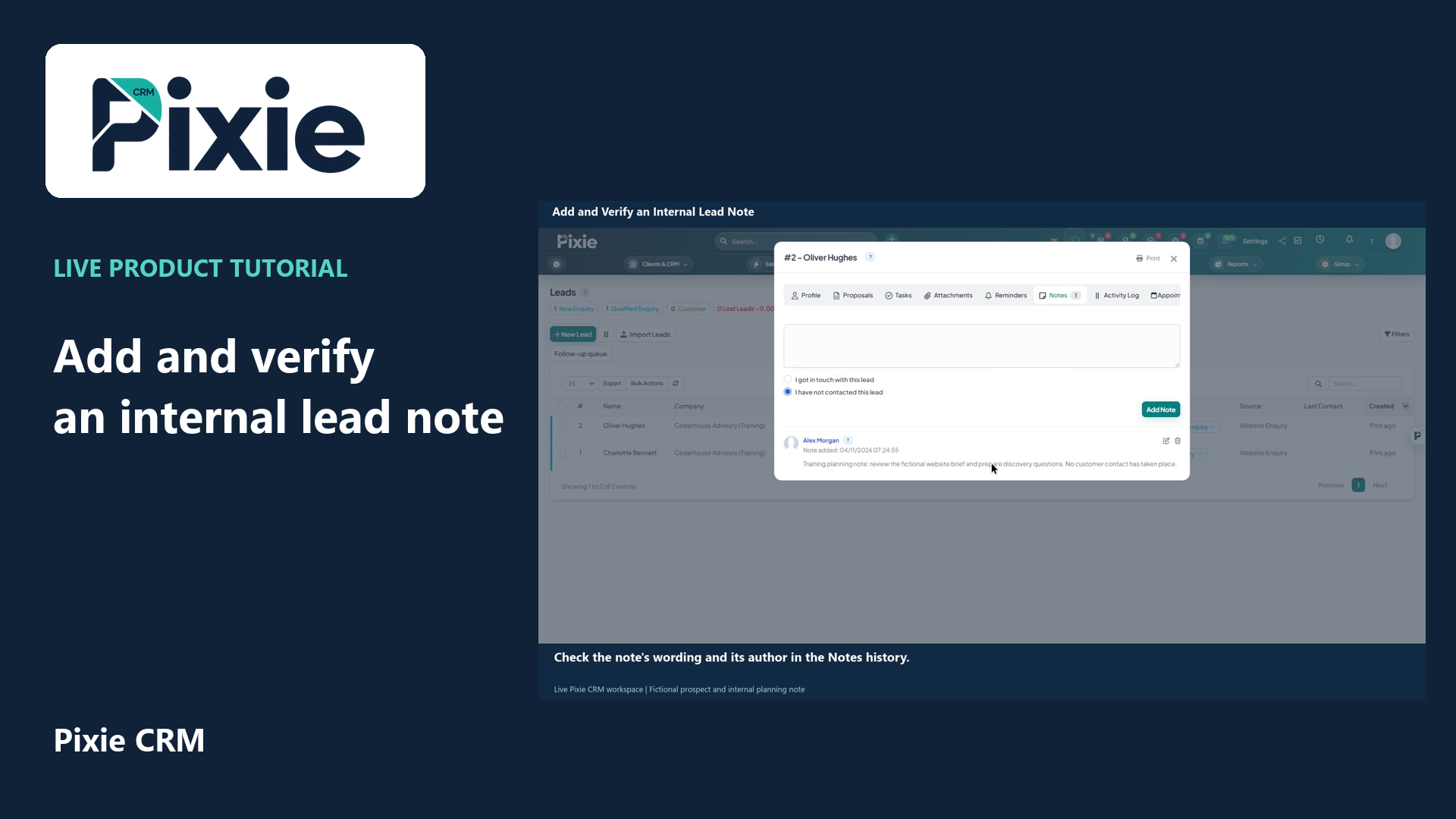
Add an internal note to a Pixie CRM lead with live clicks. Review the contact indicator, save the note and reopen the lead to verify the retained text.
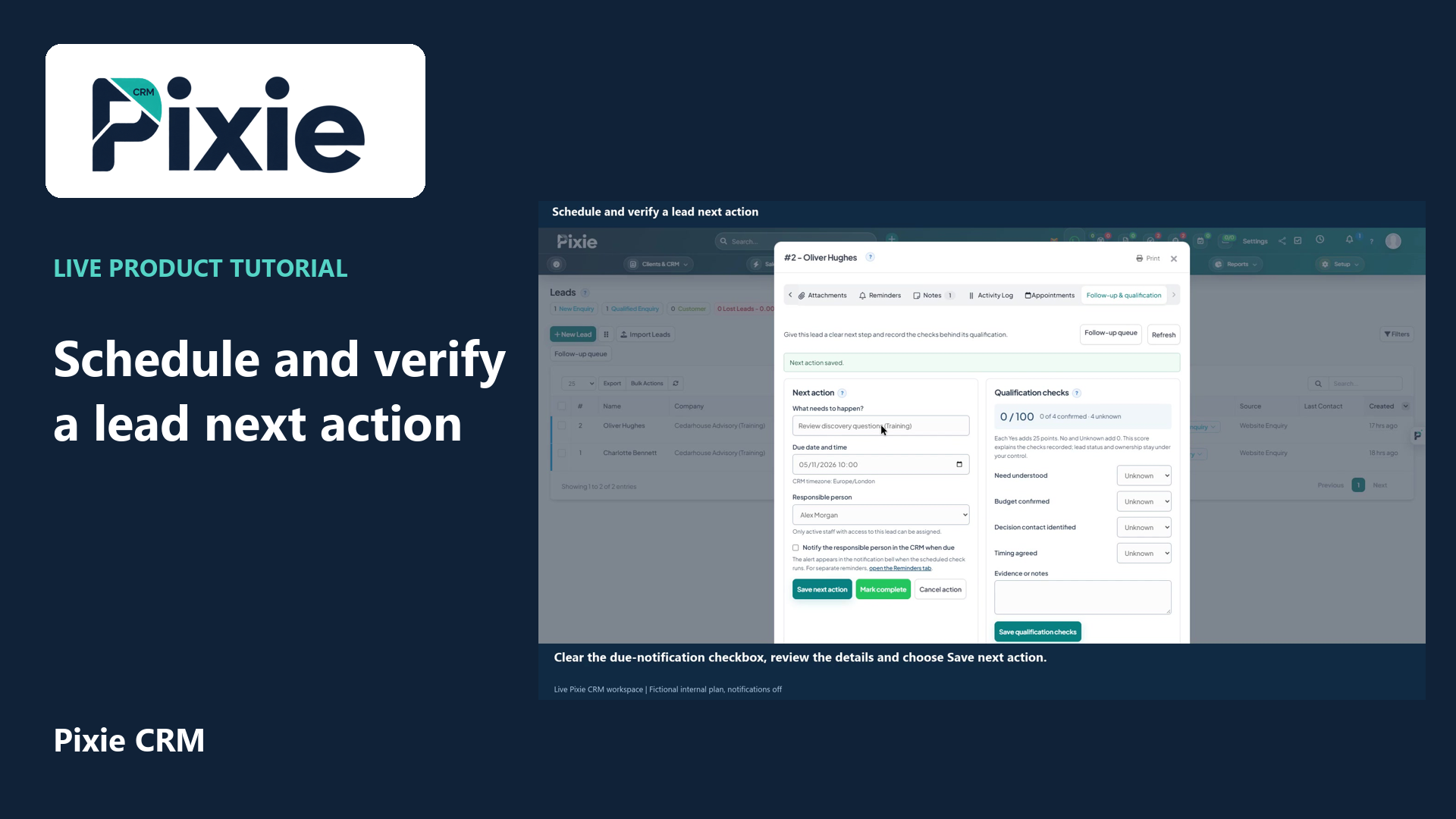
Schedule a Pixie CRM lead next action with live clicks. Set the title, due date and time, responsible person and notification choice, save and reopen to verify the plan.
Recorded in a demonstration workspace; available options depend on your plan and permissions.
Visit the Pixie CRM YouTube channel
An incoming enquiry needs a timely owner and a useful qualification conversation. A developed opportunity needs evidence of scope, timing and the customer's decision process. A proposal needs a clear review route. Connect those stages so the information collected earlier remains useful later. Record the next action in specific terms—who will do what and when—rather than leaving a deal marked simply as active.
Assignment rules and follow-up tasks can reduce avoidable gaps. They work best with clear triggers and a visible exception route when an enquiry does not fit the usual pattern. Review stalled deals and unanswered questions before adding more outbound messages. Keep customer preferences and the actual conversation in mind, particularly when a prospect has asked for time. Sales reporting should distinguish activity from progress and forecast assumptions from confirmed work.
Useful answers
Practical details for a better informed conversation.
Yes, custom pipeline stages are part of the platform's sales capabilities. Define what each stage means and test the transition with actual examples from your business.
The practical role of automation is to organise routine work and reduce missed actions. Understanding a customer, shaping a proposal and making commitments still need responsible human judgement.
Continue exploring
Your workflow is a good place to start
Bring your current tools, your priorities and the handovers you want to improve. We’ll help you define a useful next step.
Verify your email. Send your enquiry.
Keep your ticket reference.